Tag Archives: xml

Kenna Security: Connectors and REST API

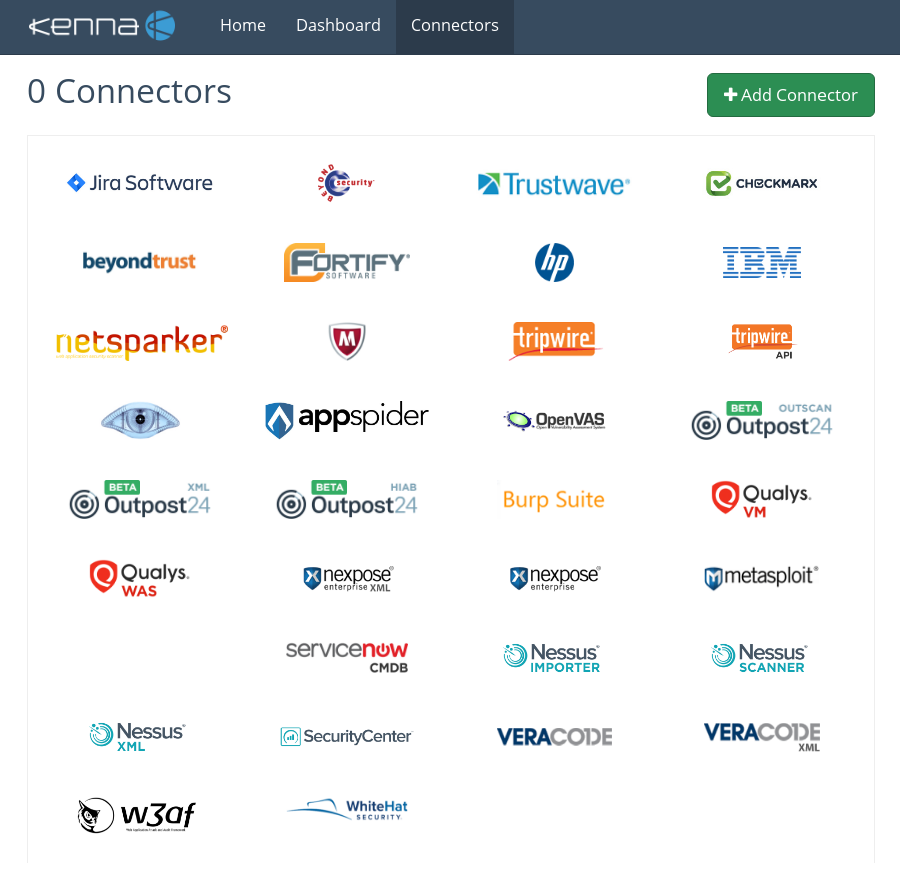
Kenna Security: Connectors and REST API. In the last post about Kenna Security cloud service I mentioned their main features for analyzing data from different vulnerability scanners. Now let’s see how to import Tenable Nessus scan results in Kenna. Here you can see the list of connectors for all supported products:

Kenna connectors

Three connectors for Nessus are available:

  • Nessus Importer retrieves existing scan results from your Nessus server.
  • Nessus Scanner can schedule scans on your Nessus server.
  • Nessus XML imports xml (.Nessus2) files.

First two connectors work with Nessus server directly. And they probably won’t work anymore with Nessus Professional 7, because of API removing (see “New Nessus 7 Professional and the end of cost-effective Vulnerability Management (as we knew it)“). If Nessus server is deployed on-premise you should use special Kenna Virtual Tunnel.

Last “Nessus XML” connector is the most flexible. No matter how you got your scan results, it will be possible to import them to Kenna. See how to get XML reports from from Nessus server in a post “Retrieving scan results through Nessus API“.  You can upload XML scan results using Kenna web GUI (not very efficient way, but for testing – why not?) or REST API.

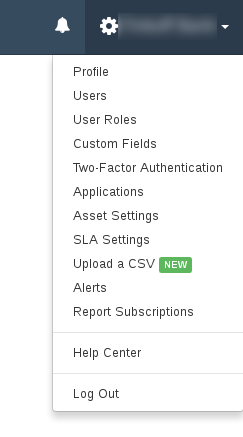
To use Kenna REST API you will need an Application Token. Go to the the Settings menu -> Applications:

Kenna settings

Continue reading

F-Secure Radar basic reporting

F-Secure Radar basic reporting. In previous post about Radar (“F-Secure Radar Vulnerability Management solution“) I was describing how to use it for authenticated and unauthenticated scanning both inside and outside of your network.

But what about the vulnerability reports?

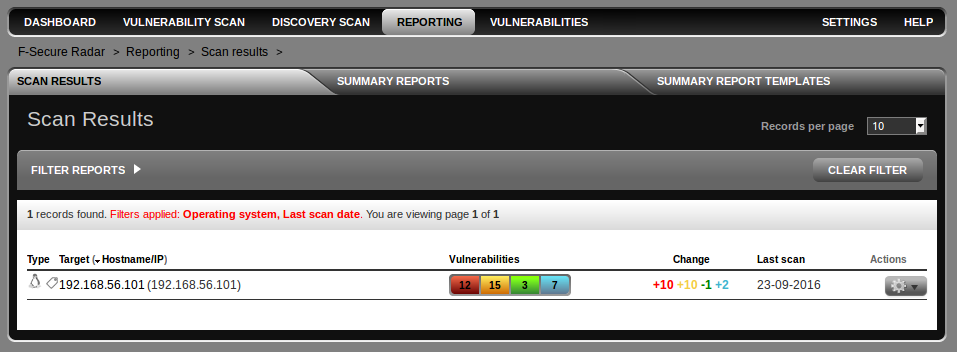
To get vulnerability report you should open Reporting Tab. As you can see, Radar supports reports for single scan results and summary reports. I don’t actually a big fan of standard vulnerability summary reports, because in practice you will always need to change something in them, and it’s impossible in most cases.

F-Secure Radar reports

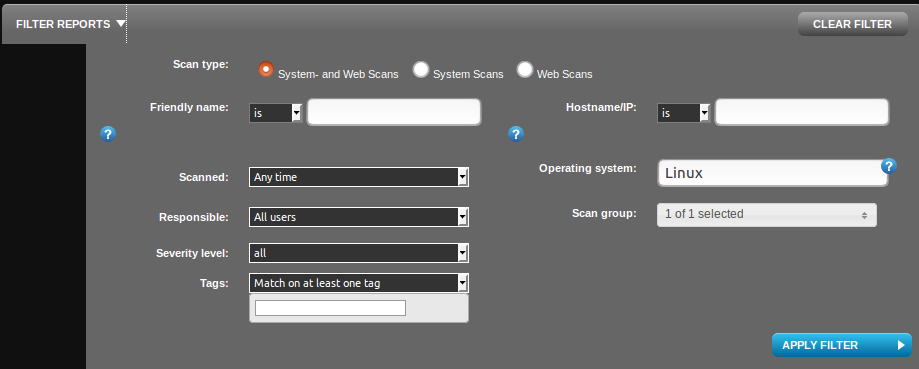
I have filtered only Linux OS scans using filter. You can also filter by friendly name (some id, that you can set manually), host name/ip , time of scanning, responsible person, severity level, scan group or even by scan tags.

Radar Filters

Continue reading

Nessus v2 xml report format

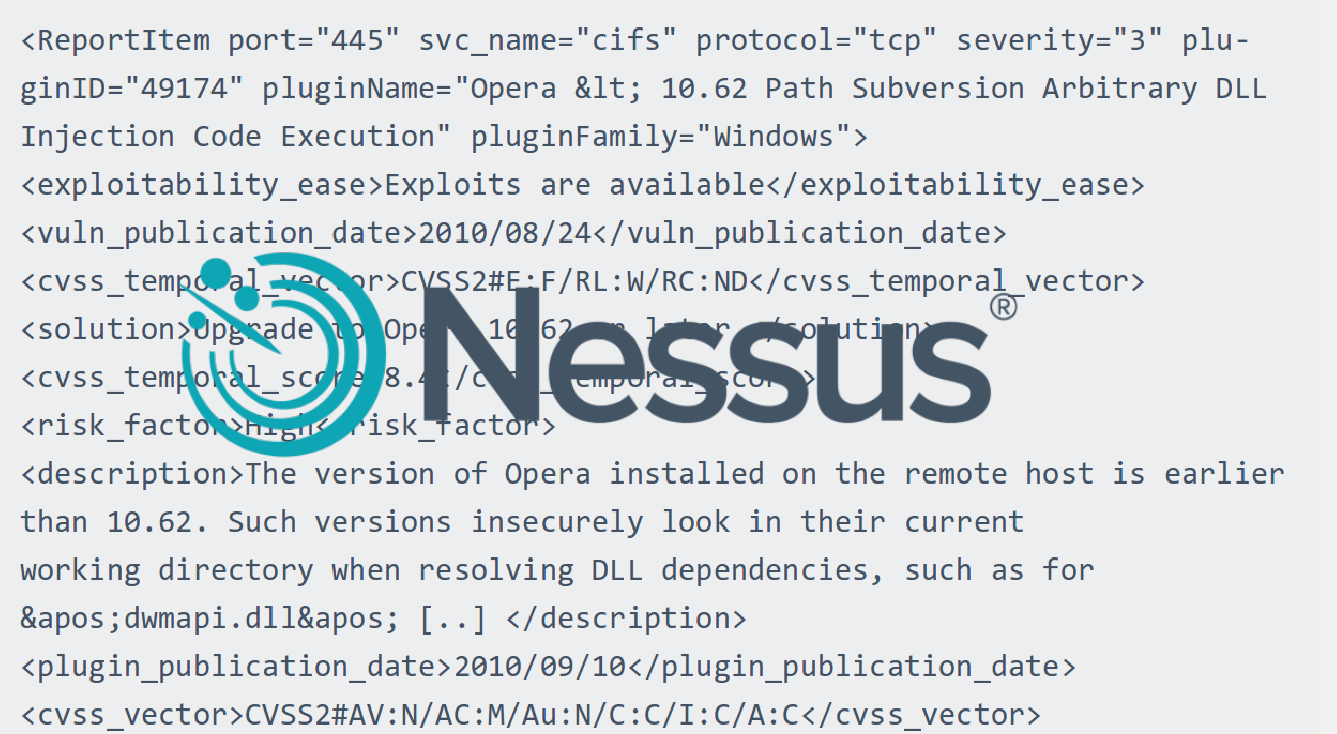
Nessus v2 xml report format. Knowing the structure of Nessus v2 (xml) report may be useful for those who want to analyze scan results in SIEM solution or with own scripts (in this case see also “Retrieving scan results through Nessus API” and “VM Remediation using external task tracking systems“).

Upd. Read this post about practical processing of such reports: “Parsing Nessus v2 XML reports with python

nessus_v2_report_logo

There is a good official Tenable manual: Nessus v2 File Format. If you want to get a detailed description of this format i recommend you to read it.

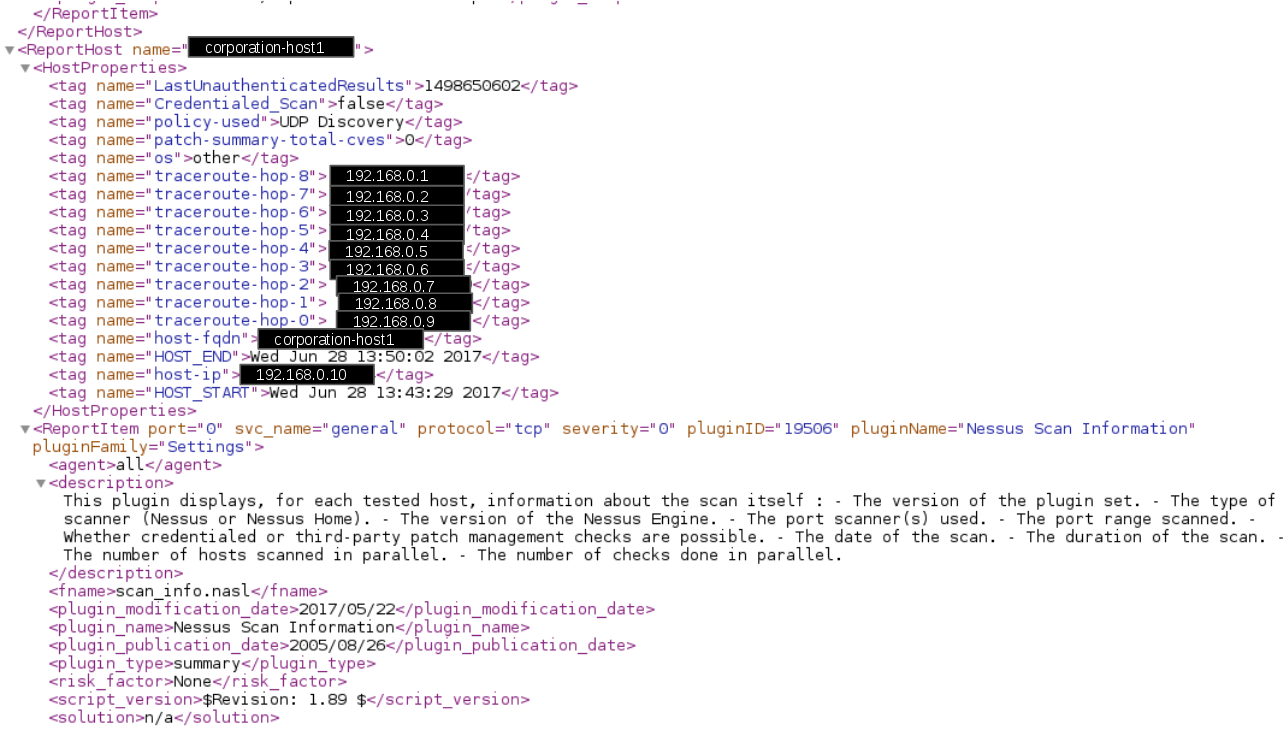
nessus v2 xml format

Here I would like to share my impressions, explain how to retrieve useful information from the scan report easily and note some dangers during the processing that may lead to incorrect prioritisation of vulnerabilities.

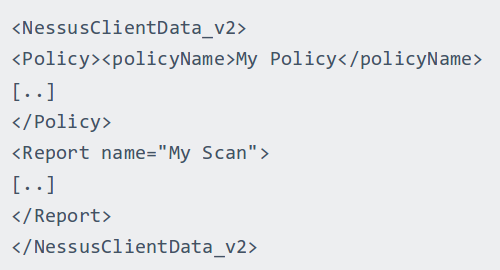
Nessus report contains information about the actual scanning results (Report) and the scan settings (Policy). Sometimes it is very useful to look at a scanning policy for debugging. But in most cases we just need proper information about detected vulnerabilities. Therefore, we examine Report section.

Nessus Client Data

Continue reading