
Author Archives: Alexander Leonov

About Alexander Leonov

Hi! My name is Alexander and I am a Vulnerability Management specialist. You can read more about me here. Currently, the best way to follow me is my Telegram channel @avleonovcom. You can discuss my posts or ask questions at @avleonovchat. А всех русскоязычных я приглашаю подписаться на мой канал @avleonovrus "Управление Уязвимостями и прочее" в MAX или в Telegram.

SteelCloud ConfigOS

SteelCloud ConfigOS. Sometimes LinkiedIn shows me an interesting advertising. For example, today I watched a  recorded demo of SteelCloud ConfigOS. It is a proprietary tool that performs automated DISA STIGs compliance checking for RHEL or Windows  and provides automated remediation.

Well, as it works automatically, it  won’t make custom SELinux configuration for you, for example. In the other hand, this software is for the US military and related organizations, where everything should be highly standardized.

Scan running

scan_running

Continue reading

Tenable Nessus: registration, installation, scanning and reporting

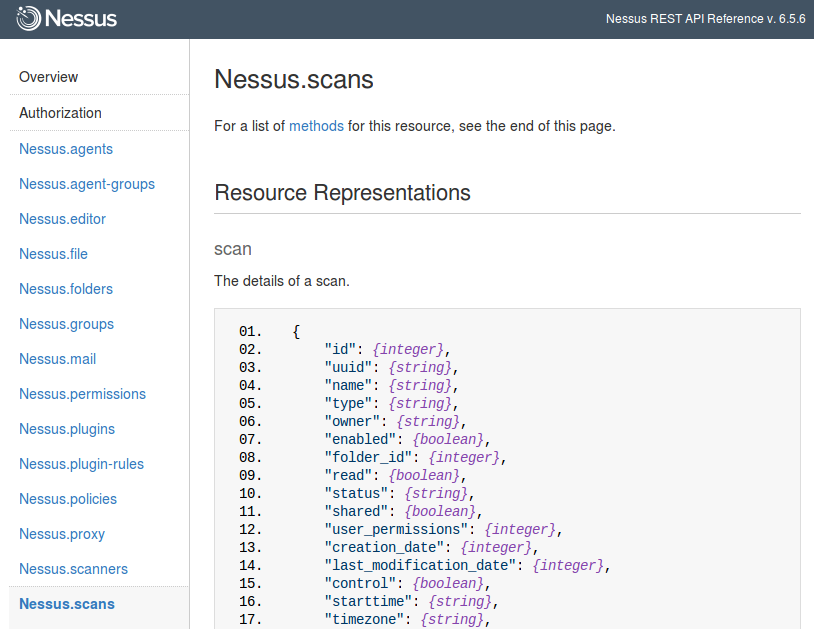
Tenable Nessus: registration, installation, scanning and reporting. It’s a bit strange that I wrote in this blog about some relatively exotic vulnerability management solutions and not about the one I use every day. It is, of course, Nessus. The legend of vulnerability scanners. It would be fair to say that Nessus has become a synonym for vulnerability scan itself as Xerox for photocopy. First version of Nessus was developed by Renaud Deraison in 1998 as a free and open-source product. In October 2005 the license was changed to proprietary. The last version of GPL source codes became the base for the great open source vulnerability scanner – OpenVAS (btw, see my post “openvas_commander for OpenVAS installation and management”).

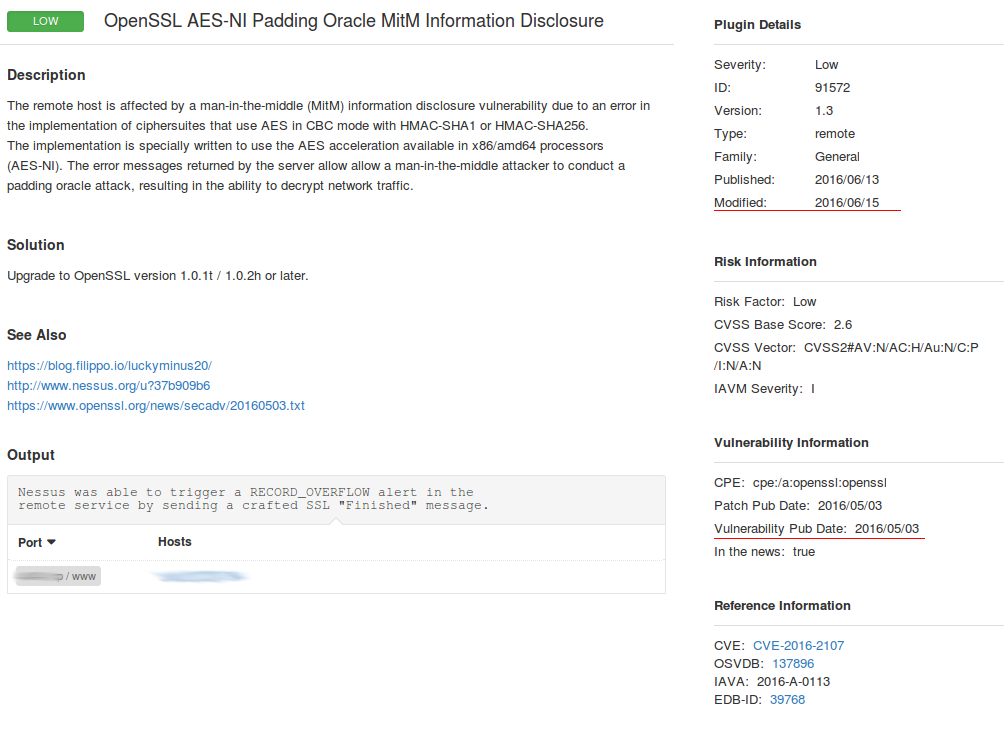
Nessus Vulnerability Scan Results

I am glad that Tenable still keeps Nessus mostly in UNIX-way. Nessus is a vulnerability scanner and makes one thing good – finds vulnerabilities on network hosts. If you need dashboards, advanced user management, advanced reporting capabilities, etc. use Tenable Security Center that works above the Tenable separate products: Nessus, Passive Vulnerability Scanner (PVS) and Log Correlation Engine (LCE).

nessus download page

Continue reading

Vulnerability Management in APAC

Vulnerability Management in APAC. Tenable Network Security published Forrester report on Vulnerability Management in APAC (China: 25%, Singapore: 25%, Japan: 25%, ANZ: 25%). Everything is pretty bad. The majority of the respondents scan their systems periodically (annually). Key challenges: the difficulty of remediation and prioritization. It seems that 30% respondents don’t even have automatically updatable Security Content in their VM solution.
Forrester Vulnerability Management in APAC

Who will take the market share of McAfee Vulnerability Manager?

Who will take the market share of McAfee Vulnerability Manager? McAfee® Vulnerability Manager (MVM) End of Life

We are observing an interesting case now. Short time ago, Intel Security have finally killed their McAfee® Vulnerability Manager (MVM) / FoundStone product and mutually with Rapid7 presented “Nexpose‬ Migration Toolkit”.

MVM to Nexpose migration

The Migration Toolkit contains Deployment and Migration related documentation that outlines the migration path, as well as a proprietary utility to easily migrate several key components of the customers MVM deployment into Nexpose.

Continue reading

High-Tech Bridge service and API for SSL/TLS server testing

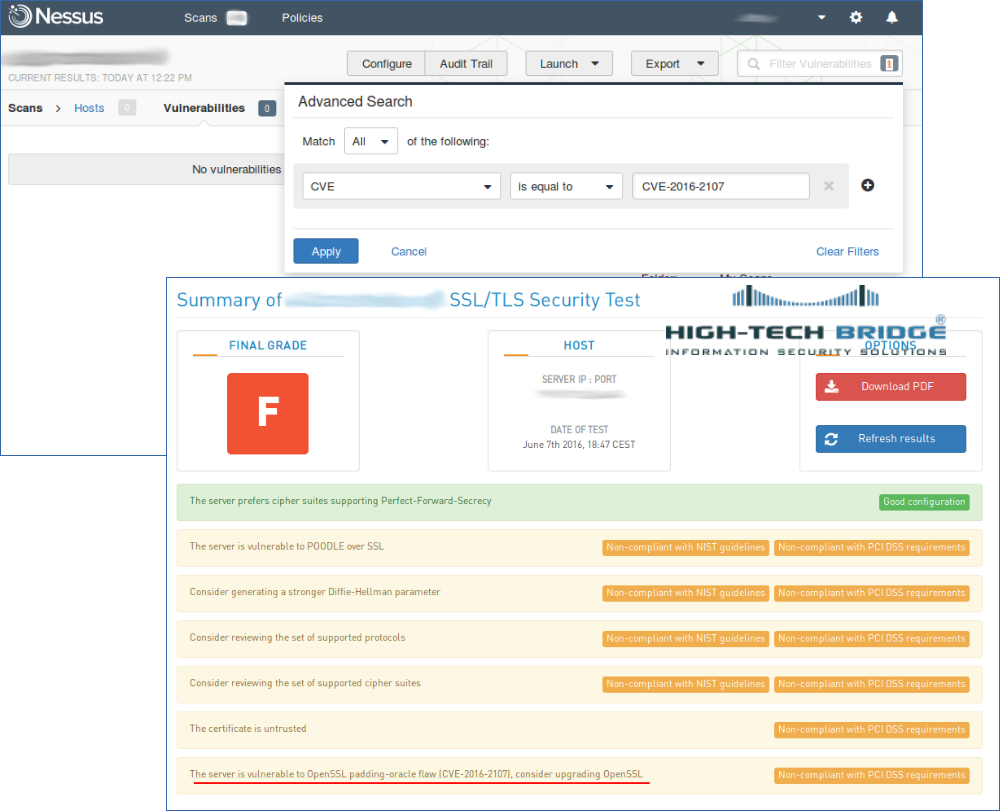
High-Tech Bridge service and API for SSL/TLS server testing. Another great free SSL security testing service — High-Tech Bridge SSL Server Test (and Free API). I have already reviewed something quite familiar – Qualys SSL Labs client. So naturally there will be an element of comparison.

High-Tech Bridge SSL/TLS test request

Why have I tried something else after Qualys SSL Labs? The thing is Qualys doesn’t support IP addresses as a target. Maybe they don’t want it to be used for assessing full IP-ranges. I don’t know. But the fact is “IP addresses are not allowed”.

Continue reading

Vulners.com search API

Vulners.com search API. Upd. Vulners released updated Vulners API. What is written below is still working. But now it’s all this can be done much easier.

The greatest thing is “references=true”. It makes possible to get all the referenced objects (exploits, detection plugins, etc.) and bulletin description in ONE search request.

So, for example bellow this query will be enough: https://vulners.com/api/v3/search/lucene/?query=cvss.score:10%20type:centos%20order:published&references=true

Life is getting better! 😉

In a previous post I made a brief review of Vulners.com security content database and search engine. Today let’s see how to automate searching of vulnerabilities, exploits, patches, bugbounty results, etc, with vulners.com search API.

Vulners Search API

It is really easy. We just need to send POST-request to https://vulners.com/api/v1/luceneSearch/ with JSON structure containing search query, size of results you want to get (10000 is maximum), and number of search result entities you would like to skip (optional). Huge size parameter limit makes possible, for example, getting all 2267 CentOS security bulletins with only one request. At the moment, no authorization is required to make requests and no limits for API use exist. Of course, the service is in active development phase and this functionality may be changed soon.

So, let’s get latest CentOS bulletin with most critical vulnerability:

curl -H "Content-Type: application/json" -X POST -d '{"query":"cvss.score:10 type:centos order:published", "size":1}' https://vulners.com/api/v1/luceneSearch/ | python -m json.tool
Continue reading

VM Remediation using external task tracking systems

VM Remediation using external task tracking systems. In previous post I have briefly reviewed built-in remediation capabilities of vulnerability management systems. Continuing the theme, today I want to share some basic concepts how vulnerability remediation can be managed using external task tracking systems (Jira, TFS, Testrack, etc).

Jira Vulnerability Management ticket

Pros: it makes possible to implement any logic of remediation/patch management process.
Cons: you should make it by yourself; scripting skills and API knowledge required.

Tickets in buit-in remediation systems are usually assigned per host or per vulnerability. However, for large size networks making “one vulnerability on one host – one ticket” quickly become impractical. With universal task trackers we can do it in a different ways. I find it most convenient to make tickets on principle “one category of vulnerabilities, one ip range, one scanning iteration – one ticket”.
Continue reading