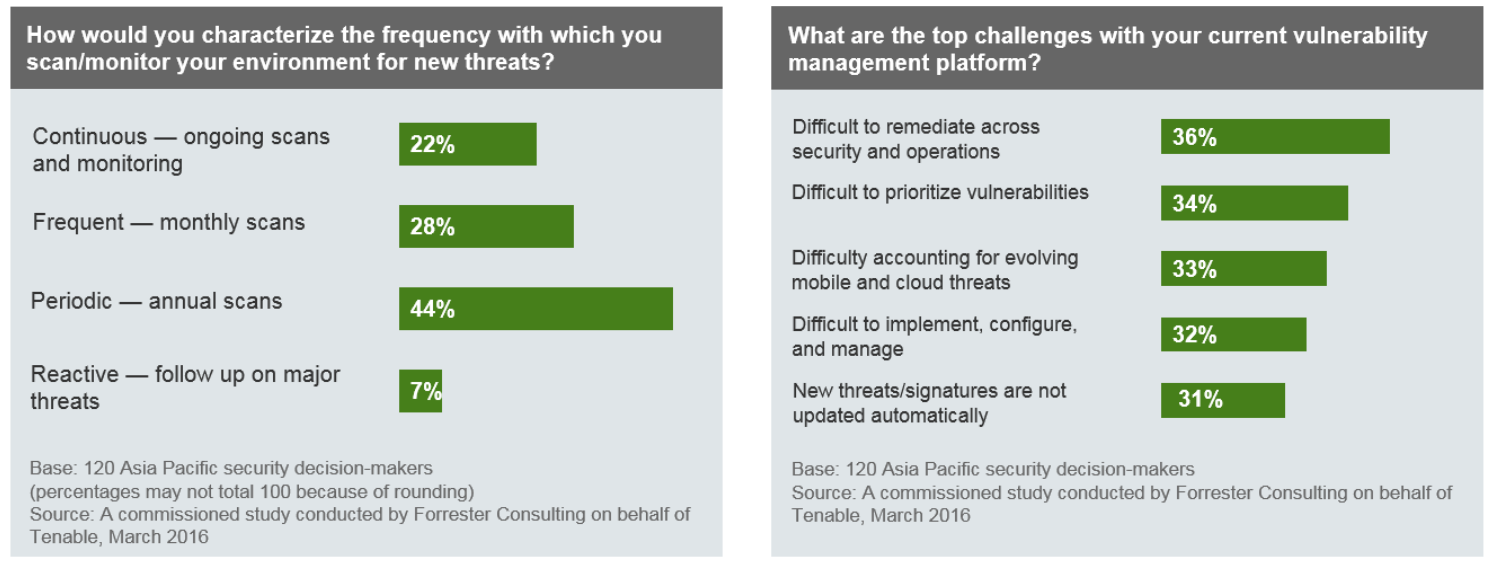
Vulnerability Management in APAC. Tenable Network Security published Forrester report on Vulnerability Management in APAC (China: 25%, Singapore: 25%, Japan: 25%, ANZ: 25%). Everything is pretty bad. The majority of the respondents scan their systems periodically (annually). Key challenges: the difficulty of remediation and prioritization. It seems that 30% respondents don’t even have automatically updatable Security Content in their VM solution.

Category Archives: Vulnerability Management
Who will take the market share of McAfee Vulnerability Manager?
Who will take the market share of McAfee Vulnerability Manager? 
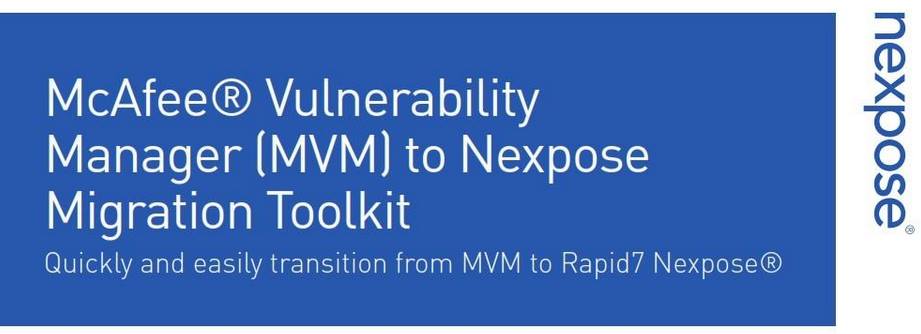
We are observing an interesting case now. Short time ago, Intel Security have finally killed their McAfee® Vulnerability Manager (MVM) / FoundStone product and mutually with Rapid7 presented “Nexpose Migration Toolkit”.

The Migration Toolkit contains Deployment and Migration related documentation that outlines the migration path, as well as a proprietary utility to easily migrate several key components of the customers MVM deployment into Nexpose.
High-Tech Bridge service and API for SSL/TLS server testing
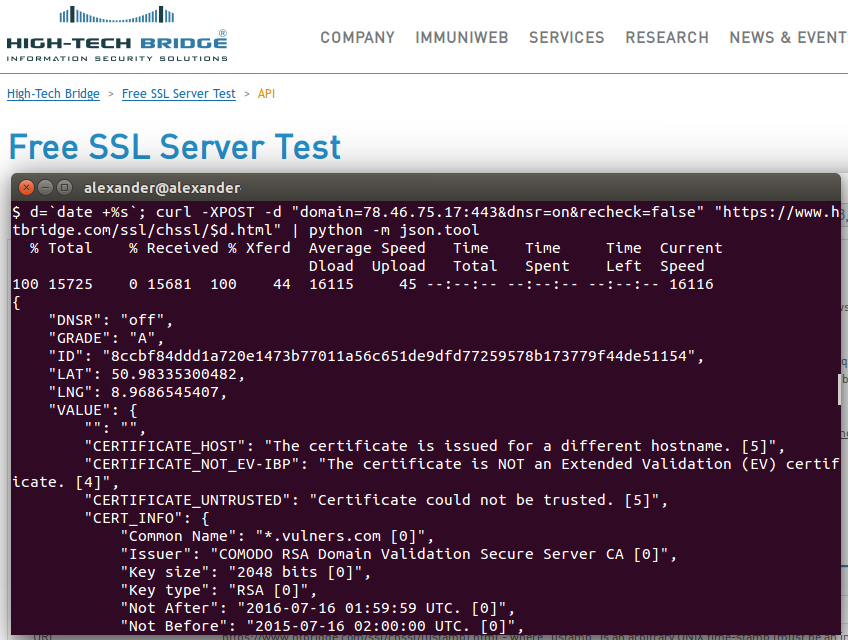
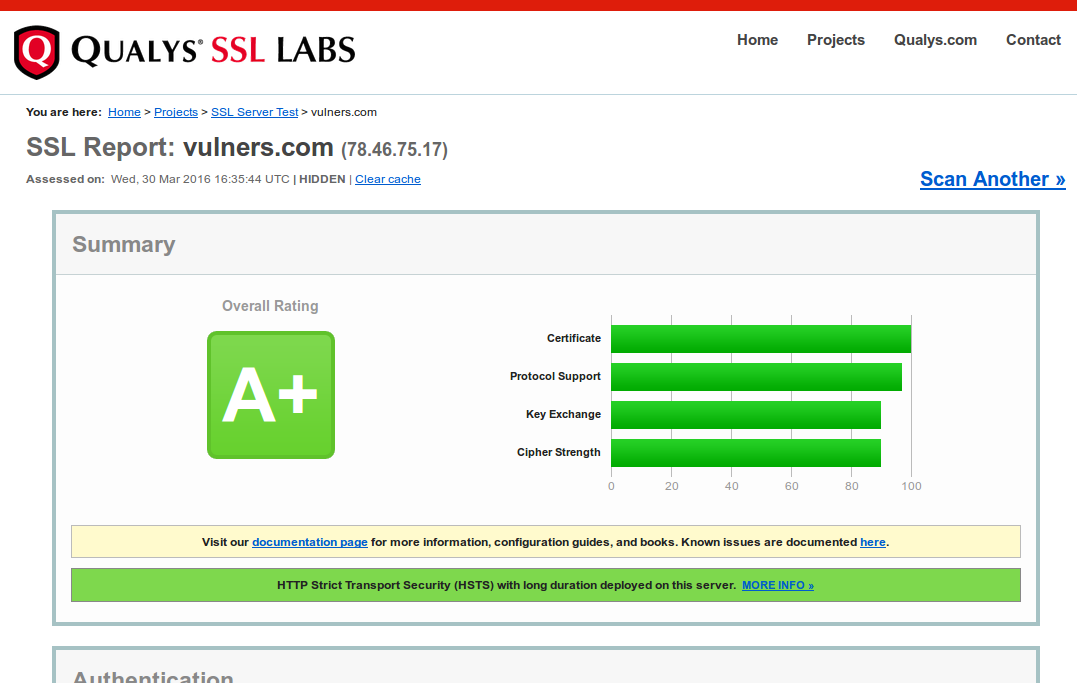
High-Tech Bridge service and API for SSL/TLS server testing. Another great free SSL security testing service — High-Tech Bridge SSL Server Test (and Free API). I have already reviewed something quite familiar – Qualys SSL Labs client. So naturally there will be an element of comparison.

Why have I tried something else after Qualys SSL Labs? The thing is Qualys doesn’t support IP addresses as a target. Maybe they don’t want it to be used for assessing full IP-ranges. I don’t know. But the fact is “IP addresses are not allowed”.
Improved interface of new Nessus Cloud v. 6.6
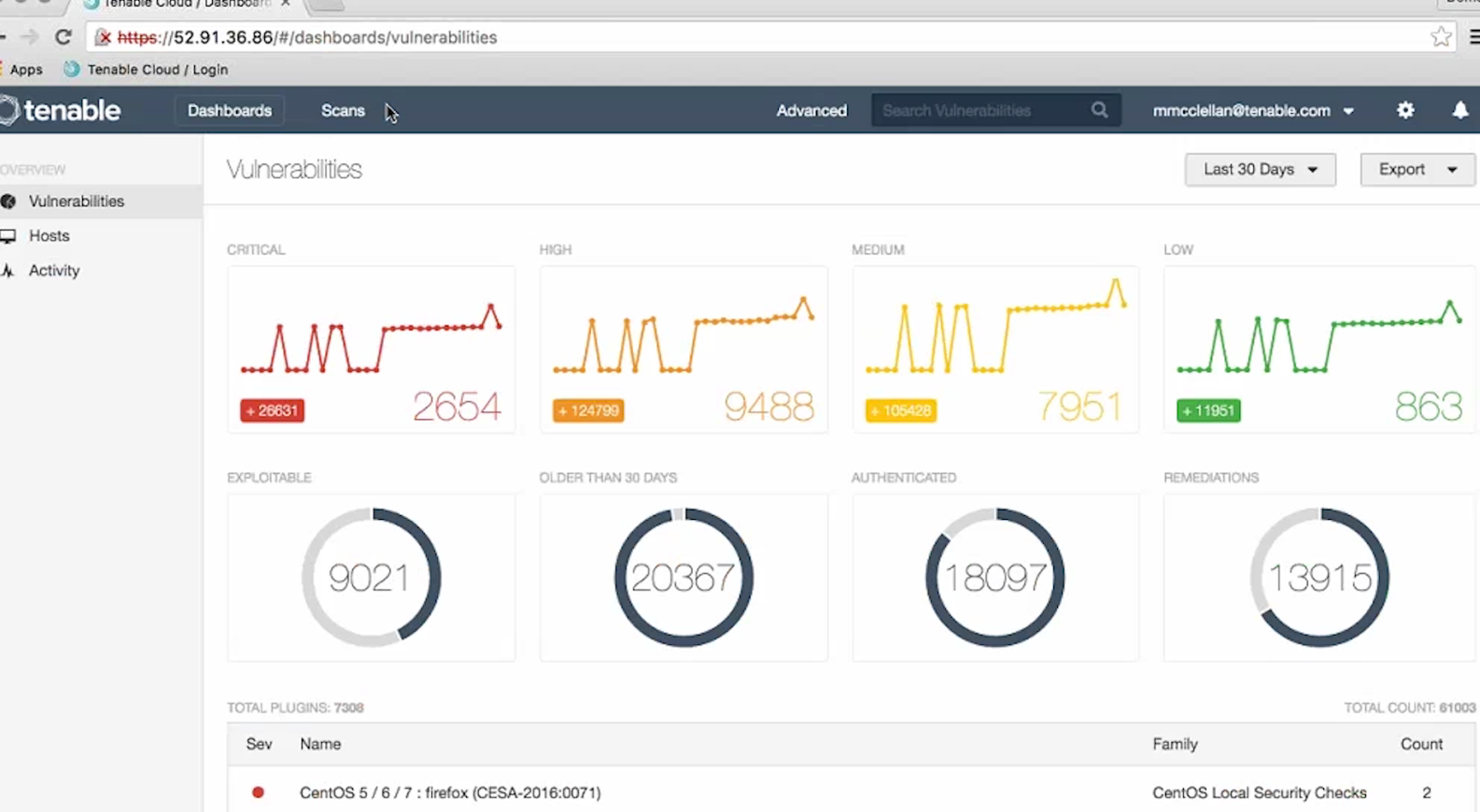
Improved interface of new Nessus Cloud v. 6.6. Tenable just released new version of Nessus. Most changes was made in cloud-based version of their popular scanner – Nessus Cloud. Official screenshots are not available yet, so I made couple of them from the tutorial video. If you’re a current Tenable customer, you can log in to the Tenable Support Portal, click the Training Videos link and watch “Workflow changes in Nessus Cloud 6.6” by yourself.
The most interesting change, in my opinion – the new dashboards. Where you’d normally seen a list of scan jobs, you’ll see a new dashboard, that will give you a quick overview of scan results:
- Changes in number of critical, high, medium and low vulnerabilities detected in the system
- Part of the vulnerabilities that are exploitable, older than 30 days, detected with authenticated scan and has a remediation recommendations
- Top vulnerability detection plugins
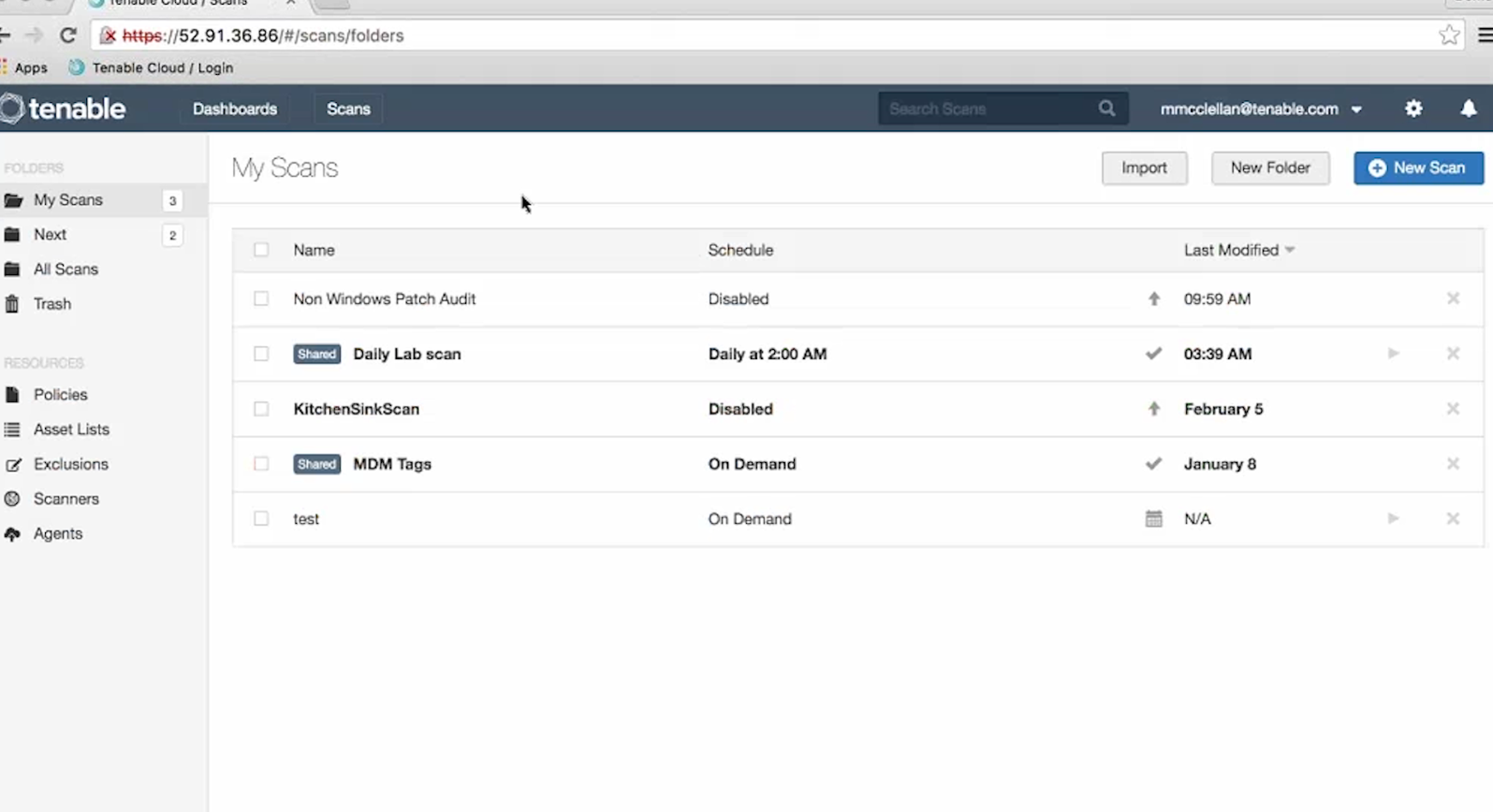
Scan results moved to the separate “Scans” tab. And on the same tab we see the “Resources”: Policies, Asset Lists, Exclusions, Scanners and Agents.
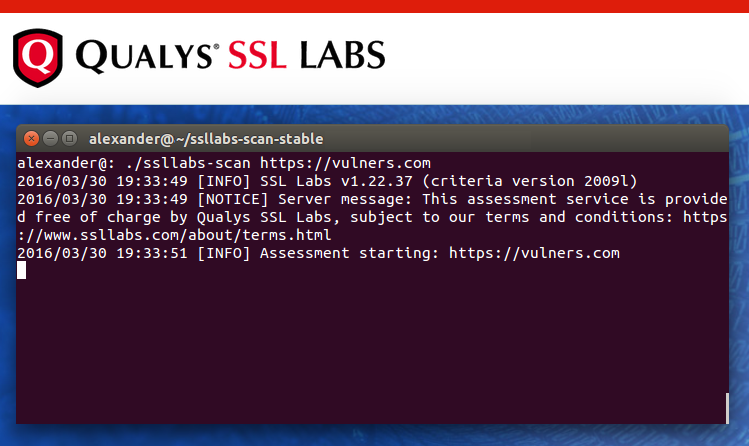
Qualys SSL Labs console client
Qualys SSL Labs console client. Qualys SSL Labs is a free online service, which performs a deep analysis of web server SSL configuration and detects some common OpenSSL vulnerabilities either (e.g. Heartbleed).

This service has an API and official console client, that could be used to automate security assessment.

ERPScan SAP security scanner
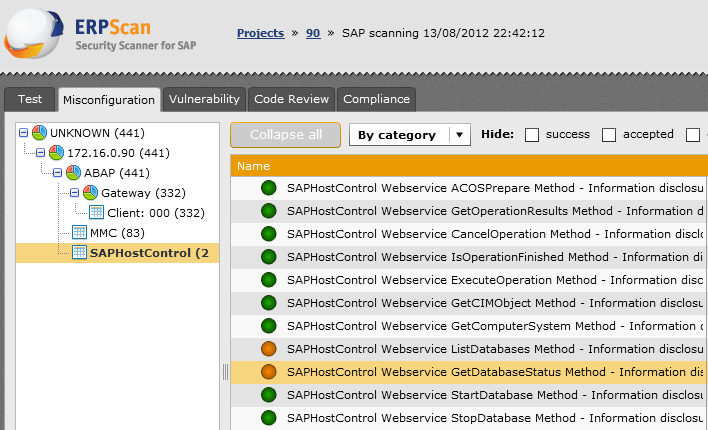
ERPScan SAP security scanner. 
I had a chance to see presentation and live demo of ERPScan – automated SAP scanning solution, and it made quite an impression on me. ERPScan has interesting scanning features. The most spectacular, in my opinion, is ability to run exploits for found vulnerabilities directly from the scanner.
An introduction to Rapid7 Nexpose API
An introduction to Rapid7 Nexpose API. Another nice thing about Nexpose is that this vulnerability scanner has an open API. And even free Nexpose Community Edition supports it.

It’s a really generous gift from Rapid7. That means that you can use Nexpose to scan your environment, easily manage it from your scripts and make any vulnerability assessment and remediation logic you need.
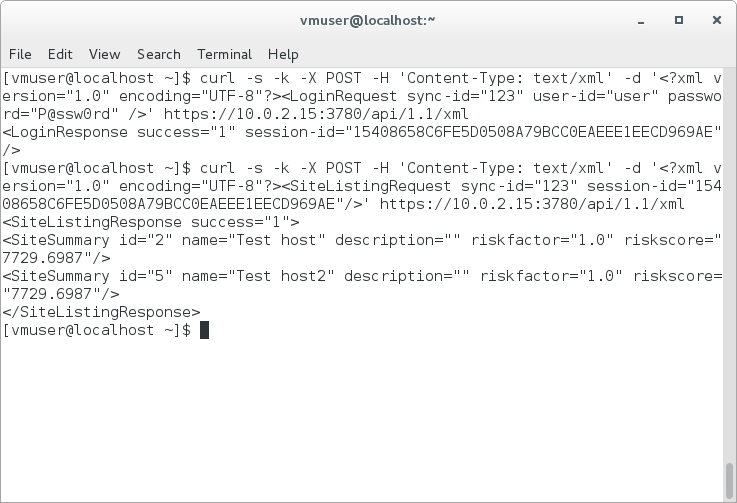
I haven’t found manuals about using Nexpose API to automate basic vulnerability management tasks and decided to write my own. Hope somebody will find it useful. All examples will be in form of curl requests.
Working with Nexpose API is nothing more than sending xml Post-requests to the https://[Nexpose Host]:3780/api/[API Version]/xml and receiving xml responses.
Continue reading