Category Archives: Topics

Getting public IP address ranges for an organization

Getting public IP address ranges for an organization. Small bash script to automate the work with Qrator Radar public API.

Qrator Radar

The idea is to get autonomous system (AS) number of the organization by it’s name and retrieve all related IPv4 Prefixes. Why you may need it? To be sure, for example, that you scan all the hosts of organization available from the Internet for vulnerability management, penetration testing or bug bounty activity. For smaller organizations that don’t have own AS that obviously will not work.

Continue reading

Custom Vulnerability Management Reports

Custom Vulnerability Management Reports. It is strange to even talk about custom reports based on vulnerability scans from Tenable products.

Custom Vulnerability Management Reporting

Just look at the variety of report templates available for SecurityCenter. For every taste and need! Why may you ever need to make any custom reports?

SC Report Templates

The thing is, if you want to use SecurityCenter reports you need to have all the scans of all your hosts in SecurityCenter and, as you know, SecurityCenter is licensed by IPs. What if you have tens of thousands of hosts? Price may be extremely high. In the other hand, you can take Nessus or SecurityCenter scan results via API (read how to do it in “Retrieving scan results through Nessus API” and “Tenable SecurityCenter and its API“) and process it with your own scripts for free.

Continue reading

Retrieving product expiration dates from Tenable Customer Support Portal

Retrieving product expiration dates from Tenable Customer Support Portal. I don’t say that it is a rocket science or something, but maybe someone will need to automate Tenable Support portal routine, and here will be a script, which can be used. My own case was to get expiration date for purchased and trial Tenable products. To know in advance when and what products should be bought and updated.

Registered Products

It turned out that getting this data from deployed products via APIs is not as trivial as it sounds, but I will write about this topic next time.

Continue reading

Forever “reserved” CVEs

Forever “reserved” CVEs. In this post I would like to provide some links, that you can use to find out necessary information about vulnerability by its CVE ID. I also want to share my amazement, how the method of using the CVE identifiers is changing.

Reserved CVE

Traditionally, CVE was a global identifier that most of vulnerabilities had. Have you found malicious bug in some software? Send a brief description to MITRE and you will receive CVE id. Some time later NIST will analyze this CVE, will add CVSS vector and CPEs and will put a new item to the NVD database. MITRE and NVD CVE databases were really useful source of information.

Continue reading

Processing Vulners collections using Python

Processing Vulners collections using Python. Vulners collection is a zip archive containing all available objects of some type (e.g. CentOS security bulletins or OpenVAS detection plugins) from the Vulners Knowledge Base. Let’s see how to work with this data using powerful Python scripting language. You can read more about Vulners itself at “Vulners – Google for hacker“.

Vulners Collections and python

All collections are listed at https://vulners.com/#stats:

Vulners Stats

Note a gray icon with black arrow. Press it to download particular vulners collection.

OpenVAS collection link: https://vulners.com/api/v3/archive/collection/?type=openvas

If you need to get all objects for further analysis, you don’t need to make huge amount simmilar Search API requests. You just need to download one file. It’s takes less time and efforts and makes less load on Vulners service.
Continue reading

F-Secure API for scanning

F-Secure API for scanning. This post will be about API of F-Secure Radar. API become a crucial feature when you have to scan a range of thousands hosts and you can’t just add it in one Vulnerability Scanning task. As I mentioned earlier in “F-Secure Radar Vulnerability Management solution” Vulnerability Scanning in Radar is for known active IPs only, for ranges – Discovery Scans. Basically, in F-Secure Radar there is always one vulnerability scan for one host. Unusual concept, but it have some advantages. And it’s quite convenient when you work with Radar via API.

So, my plan for this post is to get active IPs from discovery scan report, create vulnerability scans, run them and get reports. All using API.

To use API you need to get API key at “F-Secure Radar -> Settings -> My profile”.

F-Secure Radar API key

To check that API is working we may send a request:

GET /v1/Scans/Types HTTP/1.1
Host: api.radar.f-secure.com
Content-Type: application/json; charset=utf-8
UserName: radar_user@corporation.com
APIKey: JDOBH9MV24ZOENMS94QCO8QP

Continue reading

Nessus API for hosts scanning

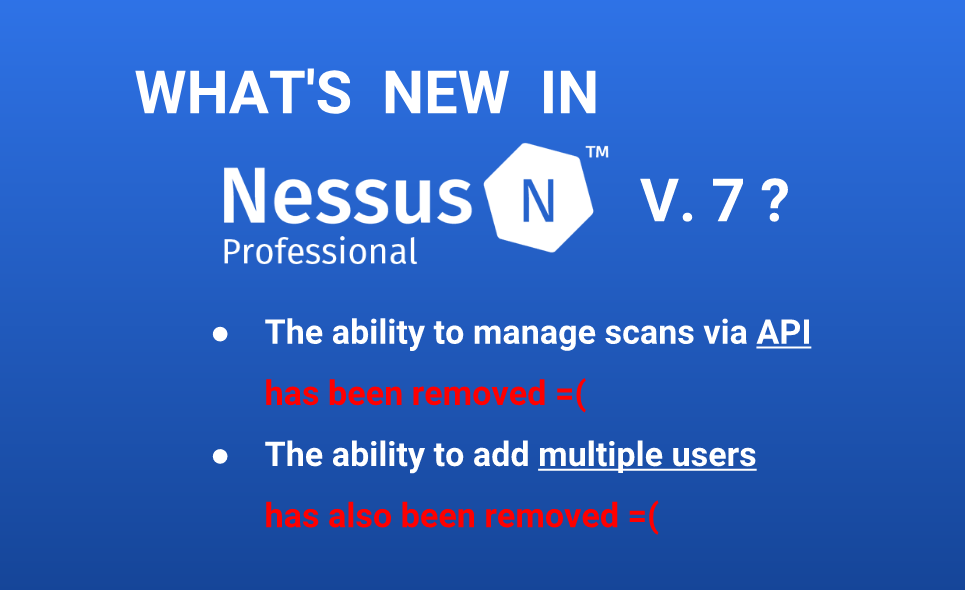
Nessus API for hosts scanning. When I was writing earlier about Nessus API (“Retrieving scan results through Nessus API“) I have not mentioned how to create a new vulnerability scan task and launch it fully automatically. I assumed that all vulnerability scan entities was already created and scheduled in GUI, how it is often happens in a real life. However, managing the scans via Nessus API (run, pause, resume, stop) may be also useful, for example, when we need to automatically update vulnerability status of some host. Creating scan policy with API will be still out of scope of this post. We assume, that scan policy already exists.

Nessus API for scan management

API Description is still at https://192.168.56.101:8834/api# (where 192.168.56.101 is the IP address of your Nessus host). How to install Nessus read in “Tenable Nessus: registration, installation, scanning and reporting“.

Continue reading