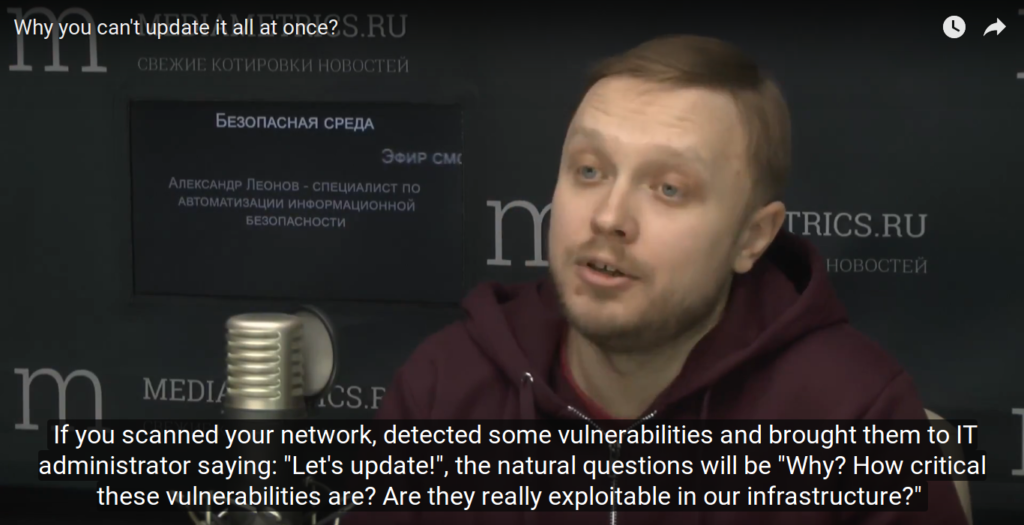
Why you can’t update it all at once? It’s the second part of our talk with Daniil Svetlov at his radio show “Safe Environment” recorded 29.03.2017. In this part we talk about vulnerabilities in Linux and proprietary software, problems of patch an vulnerability management, and mention some related compliance requirements.
Video with manually transcribed Russian/English subtitles:
Taking about the fact that if you use fully updated software and do not use some self-written scripts, programs, then in theory everything will be safe.
But recently there was some statistics that critical vulnerabilities stay in Linux kernel about 7 years from the moment they appeared as a result of a programmer’s error till the moment they were found by our white hat researcher.
But it is not clear during these seven years if cybercriminals have found them, used them and how many systems were broken using this vulnerabilities. Not to mention that some special government services may use it too.
For example: The latest Linux kernel flaw (CVE-2017-2636), which existed in the Linux kernel for the past seven years, allows a local unprivileged user to gain root privileges on affected systems or cause a denial of service (system crash). The Hacker News
Well yes. There is such a statistic. There is also some criticism from proprietary software developers. Like you say “many eyes that looks in code will find any error.” This is a quote from Linus Torvalds, if I’m not mistaken.
Not exactly. Linus’s Law is a claim about software development, named in honor of Linus Torvalds and formulated by Eric S. Raymond in his essay and book The Cathedral and the Bazaar (1999).[1][2] The law states that “given enough eyeballs, all bugs are shallow”; or more formally: “Given a large enough beta-tester and co-developer base, almost every problem will be characterized quickly and the fix obvious to someone.” Wikipedia
But in practice, yes, there are really old vulnerabilities that come up after many many years. Because apparently they did not looking for this vulnerabilities well enough.But we still don’t have anything else, except Linux kernel. Therefore, they can say anything, but they will use it anyway. It is in the first place.
Installing OpenVAS 9 from the sources.upd. 29.09.2018 Unfortunately, the script does not work after Greenbone moved the sources from their internal repository to GitHub. It’s necessary to edit the script. Stay tuned.
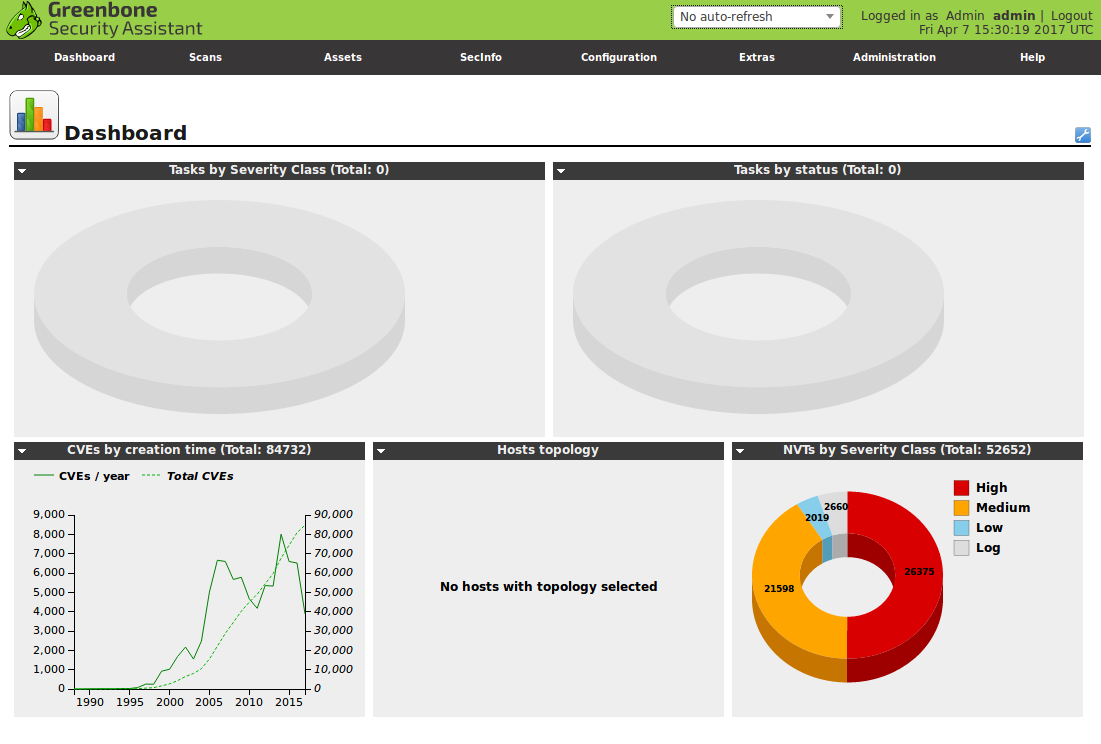
In last month Greenbone Networks and OpenVAS development team have finally presented new OpenVAS 9 with new GUI, improved multi-scanner support, improved asset management, etc. We have been waiting for this release for 2 years!
Upd. Please note, that entire procedure for separating scanners onto separate hardware/distributed hardware in different datacenters has changed completely – and that it’s a good idea to get familiar with this new procedure prior to upgrading to OpenVAS 9. 😉
For installing OpenVAS 9 from the sources I used the same script as for OpenVAS 8 installation last year. More details about this script and why you may need it you can read in the post “openvas_commander for OpenVAS installation and management“.
I fixed the script a bit because of these changes in OpenVAS9:
openvas-nvt-syncwas renamed to greenbone-nvt-sync
openvas-mkcert and openvas-mkcert-client were replaced by openvas-manage-certs
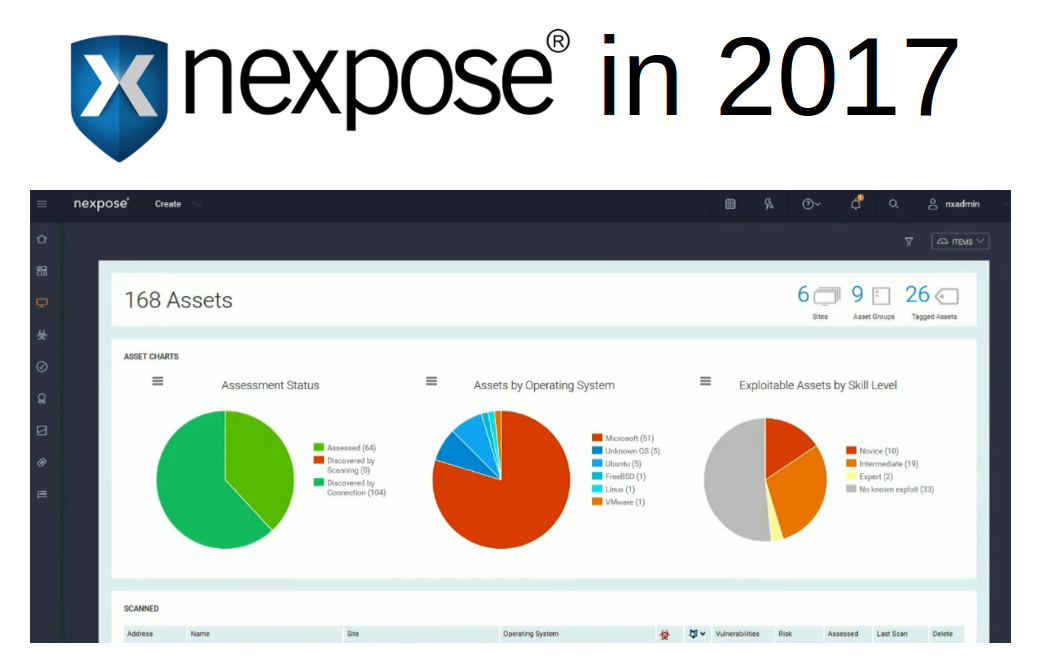
And of course, things that sales people say to you should be always taken with some skepticism. Only concrete implementation tested in your environment matters. But they usually mention some useful ideas that can be perceived independently from the products they promote. Continue reading →
Making Splunk searches using REST API. When you have already learned how to make search requests in Splunk GUI, it may be nice to figure out how do the same from your own scripts using the Splunk REST API.
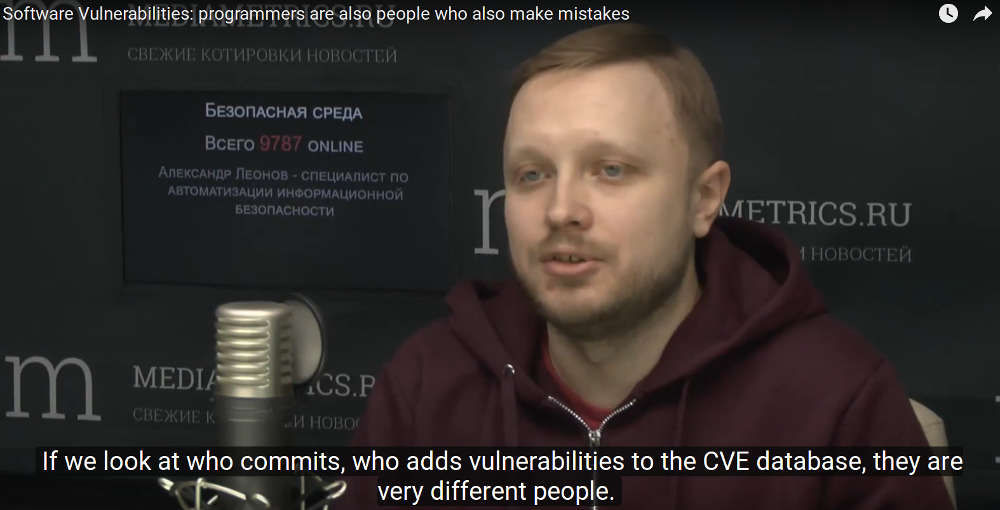
Programmers are also people who also make mistakes. It’s the first part of our talk with Daniil Svetlov at his radio show “Safe Environment” (or “Safe Wednesday” – kind of wordplay in Russian) recorded 29.03.2017. We were discussing why Software Vulnerabilities are everyone’s problem. Full video in Russian without subtitles is available here.
I added manually transcribed Russian/English subtitles to the video:
Why vulnerabilities are dangerous for business and for ordinary people?
How vulnerabilities appear in programs?
How to write code safely?
What motivates vulnerability researchers?
Vulnerabilities as a first step in writing malicious software
We wanted to talk today about software vulnerabilities. Tell me, what is it all about, why are they dangerous for business, for ordinary people and what are the difficulties with their remediation.
Speaking about vulnerabilities, it’s probably worth to tell how they generally appear in programs.
Let’s say we have a company. This company is developing some software. Some programmers work in it. Programmers are also people who also make mistakes. And if some mistakes that are directly related to the functionality of this application, can be detected quite simply in the testing process…
Are you talking about functional testing?
Yes, it is about functional testing.
QA specialists can quickly find these vulnerabilities, or these problems, these bugs. Some problems can not be detected in such a simple way. For example, some problems related to security.
Why? Because the main task of the programmers: the program should work.
MaxPatrol 8 installation process. Today I have a great opportunity to write about MaxPatrol 8. For me it is a very nostalgic experience. I worked for many year in Positive Technologies developing this product. And now I can write about it from the customer side.
MaxPatrol is still not very well known outside Russia and CIS, although this product available in English, and has even a Korean localization. So, why not to introduce this product to the readers of my blog? The other reason to write this post is a pretty common opinion, that MaxPatrol is very hard to install and use, and it is the main disadvantage of the product. In fact it is not true.
MaxPatrol is not perfect like any other product. But it’s no more complex than any other enterprise level Vulnerability Management product. It’s my considered opinion after working with a number of other vulnerability and compliance assessment products. GUI may look unfamiliar from the first look, but you can quickly get used to it.
As for the functional capabilities, in some cases it is even difficult to compete with MaxPatrol. Here are the most interesting features:
Advanced White Box assessment:
Extended OS inventory
Software license control
User control
Password recovery (hash brute-force)
Security checks for running services
Advanced Compliance scanning capabilities
Special assessment modules:
SAP ERP
SCADA
Core telecom networks
Forensic mode – security incidents detection based on event logs analysis
The first blog post will be about MaxPatrol installation.
This is my personal blog. The opinions expressed here are my own and not of my employer. All product names, logos, and brands are property of their respective owners. All company, product and service names used here for identification purposes only. Use of these names, logos, and brands does not imply endorsement. You can freely use materials of this site, but it would be nice if you place a link on https://avleonov.com and send message about it at me@avleonov.com or contact me any other way.