Hi! My name is Alexander and I am a Vulnerability Management specialist. You can read more about me here. Currently, the best way to follow me is my Telegram channel @avleonovcom. You can discuss my posts or ask questions at @avleonovchat.
А всех русскоязычных я приглашаю подписаться на мой канал @avleonovrus "Управление Уязвимостями и прочее"в MAX или в Telegram.
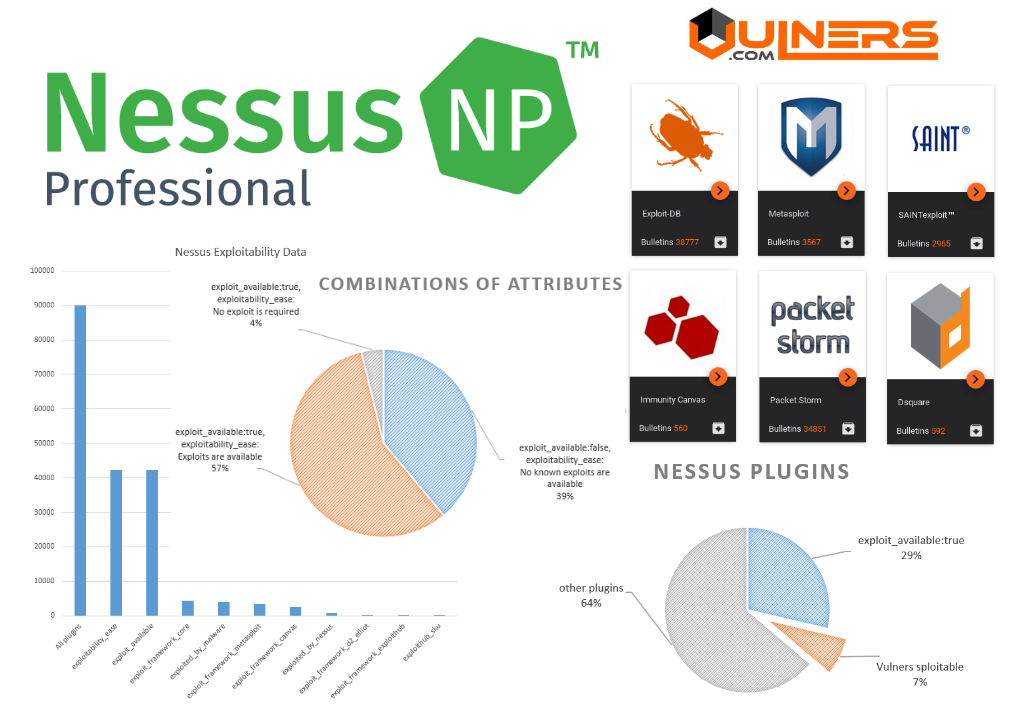
Exploitability attributes of Nessus plugins: good, bad and Vulners. Exploitability is one of the most important criteria for prioritizing vulnerabilities. Let’s see how good is the exploit-related data of Tenable Nessus NASL plugins and whether we can do it better.
What are the attributes related to exploits? To understand this, I parsed all nasl plugins and got the following results.
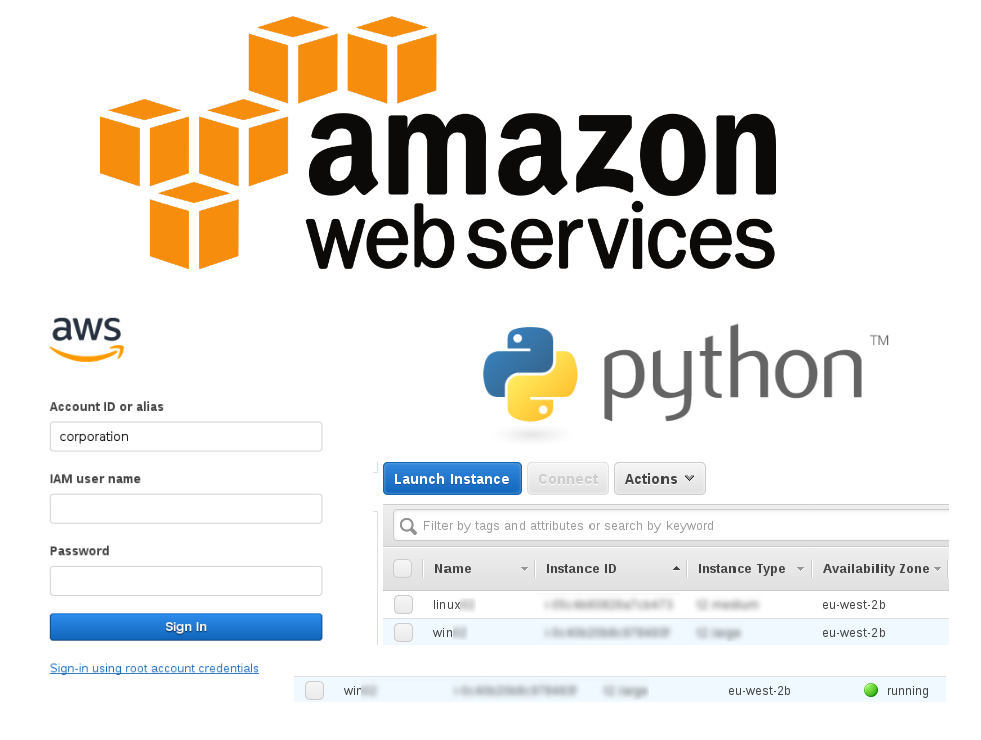
Starting/stopping Amazon EC2 instances using CLI and Python SDK. It’s a very good practice to scan your perimeter from the outside of your network, simulating an attacker. However, you will need to deploy the scanners somewhere to do this. Hosting on Amazon EC2 can be a good and cost-effective option, especially if you start instances with vulnerability scanners only when it’s necessary and keep them stopped at other time.
So, in this post I will give some examples of how to manage Amazon instances automatically using the AWS CLI or Python SDK (boto3): start/stop the instance and get public ip address.
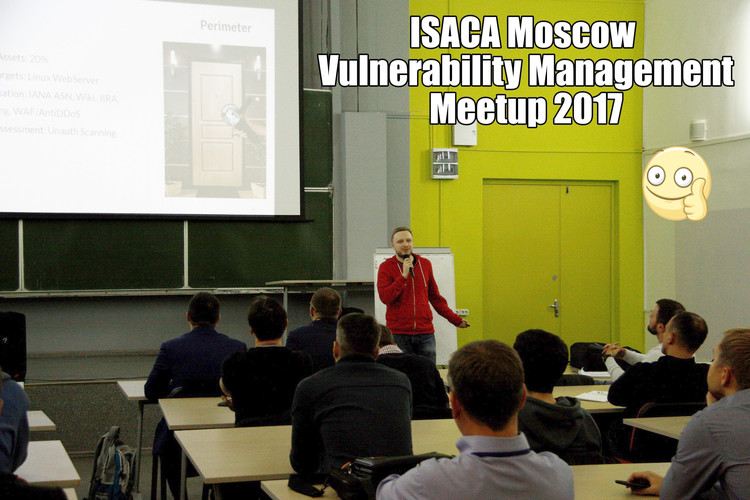
ISACA Moscow Vulnerability Management Meetup 2017. Last Thursday, I attended a very interesting event entirely dedicated to Vulnerability Management – open ISACA Moscow meetup. Me and my former colleague from Mail.Ru Group Dmitry Chernobaj presented there our joint report “Enterprise Vulnerability Management: fancy marketing brochures and the real-life troubles”.
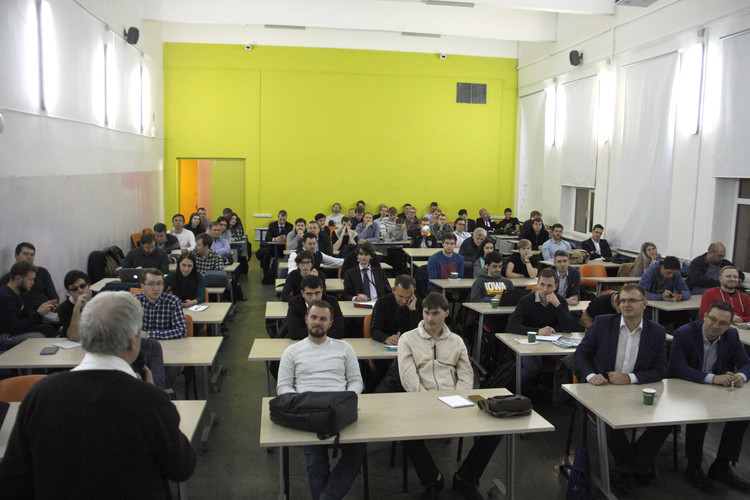
The number of registered participants totaled 120. As I can tell looking at the photo below, there were about 80 people in the hall after the second presentation. For a highly focused local information security event, it’s a lot. According to the organizers, it was the largest ISACA Moscow meetup. Thanks to everyone who came!
I would like to mention a well-structured agenda. There were 4 presentations arranged in order: from the most theoretical / methodical to the most practical. And our presentation was the last one.
Oleg Boyko started the event. He was talking about the place of Vulnerability Management in COBIT 5 framework. I don’t know COBIT good enough to comment on this. The main thing I’ve noticed is that among the 37 COBIT 5 processes, there is no a process for managing the vulnerabilities, such as Manage Assets or Manage Configurations.
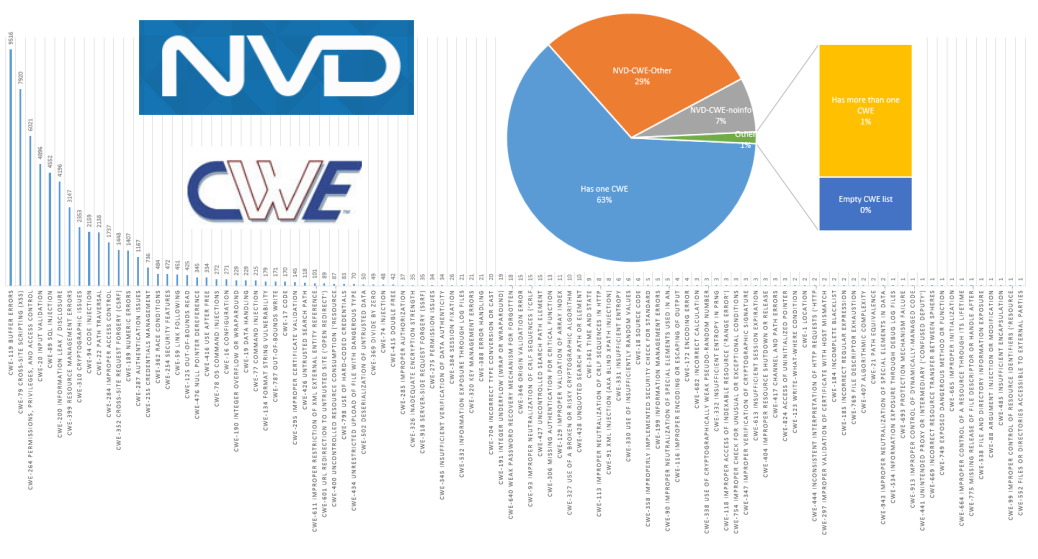
CWEs in NVD CVE feed: analysis and complaints. As you probably know, one of the ways to describe the nature of some software vulnerability is to provide corresponding CWE (Common Weakness Enumeration) ids. Let’s see the CWE links in NVD CVE base.
I have already wrote earlier how to deal with NVD feed using python in “Downloading and analyzing NVD CVE feed“. You can easily get CWEs ids iterating over cve_dict['CVE_Items'].
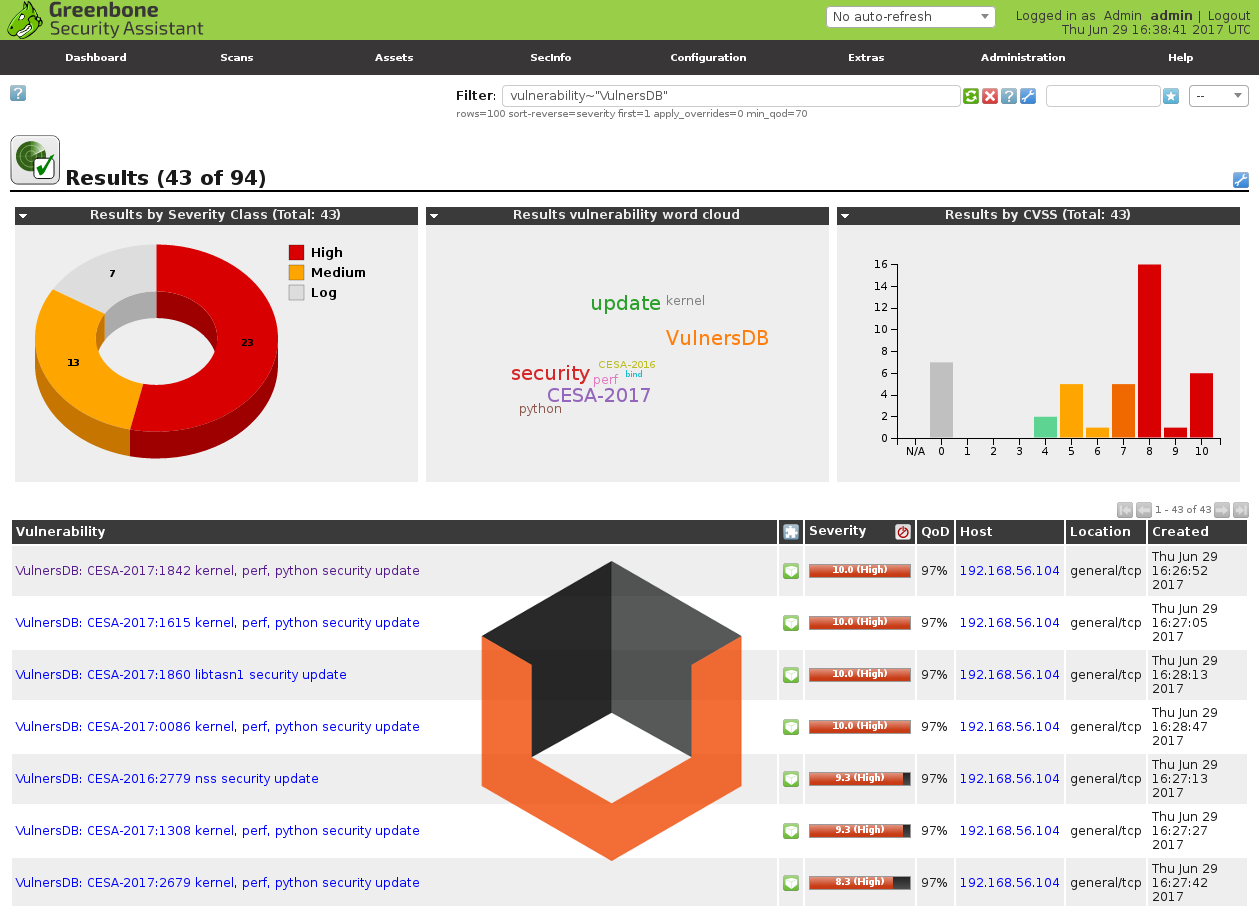
Vulners NASL Plugin Feeds for OpenVAS 9. As I already wrote earlier, you can easily add third party nasl plugins to OpenVAS. So, my friends from Vulners.com realised generation of NASL plugins for OpenVAS using own security content. I’ve tested it for scanning CentOS 7 host. And it works =)
VirtualBox GuestAdditions for Linux Guest OS. I often work with VirtualBox virtual machines and need to install GuestAdditions to use GUI applications comfortably. So, I decided to collect here some configuration scripts.
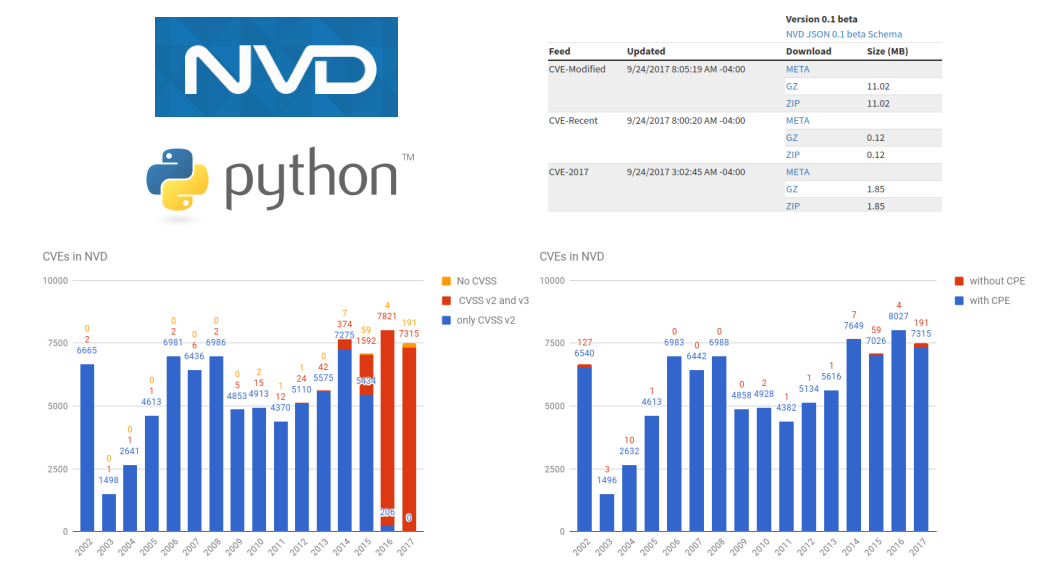
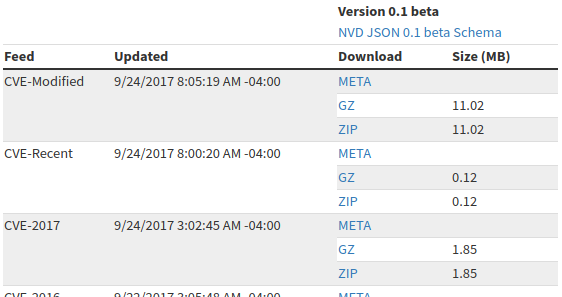
Let’s see what data it contains, how to download and analyse it. First of all, we need to download all files with CVEs from NVD database and save them to some directory.
This is my personal blog. The opinions expressed here are my own and not of my employer. All product names, logos, and brands are property of their respective owners. All company, product and service names used here for identification purposes only. Use of these names, logos, and brands does not imply endorsement. You can freely use materials of this site, but it would be nice if you place a link on https://avleonov.com and send message about it at me@avleonov.com or contact me any other way.