
Author Archives: Alexander Leonov

About Alexander Leonov

Hi! My name is Alexander and I am a Vulnerability Management specialist. You can read more about me here. Currently, the best way to follow me is my Telegram channel @avleonovcom. I update it more often than this site. If you haven't used Telegram yet, give it a try. It's great. You can discuss my posts or ask questions at @avleonovchat. А всех русскоязычных я приглашаю в ещё один телеграмм канал @avleonovrus, первым делом теперь пишу туда.

Export anything to Splunk with HTTP Event Collector

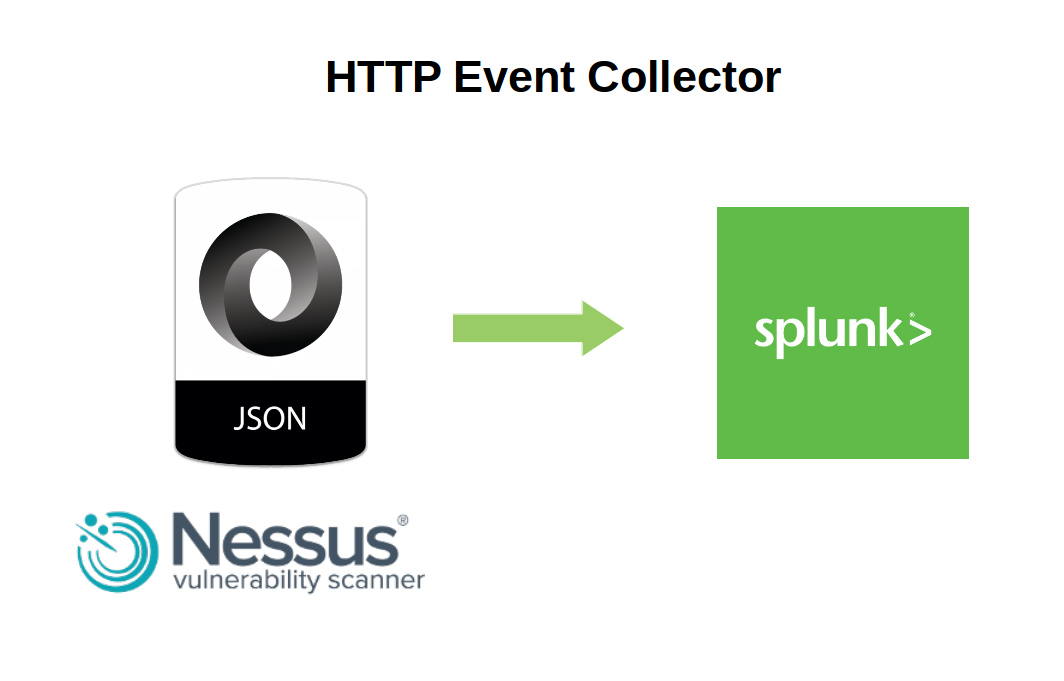
Export anything to Splunk with HTTP Event Collector. In a previous post I described how to export Nessus scan reports to Splunk server using standard app. Today let’s see how to export any structured data presented in JSON, including of course Nessus scan reports, to Splunk using HTTP Event Collector.

http event collector Splunk

First of all, we should create new HTTP Event Collector

http://your_splunk_host:8000/en-US/manager/launcher/http-eventcollector

And press “New Token” button

Continue reading

Exporting Nessus scan results to Splunk

Exporting Nessus scan results to Splunk. In this first post I want to write about Splunk and Nessus integration via official “Splunk Add-on for Tenable”: how to install this application, its pros and cons.

Splunk official addon for Nessus

You can download Splunk application package for Tenable Nessus and SecurityCenter from official website here (free registration is required). All documentation is available here.

Continue reading

Tenable SecurityCenter and its API

Tenable SecurityCenter and its API. SecurityCenter is an enterprise level vulnerability management product of Tenable Network Security. As the name implies, the it is designed to be the center of Tenable security infrastructure. SecurityCenter takes data from other Tenable products: Passive Vulnerability Scanner (PVS), Log Correlation Engine (LCE), Nessus, and provides a powerful GUI interface for searching and reporting. Sounds familiar? Well, yes, it is something like SIEM, but with a strong emphasis on Vulnerability Management.

Tenable SecurityCenter 5

I’ve took this screenshot from SC5 video presentation in Spanish.

In this post, I certainly will not fully cover SC functionality and all the features of its API. I just would like to pay tribute to a convenient asset mechanism of SecurityCenter and show very basic operation of SecurityCenter API: retrieving the results of the vulnerability scanning (as I did it for Nessus in “Retrieving scan results through Nessus API“).
Continue reading

Vulnerability Assessment without Vulnerability Scanner

Vulnerability Assessment without Vulnerability Scanner. This will be a practical confirmation of my thesis from “Vulnerability scanners: a view from the vendor and end user side“: the scanner for one operating system is easy to make. I also want to demonstrate that data collection and data analysis for Vulnerability Assessment may be successfully performed separately. There is no need to take the data directly from the vulnerable hosts, when it is already stored somewhere else, for example in IT monitoring systems.

Assessment without vulnerability scanner

The opacity of data collection and the need to have a privileged account on the remote host, traditionally causes conflicts between IS and IT departments and complicates implementation of VM process.

So, to detect vulnerabilities on our Linux host we need to know what version of the packages contain vulnerabilities, which versions of packages are installed on our hosts, and learn how to compare versions.

How do I know which versions of packages are vulnerable?

Vulnerable versions of packages are listed in official security bulletins:
RHEL – https://access.redhat.com/errata/RHSA-2016:0304
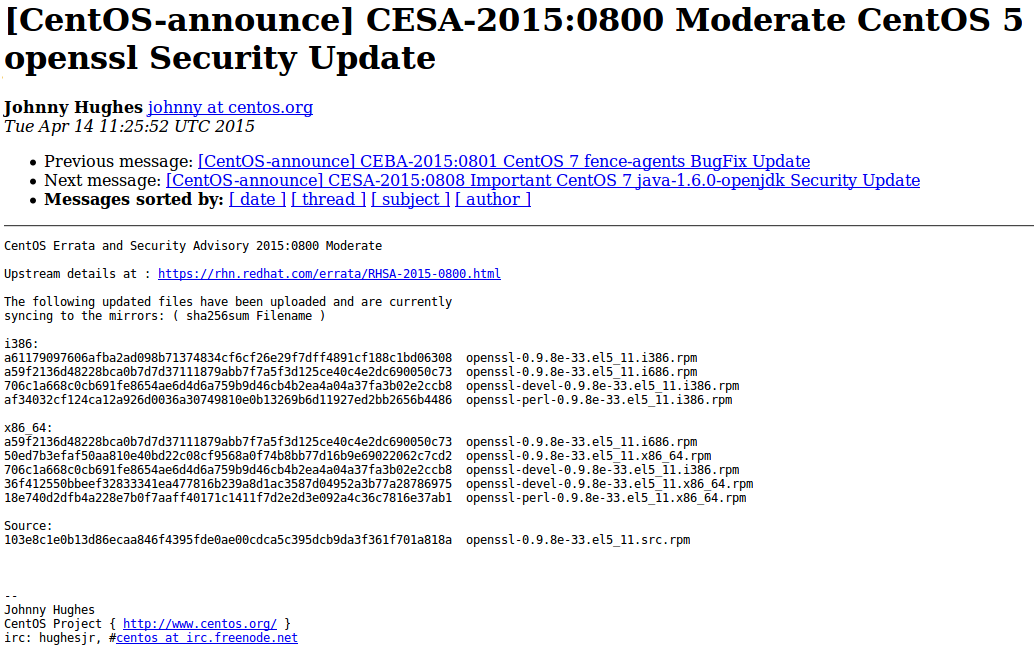
CentOS – https://lists.centos.org/pipermail/centos-announce/2015-April/021064.html
Debian – http://www.debian.org/security/2015/dsa-3197
Ubuntu – http://www.ubuntu.com/usn/usn-2537-1/

CESA bulletin example

Of course, you will need to parse them first. Or you can just download the same content already parsed and presented in JSON format with Vulners.
download CESA bulletins from Vulners
Continue reading

Nessus v2 xml report format

Nessus v2 xml report format. Knowing the structure of Nessus v2 (xml) report may be useful for those who want to analyze scan results in SIEM solution or with own scripts (in this case see also “Retrieving scan results through Nessus API” and “VM Remediation using external task tracking systems“).

Upd. Read this post about practical processing of such reports: “Parsing Nessus v2 XML reports with python

nessus_v2_report_logo

There is a good official Tenable manual: Nessus v2 File Format. If you want to get a detailed description of this format i recommend you to read it.

nessus v2 xml format

Here I would like to share my impressions, explain how to retrieve useful information from the scan report easily and note some dangers during the processing that may lead to incorrect prioritisation of vulnerabilities.

Nessus report contains information about the actual scanning results (Report) and the scan settings (Policy). Sometimes it is very useful to look at a scanning policy for debugging. But in most cases we just need proper information about detected vulnerabilities. Therefore, we examine Report section.

Nessus Client Data

Continue reading

Vulnerability scanners: a view from the vendor and end user side

Vulnerability scanners: a view from the vendor and end user side. Original article was published in Information Security Magazine #2, 2016 (in Russian)

Vulnerability scanner is a computer program or hardware appliance designed to detect security problems on hosts in computer network. What kind of problems? Well, problems that may occur if some critical security updates were not installed on time or the system was not configured securely. In practice, this situation often occurs and it makes hacking the systems easy even for inexperienced attacker.

If it is all about checking, maybe it’s possible to do it manually? Yes, sure, but it requires a lot of specific expertise, accuracy and time. That’s why vulnerability scanners, which can automate network audit, have become standard tools in the arsenal of information security experts.

I worked for a long time in the development department of well-known vulnerability scanning vendor and was making a lot of competitive analysis as well. At current time, I use vulnerability scanners as an end user. So, in this article I will try to look at the main problems of this class of products from the vendor and from the end user side.

how-users-see-the-vm-vendors-how-vm-vendors-see-the-users

How vulnerability scanner detects vulnerabilities?

Detection methods are usually well known and uncomplicated: vulnerability scanner somehow detects software version installed on a host. If version is less then secure version of this software (known from the public bulletin) – vulnerability exists and the software should be updated. If not – everything is ok. As a rule, vulnerability scanners try to guess installed versions by opened ports and service banners, or scanner may just have a full remote access to the host and able to perform all necessary commands (it is the most accurate and effective way).
Continue reading

Vulners – Google for hacker. How the best vulnerability search engine works and how to use it

Vulners – Google for hacker. How the best vulnerability search engine works and how to use it. Original article was published in Xakep Magazine #06/2016 (in Russian)

vulners.com logo

The common task. Уou need to find all information about some vulnerability: how critical the bug is, whether there is a public exploit, which vendors already released patches, which vulnerability scanner can detect this bug in the system. Previously, you had to search it all manually in dozens of sources (CVEDetails, SecurityFocus, Rapid7 DB, Exploit-DB, CVEs from MITRE / NIST, vendor newsletters, etc.) and analyze the collected data. Today, this routine can be (and should be!) automated with specialized services. One of these services – Vulners.com, the coolest search engine for bugs. And what is the most important – it’s free and has an open API. Let’s see how it can be useful for us.

What is it?

Vulners is a very large constantly updating database of Information Security content. This site lets you search for vulnerabilities, exploits, patches, bug bounty programs the same way a web search engine lets you search for websites. Vulners aggregates and presents in convenient form seven major types of data:

  • Popular vulnerability databases, containing general descriptions of vulnerabilities and links. For example, well-known NVD CVEs of MITRE US agency and NIST Institute. In addition to this, Vulners supports vulnerability descriptions from various research centers and response teams: Vulnerability Lab, XSSed, CERT, ICS, Zero Day Initiative, Positive Technologies, ERPScan.
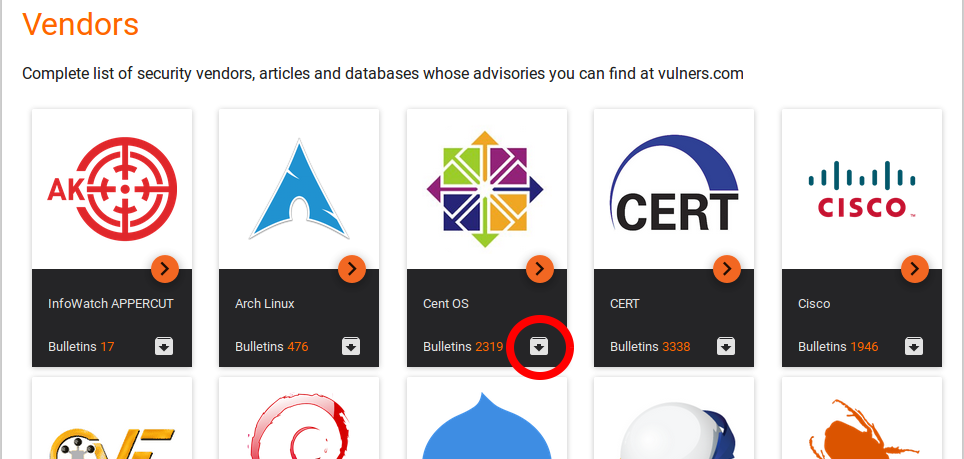
  • Vendor’s security bulletins. This bug-reports are published by software vendors and contain information about vulnerabilities in their own products. At current moment Vulners supports various Linux distributions (Red Hat, CentOS, Oracle Linux, Arch Linux, Debian, Ubuntu, SUSE), FreeBSD, network devices (F5 Networks, Cisco, Huawei, Palo Alto Networks), popular and critical software (OpenSSL, Samba, nginx, Mozilla, Opera), including CMS (WordPress, Drupal).
  • Exploits from Exploit-DB, Metasploit and 0day.today. Exploits are parsed and stored in full-text form and you can read the sources in a convenient text editor.
  • Nessus plugins for vulnerability detection. It makes easy to find out whether a particular vulnerability can be detected using this popular network scanner. Why is it important? Read in my article “When a free scanning service detects vulnerabilities better“.
  • Bug disclousers for bug bounty programs. At current moment Vulners supports HackerOne and Open Bug Bounty.
  • Potential vulnerabilities of mobile applications and CMS. It is possible in cooperation with the static application security testing (SAST) vendors Hackapp and InfoWatch APPERCUT.
  • Posts from hacking resources. Vulners collects Threatpost and rdot.org publications, which often cover vulnerability related topics.

All this information is handled, cataloged, structured and is always available for the search.

Continue reading