Category Archives: Productology

F-Secure API for scanning

F-Secure API for scanning. This post will be about API of F-Secure Radar. API become a crucial feature when you have to scan a range of thousands hosts and you can’t just add it in one Vulnerability Scanning task. As I mentioned earlier in “F-Secure Radar Vulnerability Management solution” Vulnerability Scanning in Radar is for known active IPs only, for ranges – Discovery Scans. Basically, in F-Secure Radar there is always one vulnerability scan for one host. Unusual concept, but it have some advantages. And it’s quite convenient when you work with Radar via API.

So, my plan for this post is to get active IPs from discovery scan report, create vulnerability scans, run them and get reports. All using API.

To use API you need to get API key at “F-Secure Radar -> Settings -> My profile”.
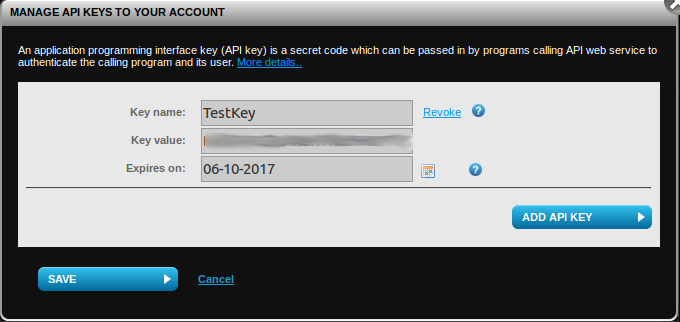
F-Secure Radar API key

To check that API is working we may send a request:

GET /v1/Scans/Types HTTP/1.1
Host: api.radar.f-secure.com
Content-Type: application/json; charset=utf-8
UserName: radar_user@corporation.com
APIKey: JDOBH9MV24ZOENMS94QCO8QP
Continue reading

F-Secure Radar ticketing

F-Secure Radar ticketing. I personally don’t use ticketing systems integrated in VM solutions. I think it’s hard to explain IT guys why they should use yet another ticketing system for patching tasks only additionally to their main Jira or whatever they use (see “Vulnerability scanners: a view from the vendor and end user side“).

But I assume that for some companies this feature may be useful or even critical.

Anyway, it’s always nice to see how the vendor works with vulnerability data to get some ideas for own ticketing procedures (see “VM Remediation using external task tracking systems“).

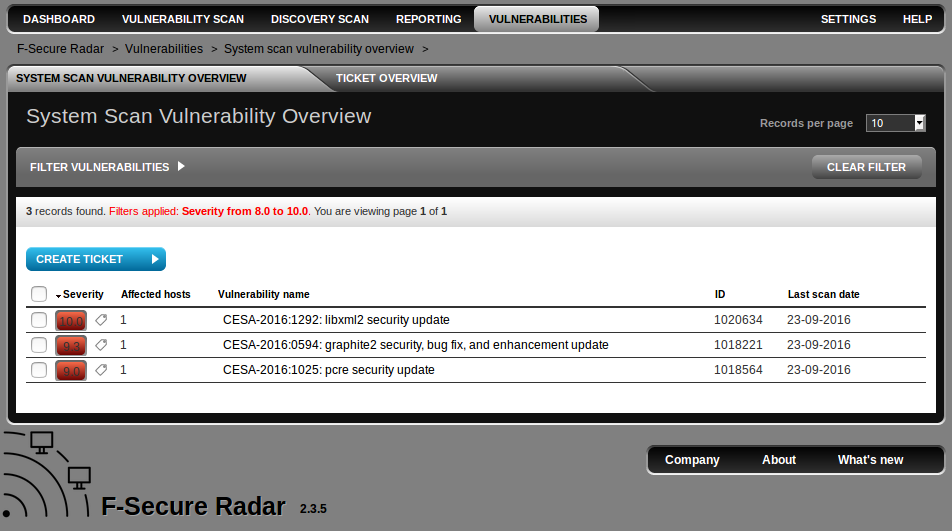
In F-Secure Radar you can create tickets at “Vulnerabilities” tabs. Here is the a whole list of detected vulnerabilities (filtered by CVSS > 8 by default).

F-Secure Ticketing

Continue reading

F-Secure Radar basic reporting

F-Secure Radar basic reporting. In previous post about Radar (“F-Secure Radar Vulnerability Management solution“) I was describing how to use it for authenticated and unauthenticated scanning both inside and outside of your network.

But what about the vulnerability reports?

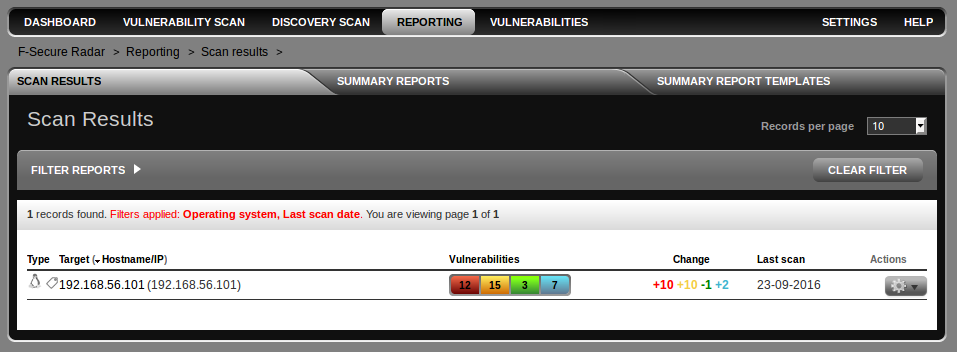
To get vulnerability report you should open Reporting Tab. As you can see, Radar supports reports for single scan results and summary reports. I don’t actually a big fan of standard vulnerability summary reports, because in practice you will always need to change something in them, and it’s impossible in most cases.

F-Secure Radar reports

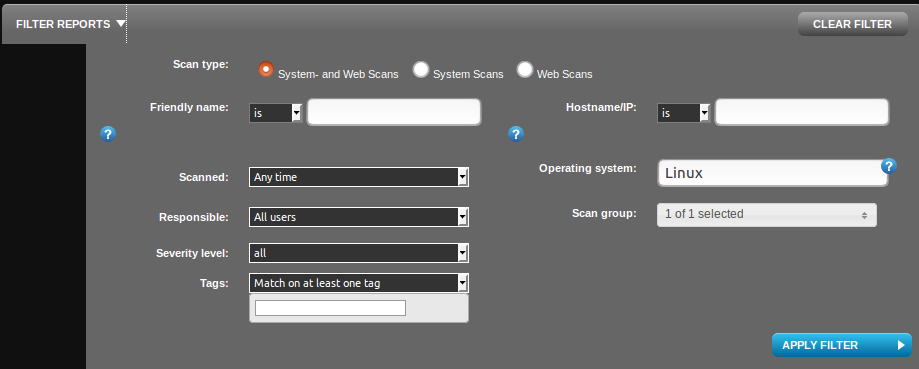
I have filtered only Linux OS scans using filter. You can also filter by friendly name (some id, that you can set manually), host name/ip , time of scanning, responsible person, severity level, scan group or even by scan tags.

Radar Filters

Continue reading

Qualys authenticated scanning

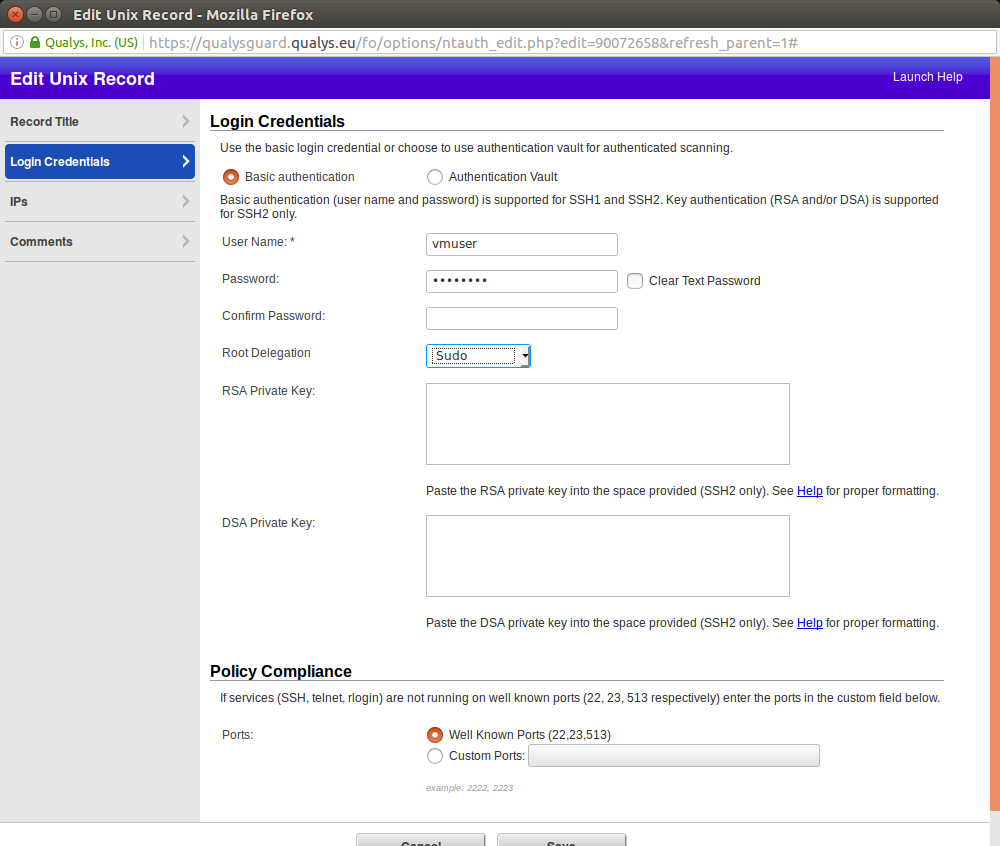
Qualys authenticated scanning. Let’s see how authenticated scanning works in Qualys. Nessus stores scanning credentials in related Scan Policy (see “Tenable Nessus: registration, installation, scanning and reporting“). Iit’s not always convenient. In Qualys you can set up a scanning record and configure for which hosts it will be used.

Login Credentials

I downloaded Qualys Virtual Scanning Appliance VirtualBox image  and configured it as it was described in “Using Qualys Virtual Scanner Appliance“. The only difference: I configured second network device as VirtualBox “Host Only Adapter” to scan virtual machines on my host. You can see how to configure VirtualBox “Host Only Adapter” in my post here.

Continue reading

Nessus API for hosts scanning

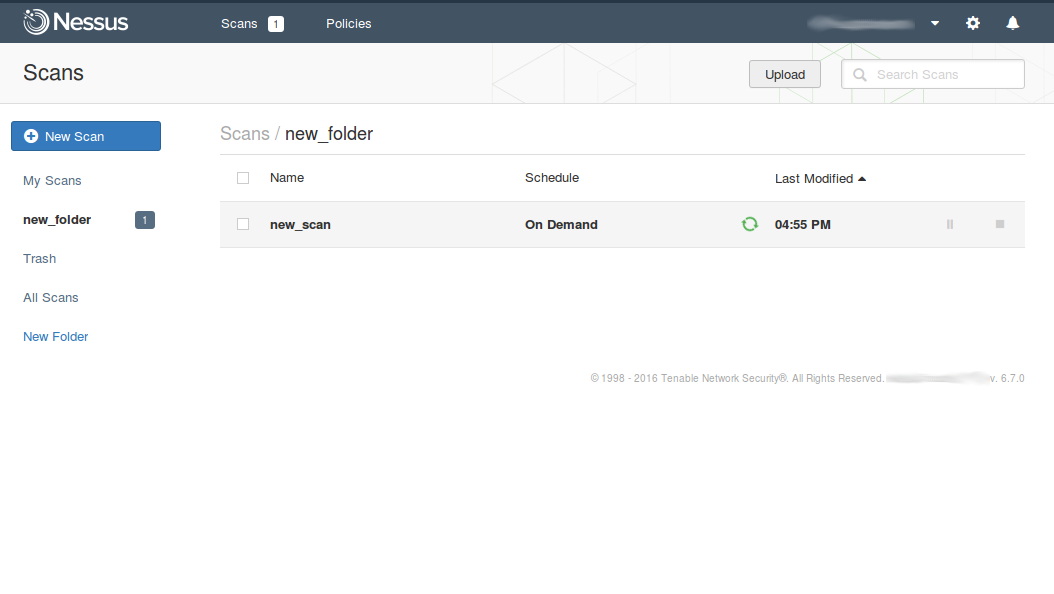
Nessus API for hosts scanning. When I was writing earlier about Nessus API (“Retrieving scan results through Nessus API“) I have not mentioned how to create a new vulnerability scan task and launch it fully automatically. I assumed that all vulnerability scan entities was already created and scheduled in GUI, how it is often happens in a real life. However, managing the scans via Nessus API (run, pause, resume, stop) may be also useful, for example, when we need to automatically update vulnerability status of some host. Creating scan policy with API will be still out of scope of this post. We assume, that scan policy already exists.

Nessus API for scan management

API Description is still at https://192.168.56.101:8834/api# (where 192.168.56.101 is the IP address of your Nessus host). How to install Nessus read in “Tenable Nessus: registration, installation, scanning and reporting“.

Continue reading

F-Secure Radar Vulnerability Management solution

F-Secure Radar Vulnerability Management solution. In this blog I am writing mainly about VM market leaders. Most of them are US-based companies. However, there are vulnerability management solutions that are popular only in some particular country or region. About some of them you maybe have not even heard. At the same time, these solutions are rather interesting.

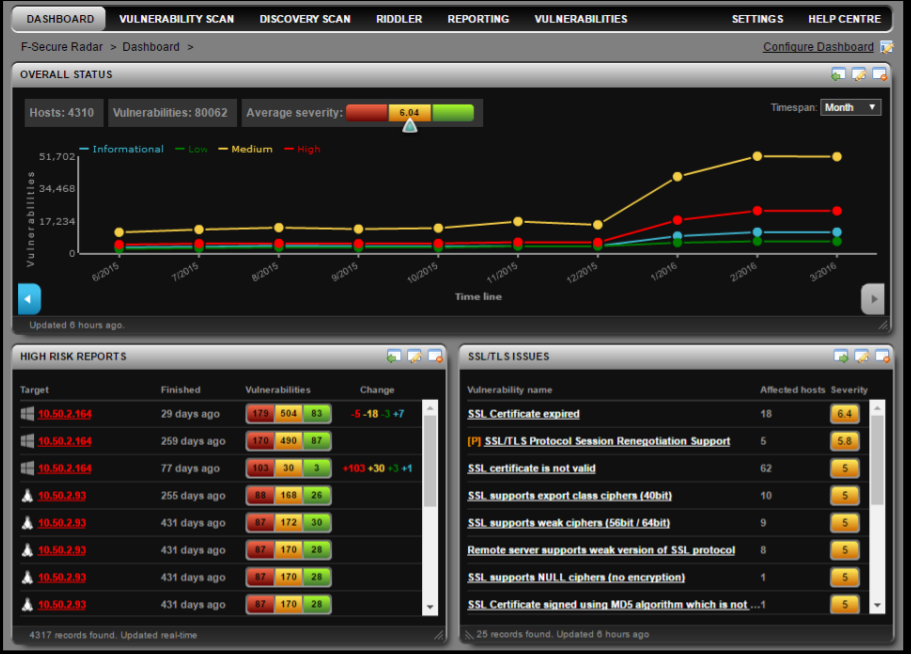
F-Secure Radar Dashboards

Vulnerability Scanner I want to present today, was initially developed by nSence company from Espoo, Finland. It was named “Karhu”, a “bear” in Finnish. In June 2015 antivirus company F-Secure has bought nSense and formed it’s Cyber Security Services department. The scanner was renamed in F-Secure Radar. Not to be confused with IBM QRadar SIEM 😉

Solution structure is similar to Qualys and Nessus Cloud. There is a remote server that provides a web interface: portal.radar.f-secure.com. You can scan your perimeter using the remote scanner. To scan the hosts within the network, you should deploy the Scan Node Agent on a Windows host.

Continue reading

OpenVAS plugins in Vulners.com

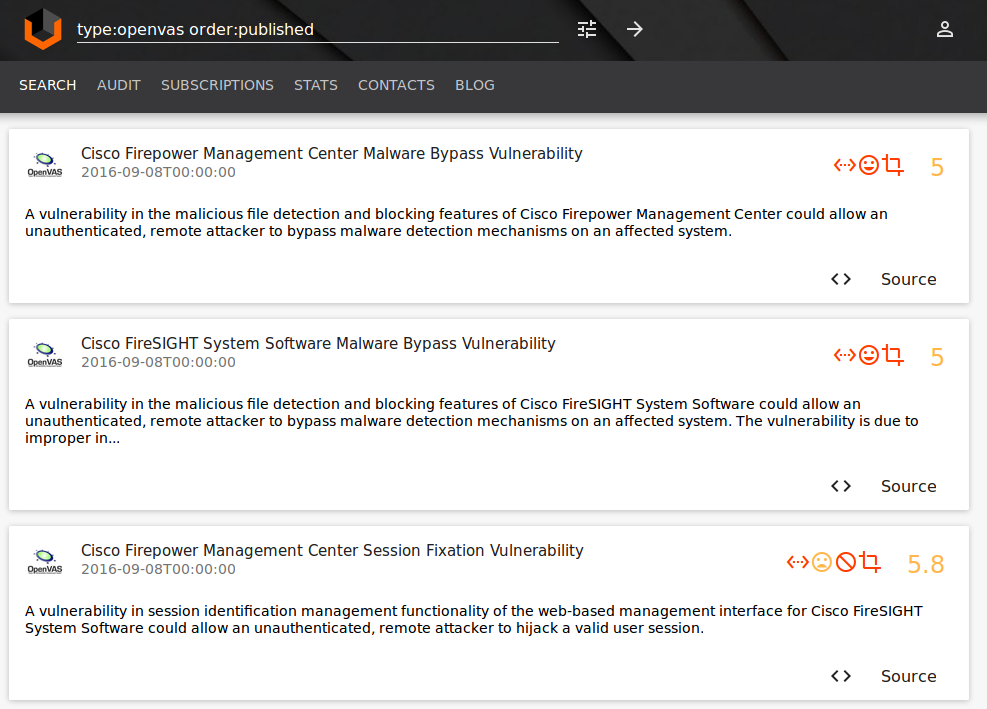
OpenVAS plugins in Vulners.com. Great news! Vulners.com vulnerability search engine now supports OpenVAS detection plugins.

OpenVAS plugins Vulners

Why OpenVAS is important?

OpenVAS is the most advanced open source vulnerability scanner and is the base for many Vulnerability Management products.

Key vendors that produce OpenVAS-based products are Greenbone and Acunetix. There are some local vendors, such as Scaner VS by Russian company NPO Echelon.

“Vanilla” OpenVAS is also widely used when there is no budget for a commercial solution or it’s necessary to solve some specific problems, including developing own plugins for vulnerability detection. OpenVAS is integrated with wide range of information security systems, for example it is a default VM solution for AlienVault SIEM.

OpenVAS is well suited for education purposes as it is well documented and uses only open source code. For OpenVAS it’s always clear how the it works.

Continue reading