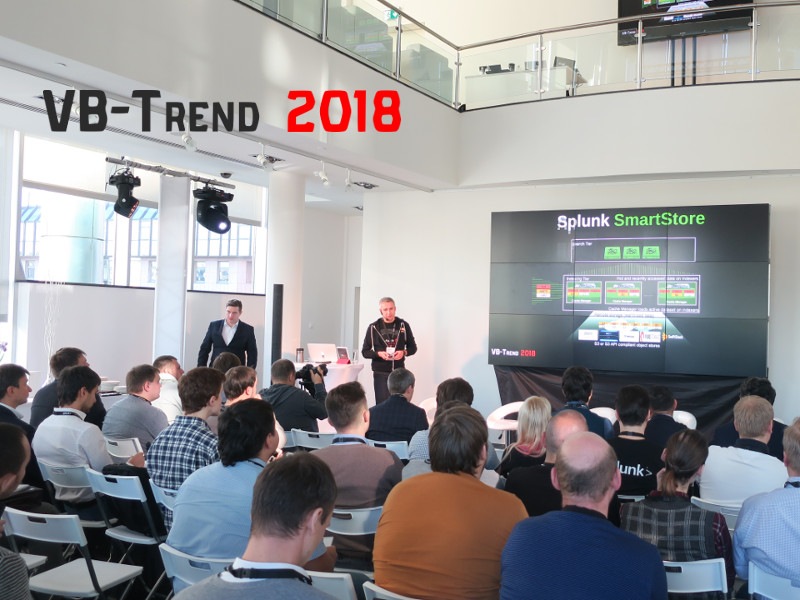
VB-Trend 2018 Splunk Conference. Today I attended VB-Trend 2018 Splunk conference organized by system integrator VolgaBlob.
Video fragments from the event:
Comparing to “Splunk Discovery Day“, the conference was much smaller (less than 100 people), focused on technical aspects, Information Security and informal communication. And I need to say that there really was a lot of talks with colleagues from different companies, not only about Splunk, but also about Vulnerability Management, Application Security and Container Security.
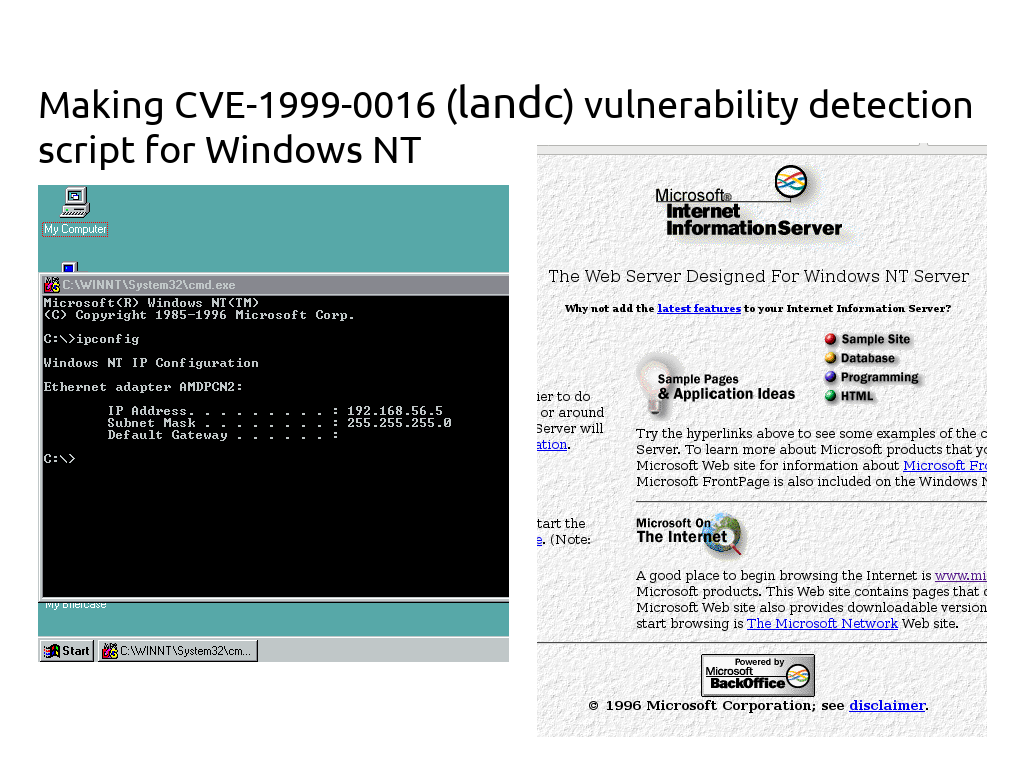
Making CVE-1999-0016 (landc) vulnerability detection script for Windows NT. The fair question is why in 2018 someone might want to deal with Windows NT and vulnerabilities in it. Now Windows NT is a great analogue of DVWA (Damn Vulnerable Web Application), but for operating systems. There are a lot of well-described vulnerabilities with ready-made exploits. A great tool for practising.
Well, despite the fact that this operating system is not supported since 2004, it can be used in some weird legacy systems. 😉
Adding custom NASL plugins to Tenable Nessus. Making custom NASL scripts (plugins) for Nessus is a pretty complicated process. Basically, NASL (Nessus Attack Scripting Language) is an internal instrument of Tenable and it seem that they are not really interested in sharing it with the community. The only publicly available official documentation, NASL Reference Guide and NASL2 reference manual, was written at least 13 years ago. Certainly many things changed since then in the actual product.
However, it’s still possible to add custom NASL scripts into the plugin set of your Nessus server. Let’s see how to do it. Everything was tested in the latest Nessus 8.
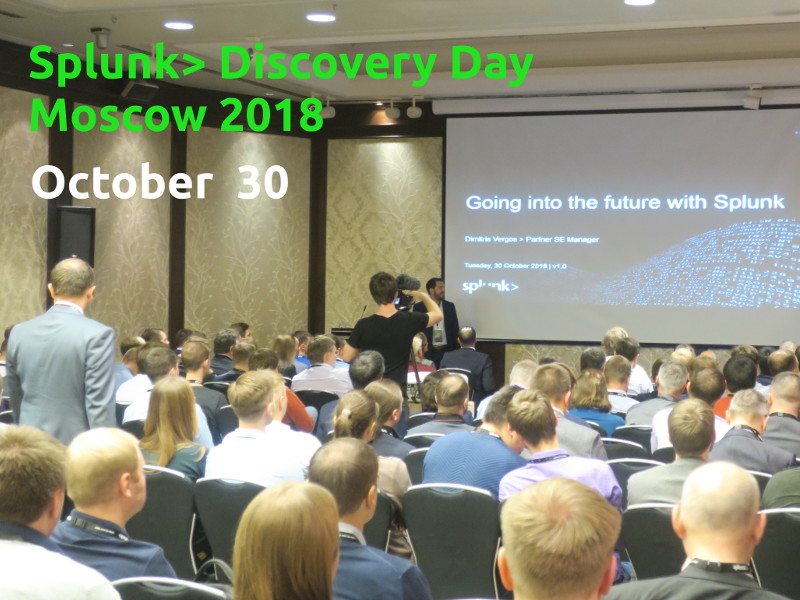
Splunk Discovery Day Moscow 2018. Today I attended the Splunk Discovery Day 2018 conference. It is something like a local equivalent of the famous Splunk .conf. More than 200 people have registered. The event was held in the luxury Baltschug Kempinski hotel in the very center of Moscow with a beautiful view of the Red Square and St. Basil’s Cathedral.
Video from the event (27 minutes). This is NOT a complete recording of speeches, but rather some fragments and slides.
At the same time, I make most of data analysis with my own Python scripts. Currently this approach seems more effective. But as for providing final results in a beautiful way and making various notifications, in this sphere Splunk is really convenient and useful. Of course, I can make own a Web GUI application that will do something similar for my tasks, it doesn’t make sense if there is an Enterprise level tool that is very good for this.
My tasks are not quite typical for Splunk clients from Security Teams who look at it in the context of SIEM and SOC mainly. Asset Inventory is actually similar to Business Intelligence: almost all connectors are non-standard, and there are no strict requirements for real time (we operate with days and months, not seconds). We have same approach: “Bring some data to Splunk and get insights from it.” And in this sense, it is great that this event was NOT for the information security experts mainly.
It was mentioned a lot that Splunk is primarily a tool for Business Intelligence. And it’s not just for geeks. Splunk is preparing a mobile application with augmented reality, technologies for recognizing requests in natural language and voice. I think this is all mainly for fun, but the trend for casualty is clear.
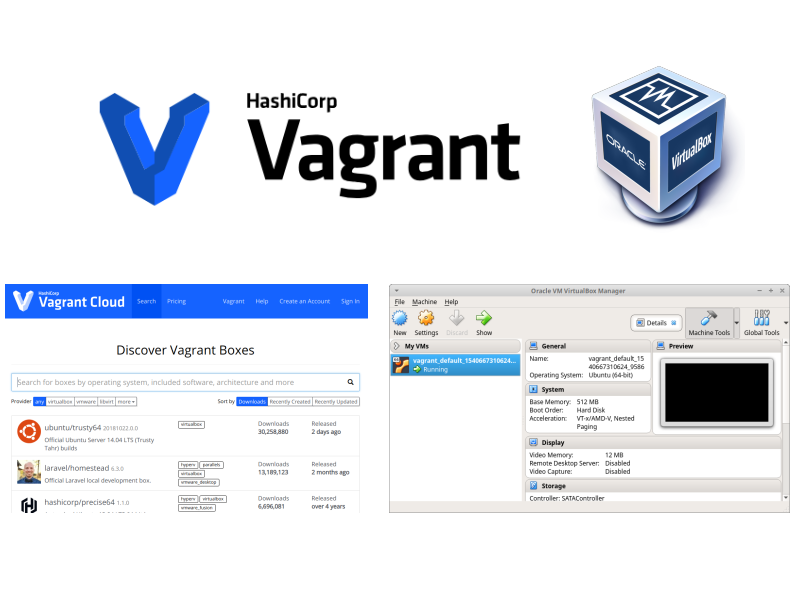
Deploying VirtualBox virtual machines with Vagrant. I often use virtual machines for various tasks: from building software packages to testing software products or PoCs for vulnerabilities. Creating a virtual machine in Oracle VirtualBox is a time-consuming and annoying process: set parameters of VM, attach iso, make dozens of clicks in OS installation GUI interface, wait until everything is installed, configure network and install guest additions.
Of course you can create an image of the base machine once and clone it each time you need it. But from time to time you will still need to recreate this image, for example for a new Linux release. It would be much easier, if we could get a fresh and clean Virtual Machine that meets our requirements and with minimal effort. And this is what Vagrant by HashiCorp does.
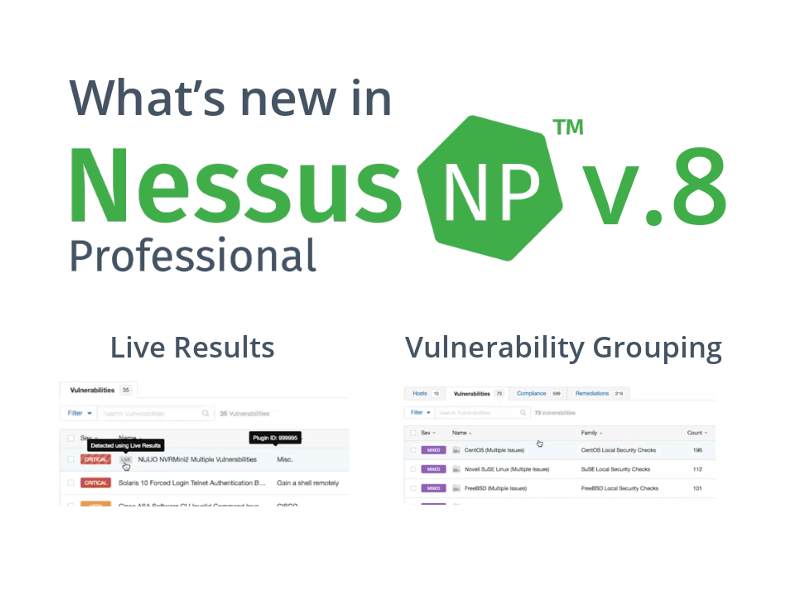
What’s new in Nessus 8. Today Tenable released a new version of their famous vulnerability scanner – Nessus 8. The existing scanner nodes don’t see the updates yet, but the installation binaries are already available. So you may try to install it.
This major release will be way more positive than the previous one. Of course Tenable did NOT return the multi-user mode and API in Nessus Professional. But on the other hand, they did NOT cut the functionality even further. They even added new features in GUI. And, what is the most important, they did NOT switch to the assets-based licensing (at least yet). 🙂
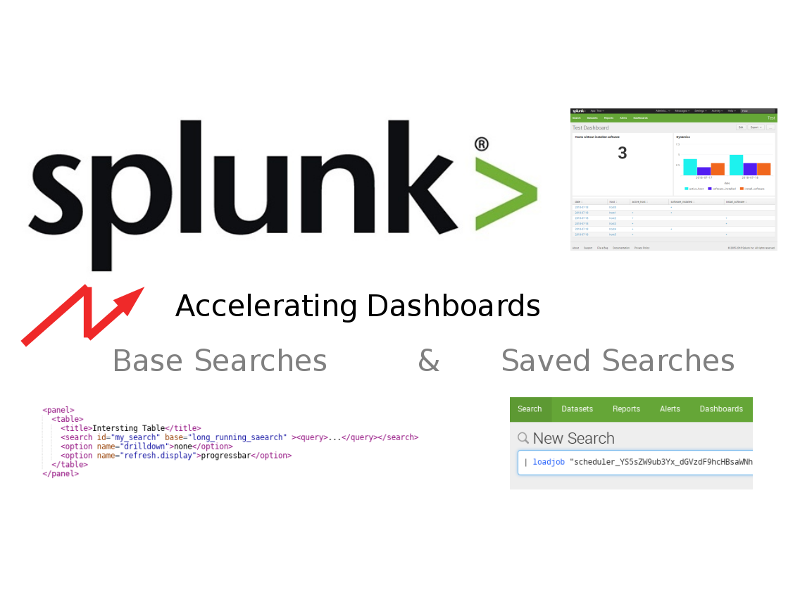
Accelerating Splunk Dashboards with Base Searches and Saved Searches. Let’s say we have a Splunk dashboard with multiple panels. Each panel has its own search request and all of these requests work independently and simultaneously. If they are complex enough, rendering the dashboard may take quite a long time and some panels may even fall by timeout.
How to avoid this? The first step is to understand how the searches are related. May be it is possible to select some base searches, and reuse their results in other child-searches. It’s also possible to get cached results from the “Saved Searches” (another name of Reports in Splunk GUI).
This is my personal blog. The opinions expressed here are my own and not of my employer. All product names, logos, and brands are property of their respective owners. All company, product and service names used here for identification purposes only. Use of these names, logos, and brands does not imply endorsement. You can freely use materials of this site, but it would be nice if you place a link on https://avleonov.com and send message about it at me@avleonov.com or contact me any other way.