Category Archives: Productology

Custom Vulnerability Management Reports

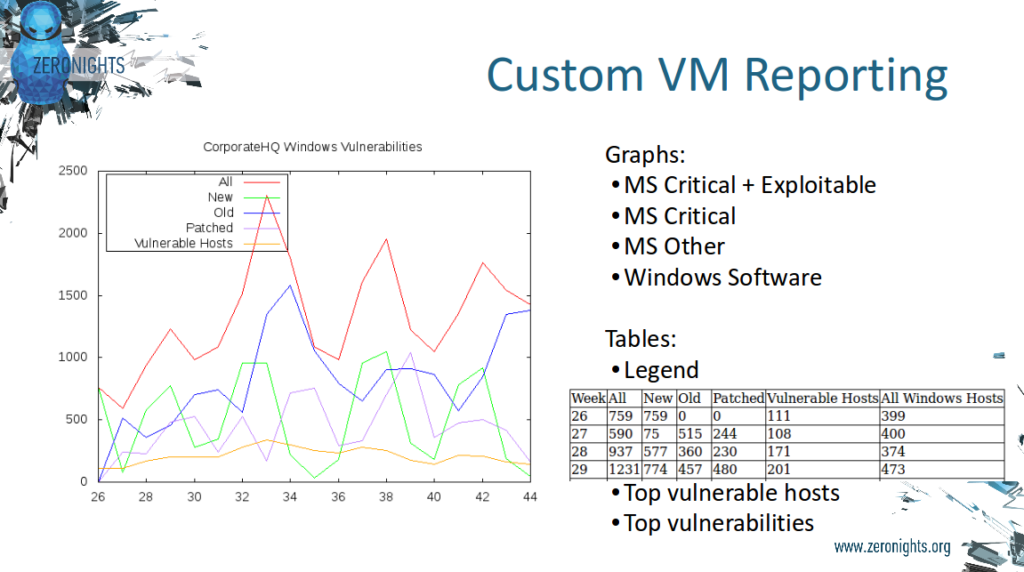
Custom Vulnerability Management Reports. It is strange to even talk about custom reports based on vulnerability scans from Tenable products.

Custom Vulnerability Management Reporting

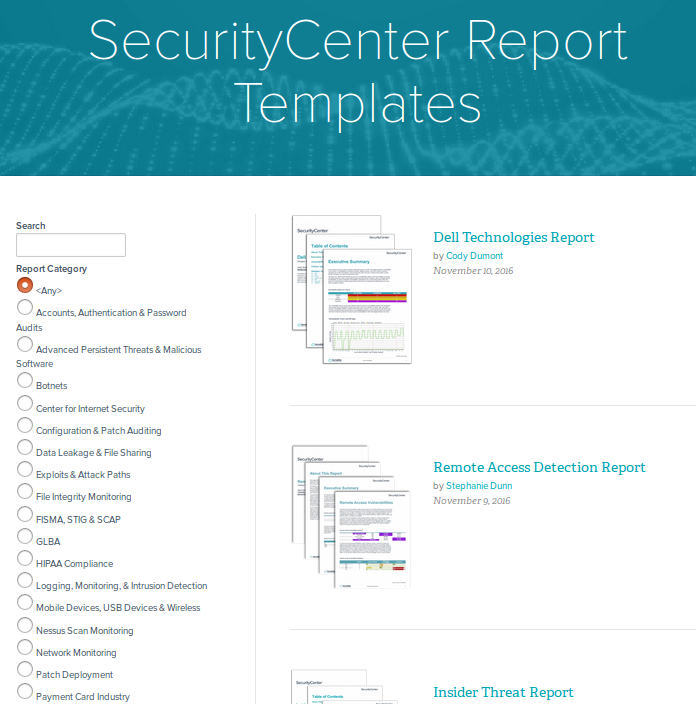
Just look at the variety of report templates available for SecurityCenter. For every taste and need! Why may you ever need to make any custom reports?

SC Report Templates

The thing is, if you want to use SecurityCenter reports you need to have all the scans of all your hosts in SecurityCenter and, as you know, SecurityCenter is licensed by IPs. What if you have tens of thousands of hosts? Price may be extremely high. In the other hand, you can take Nessus or SecurityCenter scan results via API (read how to do it in “Retrieving scan results through Nessus API” and “Tenable SecurityCenter and its API“) and process it with your own scripts for free.

Continue reading

Retrieving product expiration dates from Tenable Customer Support Portal

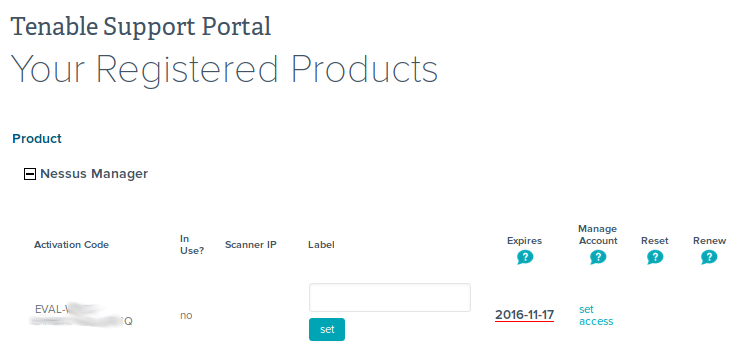
Retrieving product expiration dates from Tenable Customer Support Portal. I don’t say that it is a rocket science or something, but maybe someone will need to automate Tenable Support portal routine, and here will be a script, which can be used. My own case was to get expiration date for purchased and trial Tenable products. To know in advance when and what products should be bought and updated.

Registered Products

It turned out that getting this data from deployed products via APIs is not as trivial as it sounds, but I will write about this topic next time.

Continue reading

Nessus Manager and Agents

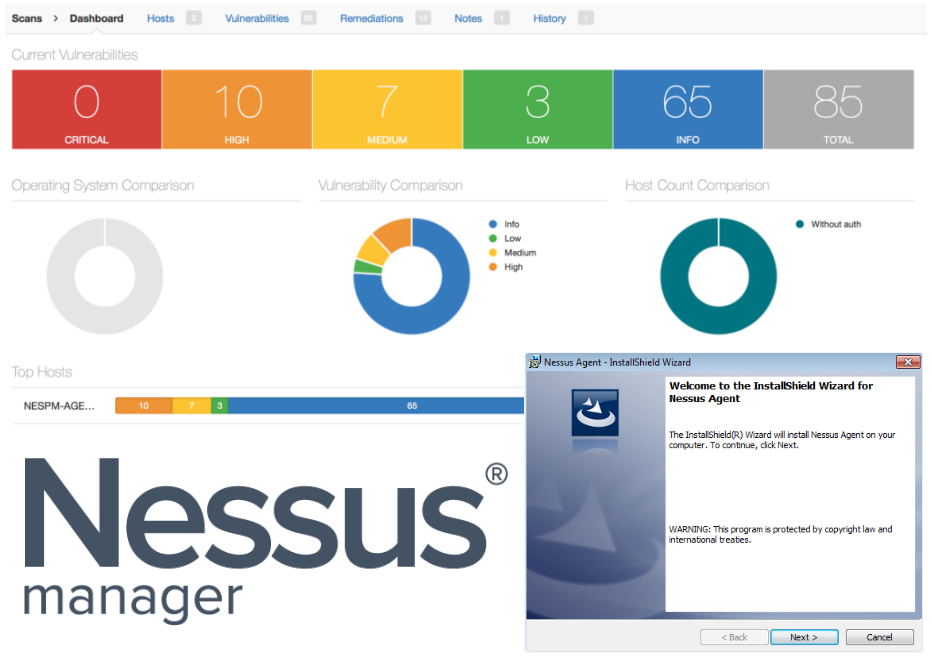
Nessus Manager and Agents. In this post I would like to share my experience with Tenable Nessus Manager. And especially how to manage agented scans with it.

Nessus Manager and Agents

First of all, I will, once again, briefly describe main editions of Nessus vulnerability management solution. Three of them, that you can deploy in your infrastructure, and one is cloud based (Nessus Cloud).

It’s of course well known Nessus Home edition, that is free for home users. Nessus Home is strictly limited by amount of IP addresses you can scan. If you try to use it in some commercial environment you might have some problems with Tenable. But for scanning some home servers and desktops, or perhaps study how vulnerability scanners work it is a really great option. You can get home license automatically after filling the registration form. I described how to register Nessus Home, configure and use it in my earlier post.

The other Nessus Professional edition is for cybersecurity professionals/individuals, who may use this product for security assessment. It is most popular version of Nessus. There is no limit in IP addresses, so you can purchase one license for Nessus Professional scanner and theoretically scan everything in your organization. The cost of the scanner is just about $2,000. Very reasonable price comparing with other competitors. It also supports multiple user accounts.

If Nessus professional does such a beautiful job, why should anybody want something else? The answer is managing multiple connected vulnerability scanners and local agents. You can configure another edition, Nessus Manager, to run scan tasks from remote connected Nessus Professional scanners. You can also configure Nessus Manager to run audit and compliance scan tasks with locally installed Nessus agents. And it is the only way to do it. Even if you’ve already purchased some expensive Enterprise Vulnerability Management product from Tenable, such as Tenable Security Center or Tenable Security Center Continuous View you still will need to pay extra ~$3,000 – $5,000 for Nessus Manager if you want to use local agents.

Nessus Cloud is like Nessus Manager but it is hosted on remote Tenable servers.

Why may you need to use local agents for scanning? The most of obvious reasons is that in  this case you won’t need to manage accounts for authenticated scan. You can also check how Qualys made Agented Scanning and compare it with Tenable approach bellow.

Continue reading

QSC16: from Vulnerability Management to IT Visibility

QSC16: from Vulnerability Management to IT Visibility. I want to share my impressions of QSC16 conference, where recently I had pleasure to attend. This yearly conference is held in Munich for ten years already. I was there before only one time, in 2012. It made a great impression and this year was no worse.

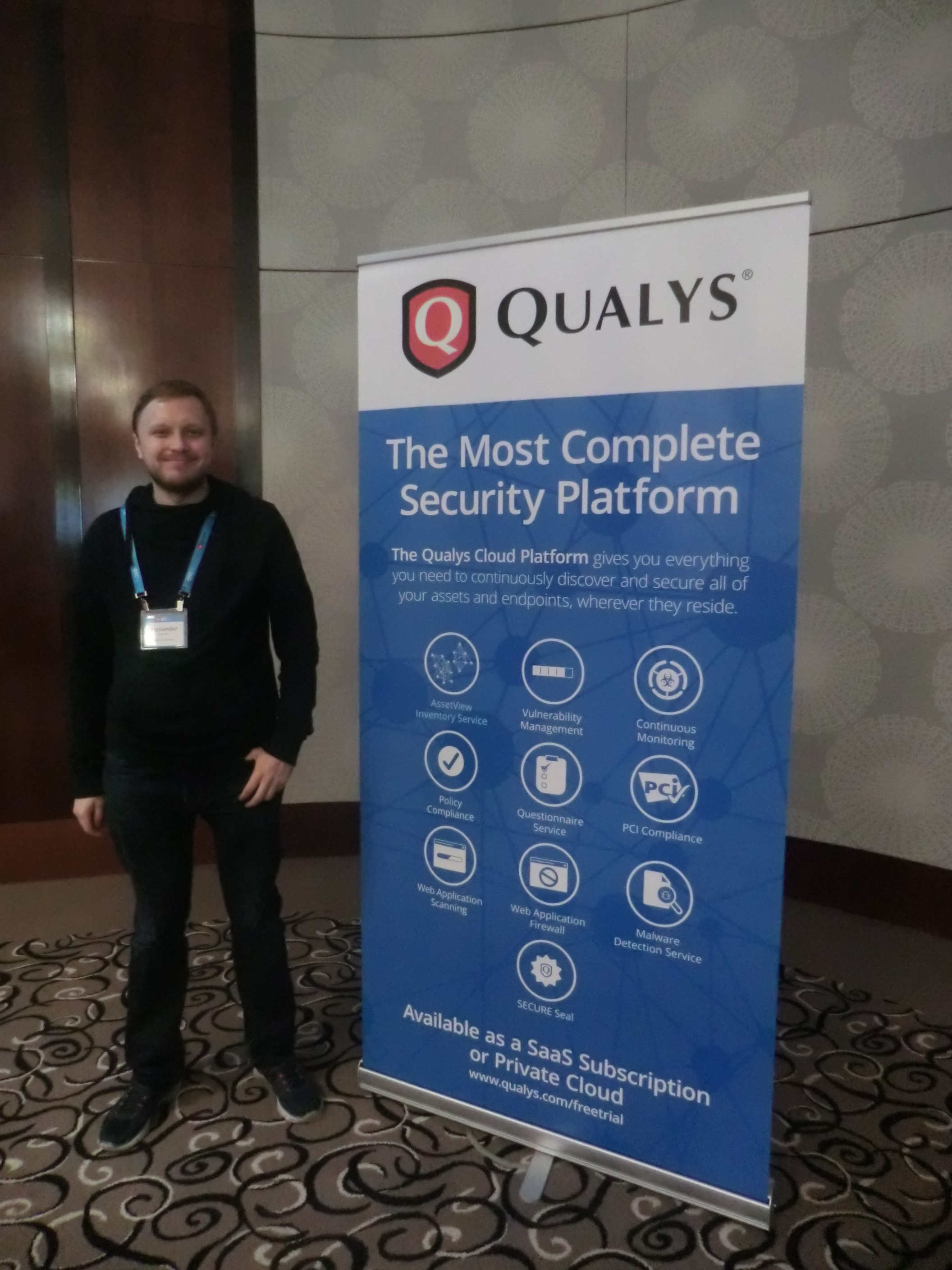
My photo QSC16

First of all, I should write some words about the conference itself. QSC is an acronym for Qualys Security Conference. It is clear from the name that it is fully dedicated to Qualys products.

Who might be interested in such event?

Mainly, of course, current and potential users of Qualys products, partners, competitors (from own experience, they are not welcomed there ;-)) and, I think it is the smallest group, analysts of Vulnerability Management market and Vulnerability Assessment geeks, like me. For people, who are sincerely interested in VM market changes, road show of the global VM vendor with the biggest market share (is it right, Gartner?) is a precious information source. Here you can learn about real experiences in the use of Qualys products and hear about the company’s future plans.

BTW, if you are one of those, and we do not know each other, we should definitely have a talk. 😉
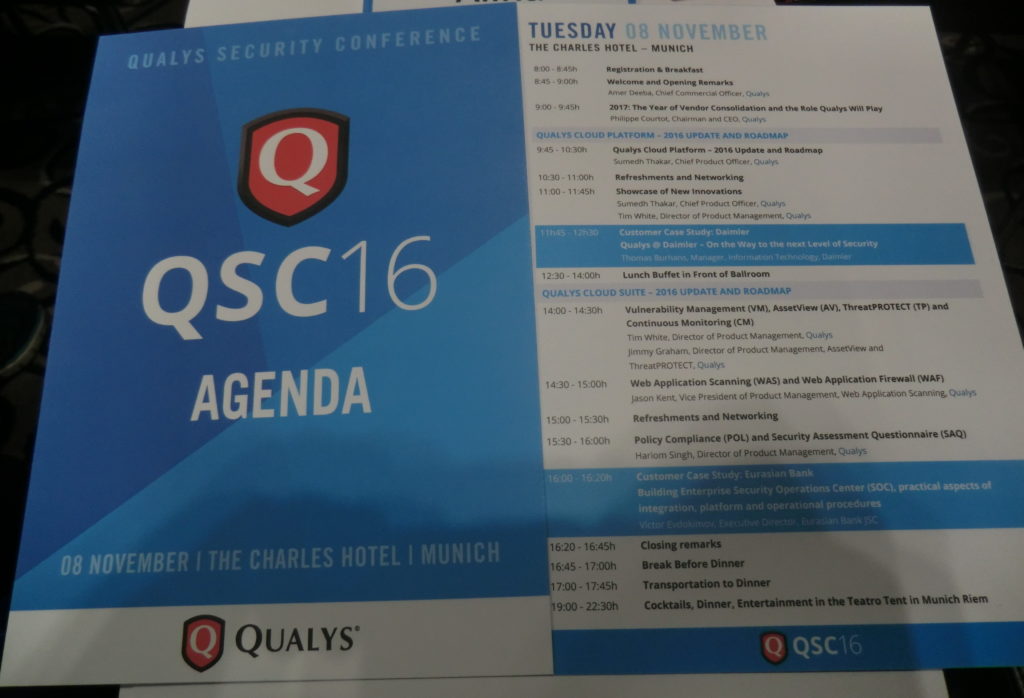
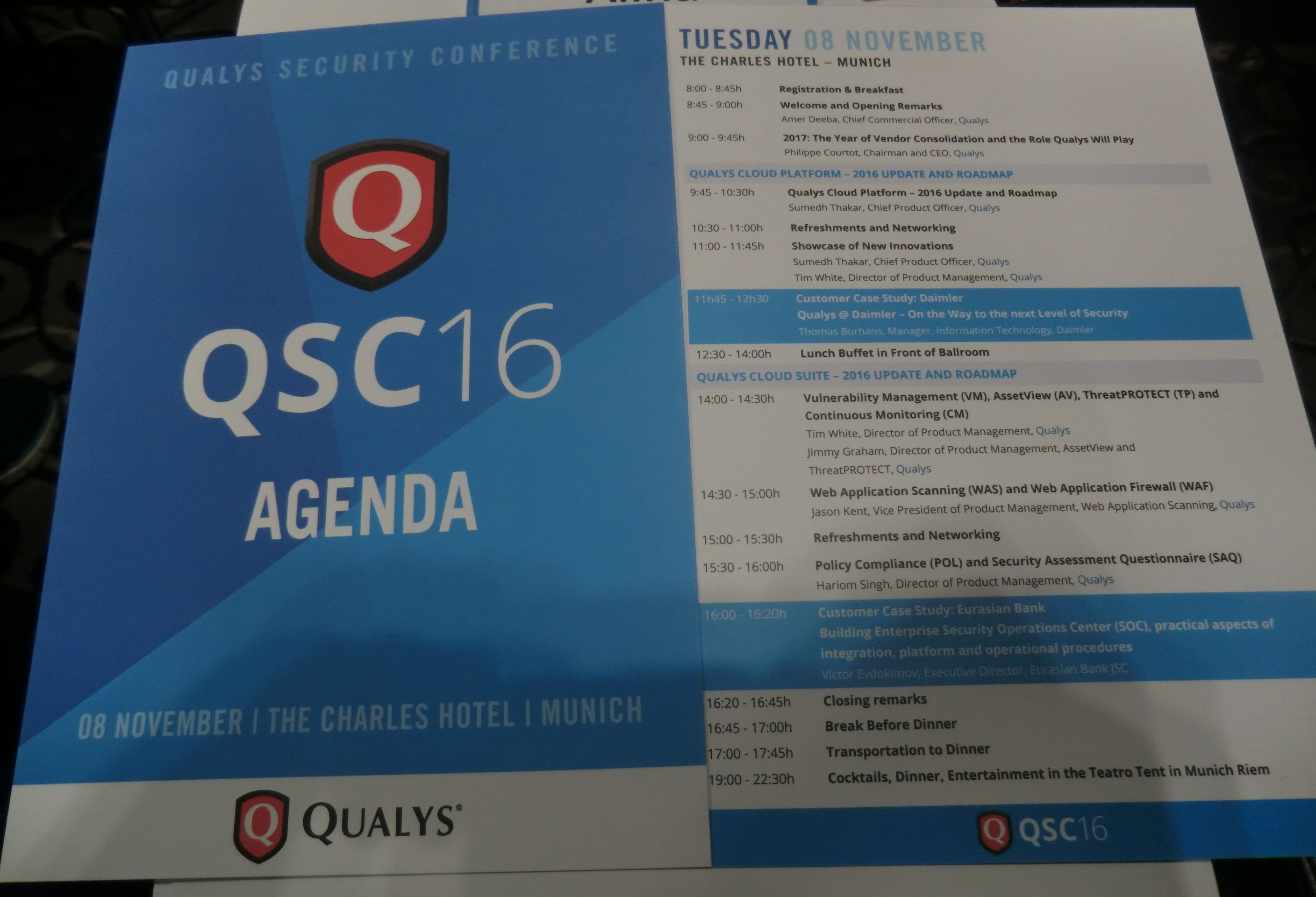
QSC Agenda

Why is this event important? Despite existing skepticism about mono-vendor conferences and roadshows, QSC is one of the few events in Europe dedicated to the VM, in the broad sense of the term, almost exclusively. All discussions are, of course, in the context of Qualys solutions and you won’t hear any real critics of the vendor, however questions raised there are relevant for the entire VM market.

Continue reading

Forever “reserved” CVEs

Forever “reserved” CVEs. In this post I would like to provide some links, that you can use to find out necessary information about vulnerability by its CVE ID. I also want to share my amazement, how the method of using the CVE identifiers is changing.

Reserved CVE

Traditionally, CVE was a global identifier that most of vulnerabilities had. Have you found malicious bug in some software? Send a brief description to MITRE and you will receive CVE id. Some time later NIST will analyze this CVE, will add CVSS vector and CPEs and will put a new item to the NVD database. MITRE and NVD CVE databases were really useful source of information.

Continue reading

Tenable doesn’t want to be Tenable anymore

Tenable doesn’t want to be Tenable anymore. “Neither Rapid7”. It’s from the interview of HD Moore, founder of the Metasploit and ex-CRO of Rapid7, that he recently gave to Paul Asadoorian, ex-Product Strategist Tenable, in the latest episode of “Startup Security Weekly”. It’s a great show, strongly recommend it, as well as “Enterprise Security Weekly” and others. See all subscription options available here.

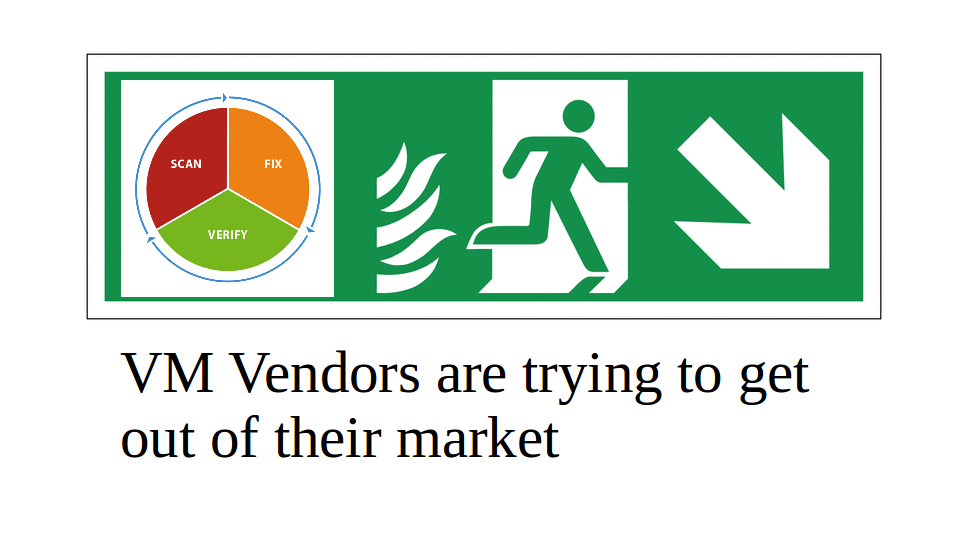
VM Vendors Market

The most interesting part for me is 00:05:00 till 00:10:00. Talking about the best areas for security startups, HD Moore recommended to take a close look on cloud-based WAFs, like Signal Sciences, Cloudflare. It’s relatively easy to find customers for such projects. However it’s very expansive to build it up and investments are required.

HD Moore doesn’t see lot’s of folks building new content-based security products, such as Tenable, Rapid7, Metasploit. It makes him sad and me either. Instead of regular updates of security content and signatures, new companies rely more on things like machine learning. It’s a good start, but it won’t solve all the problems.

Continue reading

Processing Vulners collections using Python

Processing Vulners collections using Python. Vulners collection is a zip archive containing all available objects of some type (e.g. CentOS security bulletins or OpenVAS detection plugins) from the Vulners Knowledge Base. Let’s see how to work with this data using powerful Python scripting language. You can read more about Vulners itself at “Vulners – Google for hacker“.

Vulners Collections and python

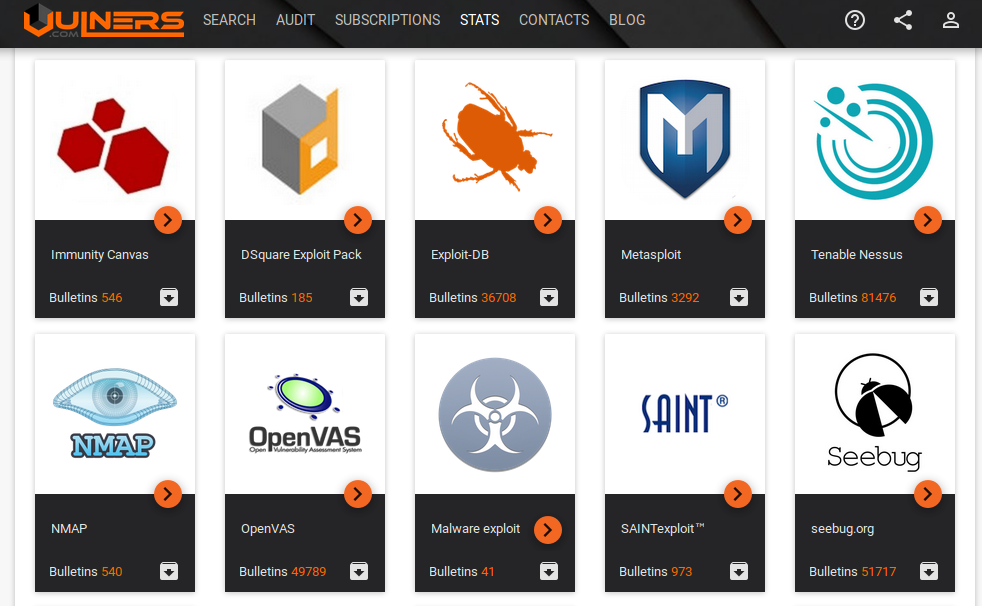
All collections are listed at https://vulners.com/#stats:

Vulners Stats

Note a gray icon with black arrow. Press it to download particular vulners collection.

OpenVAS collection link: https://vulners.com/api/v3/archive/collection/?type=openvas

If you need to get all objects for further analysis, you don’t need to make huge amount simmilar Search API requests. You just need to download one file. It’s takes less time and efforts and makes less load on Vulners service.
Continue reading