Tag Archives: python

SikuliX: the last chance for automation

SikuliX: the last chance for automation. This post I will publish in the API section of my blog. However, it is about the situation when there application has no API. Let’s suppose that we have to use in our work some graphical application or web-service. And unfortunately we need constantly repeat some very routine and annoying operations in it. This often happens if the application developers have not thought enough about the real-life cases their end-users will deal with. What can we do in such scenario?

  • First of all, look maybe there is an open and documented API
  • If there is no API, and it is an installed application, maybe you can use it in a console mode
  • If it is a web-service, maybe you can figure out how it works and how to automate it using tools like Firebug

But sometimes it is impossible to do anything at all. And it is even more sad, if this routine task is really elementary and you can easily explain the logic: what menu to choose, what button to push, where you should enter text and so on.

At this point, you just spit on all and use your last resort – SikuliX.
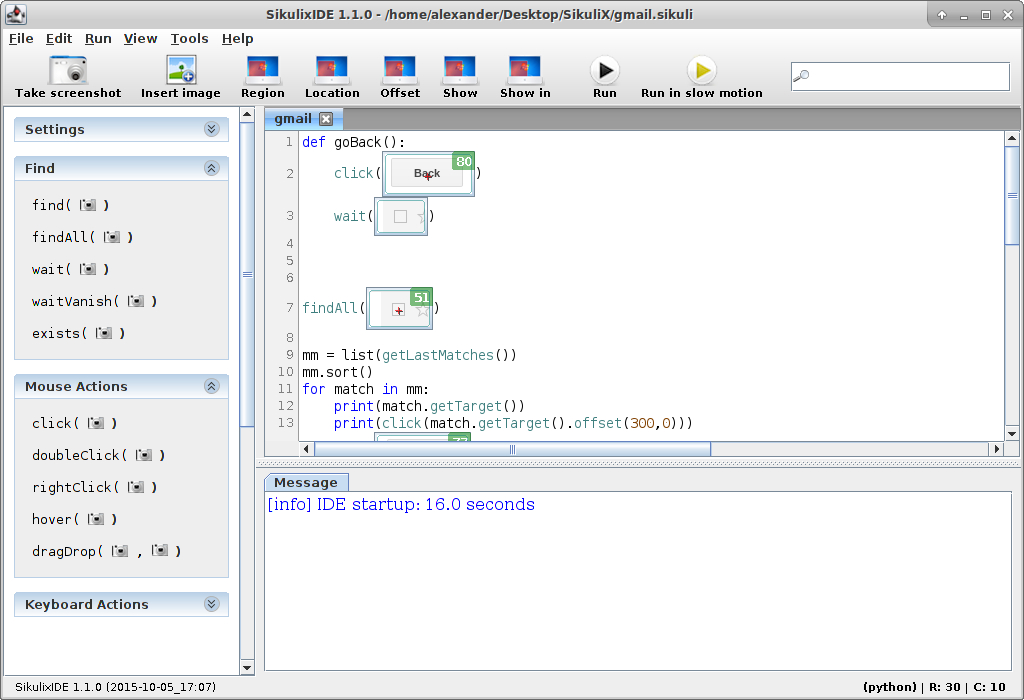
SikuliX Script window

With this tool, you can automate everything. It doesn’t matter if it is a web-service or a GUI application, what operating system it uses and so on. That’s all because SikuliX is working at the highest level. In fact, it just makes screenshots, analyses them as images, trying to find graphical elements that it should somehow use.
Continue reading

Custom Vulnerability Management Reports

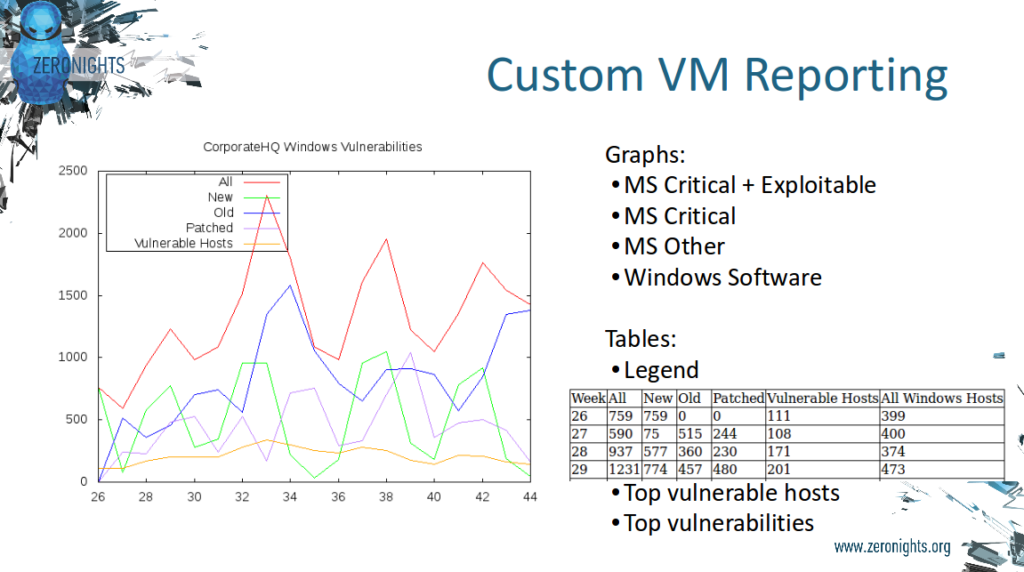
Custom Vulnerability Management Reports. It is strange to even talk about custom reports based on vulnerability scans from Tenable products.

Custom Vulnerability Management Reporting

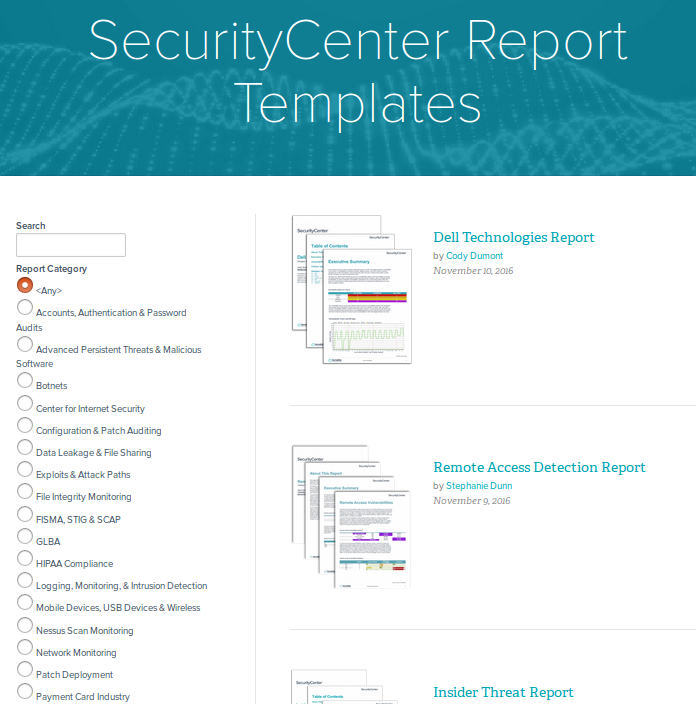
Just look at the variety of report templates available for SecurityCenter. For every taste and need! Why may you ever need to make any custom reports?

SC Report Templates

The thing is, if you want to use SecurityCenter reports you need to have all the scans of all your hosts in SecurityCenter and, as you know, SecurityCenter is licensed by IPs. What if you have tens of thousands of hosts? Price may be extremely high. In the other hand, you can take Nessus or SecurityCenter scan results via API (read how to do it in “Retrieving scan results through Nessus API” and “Tenable SecurityCenter and its API“) and process it with your own scripts for free.

Continue reading

Processing Vulners collections using Python

Processing Vulners collections using Python. Vulners collection is a zip archive containing all available objects of some type (e.g. CentOS security bulletins or OpenVAS detection plugins) from the Vulners Knowledge Base. Let’s see how to work with this data using powerful Python scripting language. You can read more about Vulners itself at “Vulners – Google for hacker“.

Vulners Collections and python

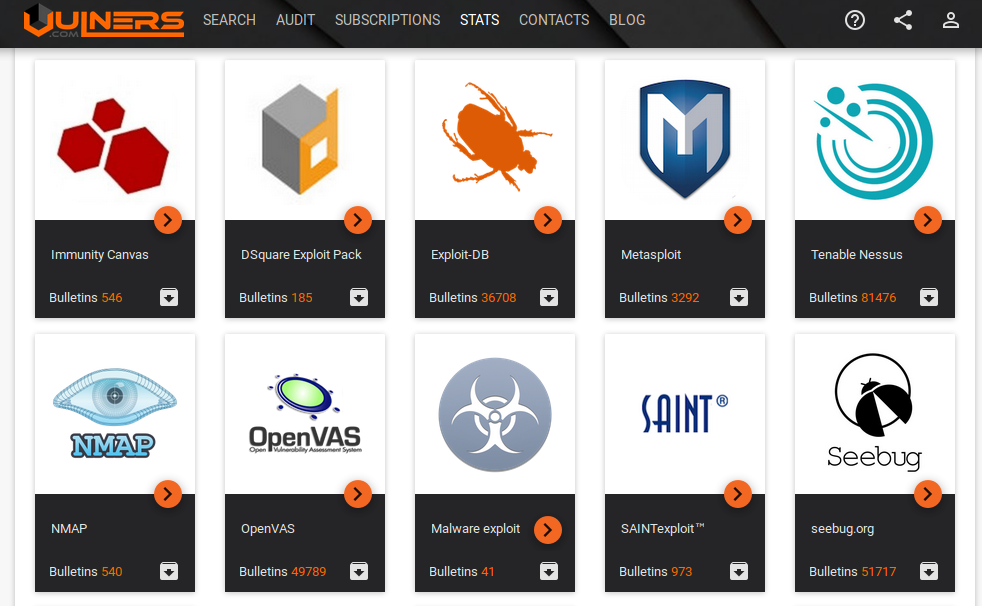
All collections are listed at https://vulners.com/#stats:

Vulners Stats

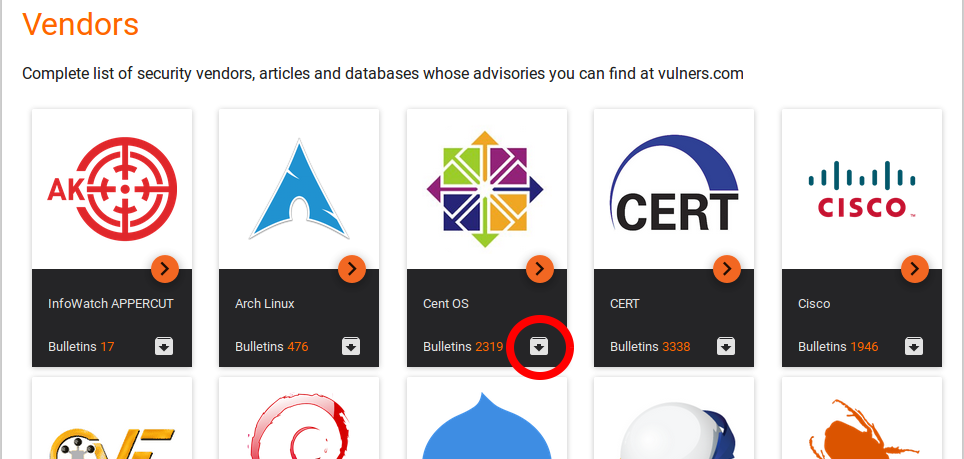
Note a gray icon with black arrow. Press it to download particular vulners collection.

OpenVAS collection link: https://vulners.com/api/v3/archive/collection/?type=openvas

If you need to get all objects for further analysis, you don’t need to make huge amount simmilar Search API requests. You just need to download one file. It’s takes less time and efforts and makes less load on Vulners service.
Continue reading

F-Secure API for scanning

F-Secure API for scanning. This post will be about API of F-Secure Radar. API become a crucial feature when you have to scan a range of thousands hosts and you can’t just add it in one Vulnerability Scanning task. As I mentioned earlier in “F-Secure Radar Vulnerability Management solution” Vulnerability Scanning in Radar is for known active IPs only, for ranges – Discovery Scans. Basically, in F-Secure Radar there is always one vulnerability scan for one host. Unusual concept, but it have some advantages. And it’s quite convenient when you work with Radar via API.

So, my plan for this post is to get active IPs from discovery scan report, create vulnerability scans, run them and get reports. All using API.

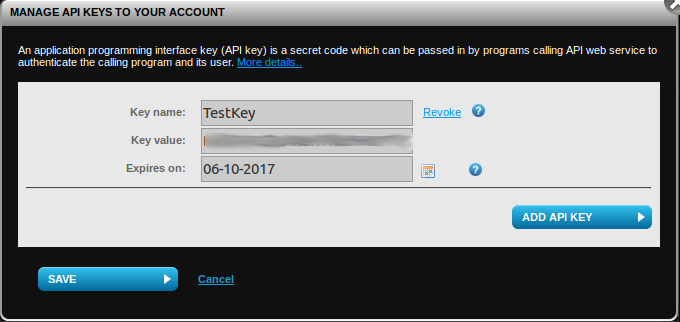
To use API you need to get API key at “F-Secure Radar -> Settings -> My profile”.

F-Secure Radar API key

To check that API is working we may send a request:

GET /v1/Scans/Types HTTP/1.1
Host: api.radar.f-secure.com
Content-Type: application/json; charset=utf-8
UserName: radar_user@corporation.com
APIKey: JDOBH9MV24ZOENMS94QCO8QP

Continue reading

Vulnerability Assessment without Vulnerability Scanner

Vulnerability Assessment without Vulnerability Scanner. This will be a practical confirmation of my thesis from “Vulnerability scanners: a view from the vendor and end user side“: the scanner for one operating system is easy to make. I also want to demonstrate that data collection and data analysis for Vulnerability Assessment may be successfully performed separately. There is no need to take the data directly from the vulnerable hosts, when it is already stored somewhere else, for example in IT monitoring systems.

Assessment without vulnerability scanner

The opacity of data collection and the need to have a privileged account on the remote host, traditionally causes conflicts between IS and IT departments and complicates implementation of VM process.

So, to detect vulnerabilities on our Linux host we need to know what version of the packages contain vulnerabilities, which versions of packages are installed on our hosts, and learn how to compare versions.

How do I know which versions of packages are vulnerable?

Vulnerable versions of packages are listed in official security bulletins:
RHEL – https://access.redhat.com/errata/RHSA-2016:0304
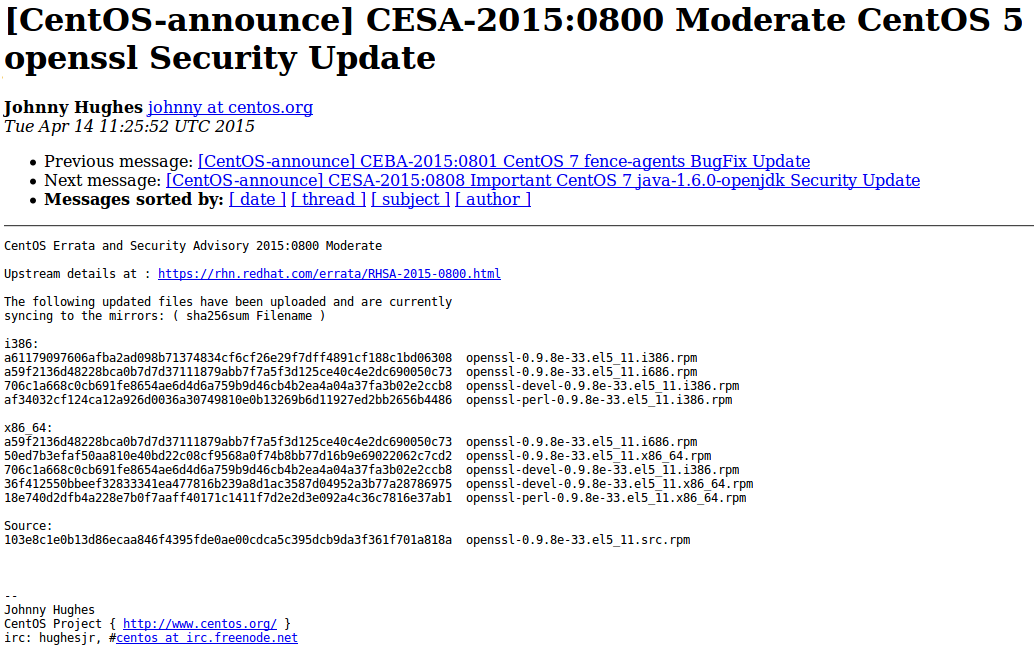
CentOS – https://lists.centos.org/pipermail/centos-announce/2015-April/021064.html
Debian – http://www.debian.org/security/2015/dsa-3197
Ubuntu – http://www.ubuntu.com/usn/usn-2537-1/

CESA bulletin example

Of course, you will need to parse them first. Or you can just download the same content already parsed and presented in JSON format with Vulners.
download CESA bulletins from Vulners
Continue reading