Tag Archives: python

Sending and receiving emails automatically in Python

Sending and receiving emails automatically in Python. There are different situations, when you may want to process email messages automatically. I will give some examples related to Vulnerability Management:

  • Send a message to your colleagues that you are going to start a network  vulnerability  scan or WAS scan. It is much better than investigating performance problems in a hurry.
  • Send the results of vulnerability scanning to colleagues or a responsible employee. Many patch management and configuration issues can be delegated to the end user directly without bothering IT department.
  • Process the response (if any) on your message. If it is not, you can send another message or escalate the problem.
  • Send a report with the current security status in the organization to your colleagues and boss.
  • Some systems you can integrate by email only. They will send messages to some email address and you will process them automatically.
  • Maybe you do not like existing email clients and you want to write your own? 😉
Gmail Python IMAP SMTP

In any case, the ability to send e-mails can be very useful. How to do this in python? Let’s assume that your IT team has granted you access to smtp and imap servers.
Continue reading

SSH, SFTP, public key authentication and python

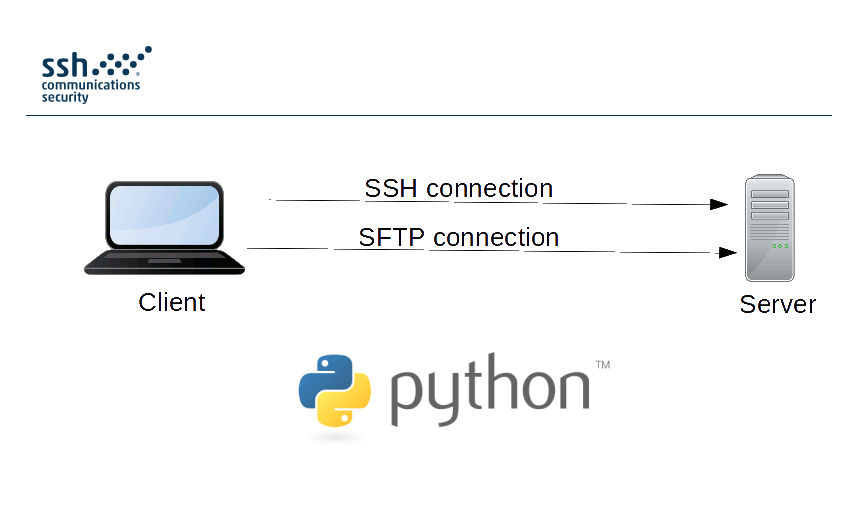
SSH, SFTP, public key authentication and python. SFTP is a simple and fairly reliable way to share the information within the organization. Let’s look at the situation when you need to pick up some files from a remote host with authorization by public key. And after that, let’s see how to use it with in python.

ssh sftp python

Moreover, let’s see how to work with SSH using python and execute any commands on the remote host. For example. if we need it to collect versions of installed packages and a version Linux distribution for further vulnerability analysis (see “Vulnerability Assessment without Vulnerability Scanner“). 😉

Continue reading

Great OpenVAS news: delay in plugin feed will be dropped, new GVM-Tools for remote management released

Great OpenVAS news: delay in plugin feed will be dropped, new GVM-Tools for remote management released. Jan Oliver Wagner, CEO of Greenbone and OpenVAS Community leader sent recently several messages to community email list with the great news.

First of all, Greenbone decided to drop two weeks delay in a free plugin feed, that was implemented in June 2017 and made some OpenVAS users pretty nervous.

I wrote about it in “GSM Community Edition and lagging OpenVAS Plugin Feed“. The good thing is that, it has increased interest in NASL scripting among OpenVAS users. I also made some steps in this way in “Adding third party nasl plugins to OpenVAS“. I don’t now why Greenbone finally decided to drop this delay, but I am very glad for this decision. Wise move!

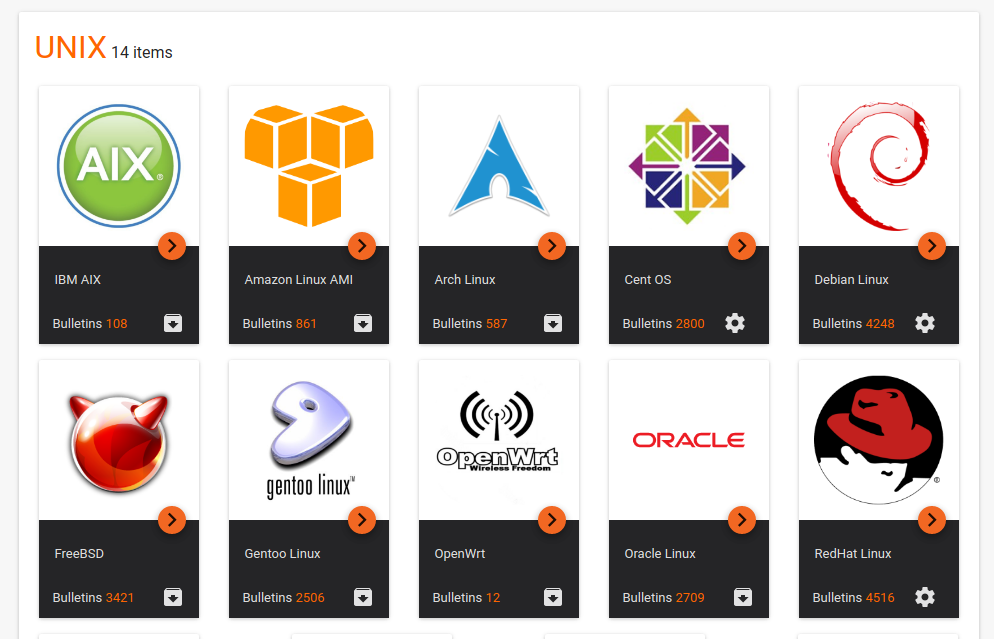
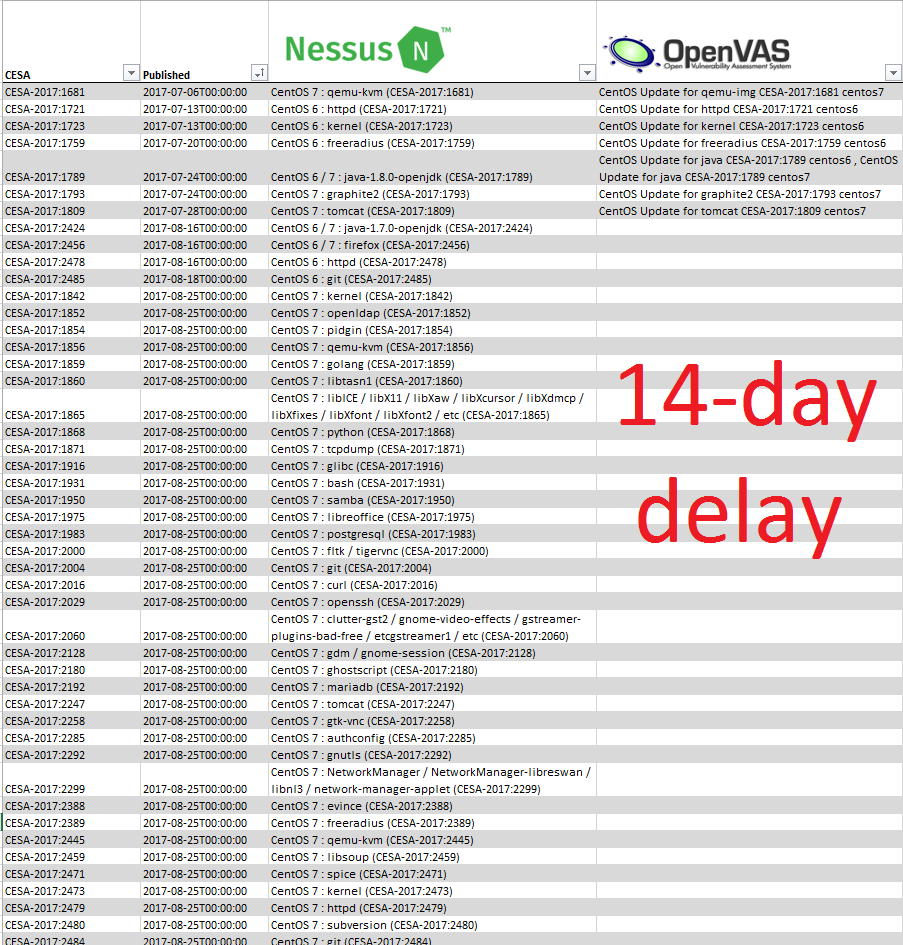
The feed will stay delayed until September 4th, 2017. To demonstrate the current state I used some data from Vulners.com collections. Let’s see the nasl vulnerability detection plugins for CentOS in Nessus and OpenVAS. I know that Windows would be much more clear, but Microsoft released latest MS17-023 bulletin in March, so now there is no much difference there.

CentOS Nessus Openvas 2 week delay

As you can see, no OpenVAS plugins since 2017-08-16, literally two weeks. And I hope this will change very soon.

Don’t forget that NVT will be called now GCF (Greenbone Community Feed) and some advanced enterprise-level checks will be now released only in paid feed.

Another good news is the recent release of open source GVM-Tools for controlling OpenVAS remotelly. It will replace old console client openvas-cli (omp). Let’s try to download and install it on Debian host with installed OpenVAS (see “Installing OpenVAS 9 from the sources“).

Continue reading

Downloading entire Vulners.com database in 5 minutes

Downloading entire Vulners.com database in 5 minutes. Today I once again would like to talk about Vulners.com and why, in my opinion, it is the best vulnerability database that exist nowadays and a real game-changer.

The main thing is transparency. Using Vulners you not only can search for security content (see “Vulners – Google for hacker“), but download freely all available content from the database for your own offline analysis. And more than this, you can even see how Vulners actually works and evaluate how fresh and full the content is.

Vulners collections

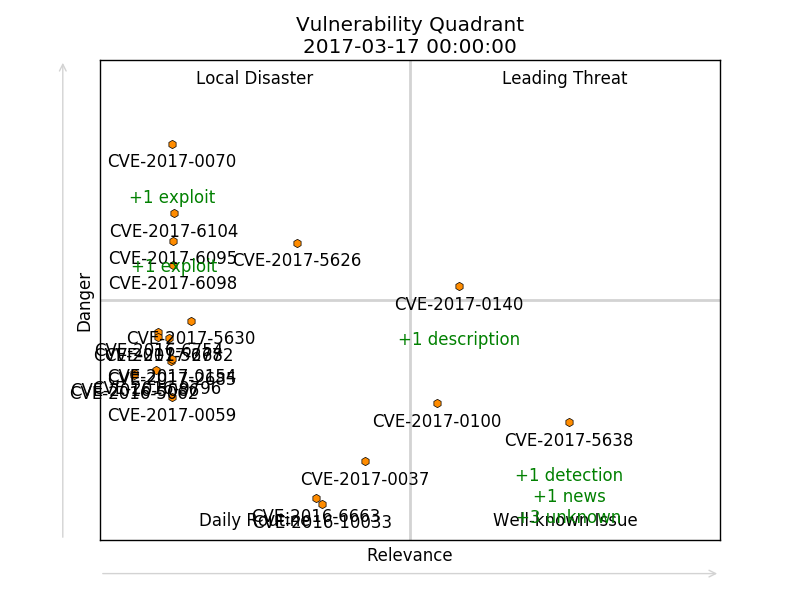
Why you may need to download full security content database? For example, you may want to create something like vulnerability quadrants.

Vulnerability Quadrant

Continue reading

Automated posting on Vkontakte public pages using VK API and Python

Automated posting on Vkontakte public pages using VK API and Python. Vk.com (Vkontakte) is the most popular social network Russia and Ex-USSR with 430+ million users. Traditional advantages of vk.com – huge amount of free music and video. The service allows users to upload and share files and for a long time was quite tolerant to piracy. In 2016 Mail.Ru Group, Vkontakte parent company, has solved all problems with major music labels and  now works closely with the rights holders.

VKontakte has very efficient features for creating communities: public pages (blogs) and groups (open and closed web-forums). In VK communities you can easily share news, photo, audio, video, text files in different formats, create discussions topics and wiki-pages. When I was studying at the University in 2003-2009, to share information in a study group we needed to create our own website and phpBB-based forum. Now practically all students simply use VKontakte groups for this. VKontakte shows all content in groups as is, without hiding and filtering.

With reach automation capabilities, you can do various interesting things based on VK. For a start, I decided to post all annotations from my https://avleonov.com blog to https://vk.com/avleonovcom Vkontakte page. I created this page in web GUI and filled it with content automatically using my own python scripts.

Creating a new application

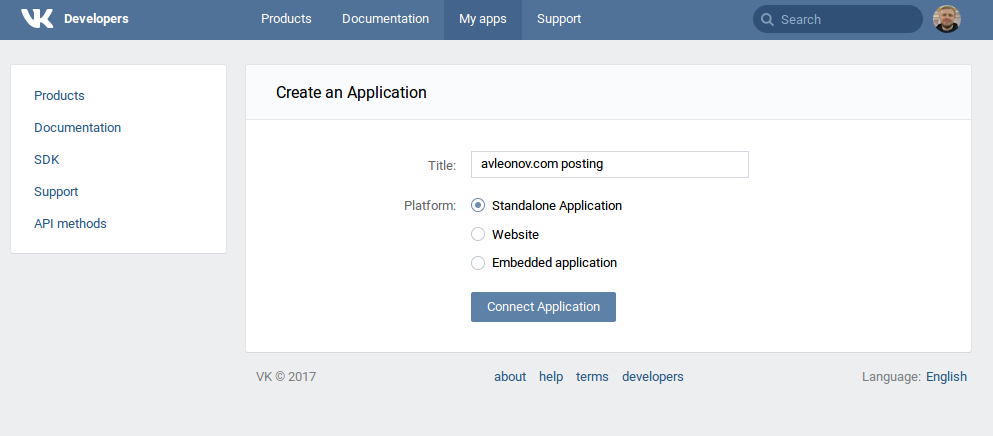
I want to work with Vkontakte from my Python scripts. So, I will need to create a new Standalone Application for this. You can do it here: https://vk.com/editapp?act=create

vk new application

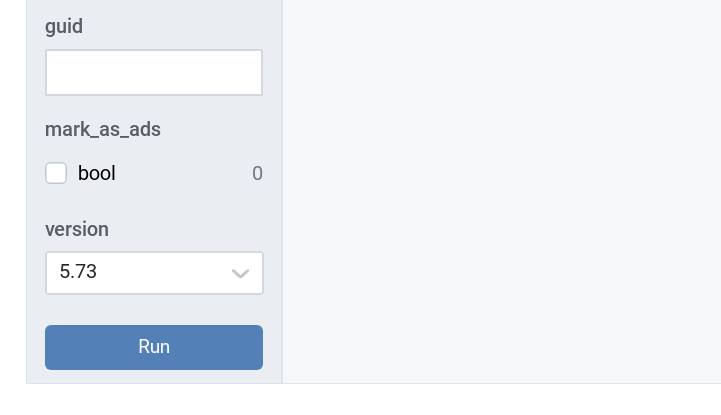
Upd. March 2018 Integration with Vkontakte suddenly broke, because they added mandatory version parameter to all calls.

Continue reading

Selenium, SikuliX and Social Network posting

Selenium, SikuliX and Social Network posting. The last post was about SikuliX. It’s fair to say that it’s not optimal for web applications automation. For such applications, it’s better to use something, that will natively work with your web-browse. The first solution that comes to mind is, of course, Selenium.

Selenium is a portable software-testing framework for web applications. Selenium provides a record/playback tool for authoring tests without the need to learn a test scripting language.

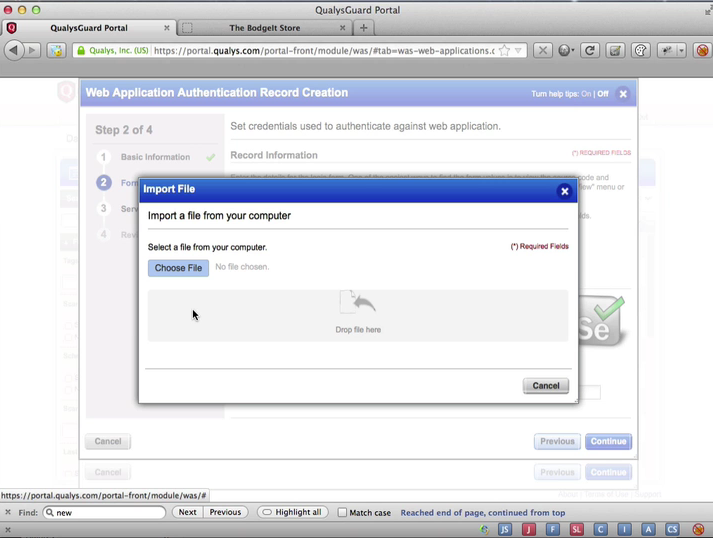
This app is released under the Apache 2.0 license and is a very common tool for Quality Assurance (QA). It can be also used in Information Security. For example, you can upload Selenium scripts in Qualys WAS (Web Application Scanner)  to help scanner in performing some complex operations, for example in authentication on the website.

Selenium Upload script in Qualys

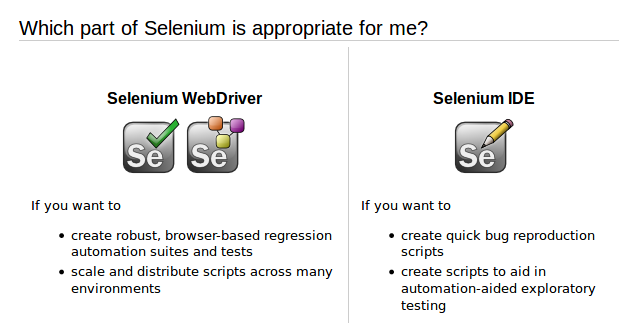
Selenium is available in a form of two products: Selenium WebDriver for some hardcore automation and web-browser plugin Selenium IDE, which will help you to create and run scripts. I chose Selenium IDE.

Selenium types

Continue reading