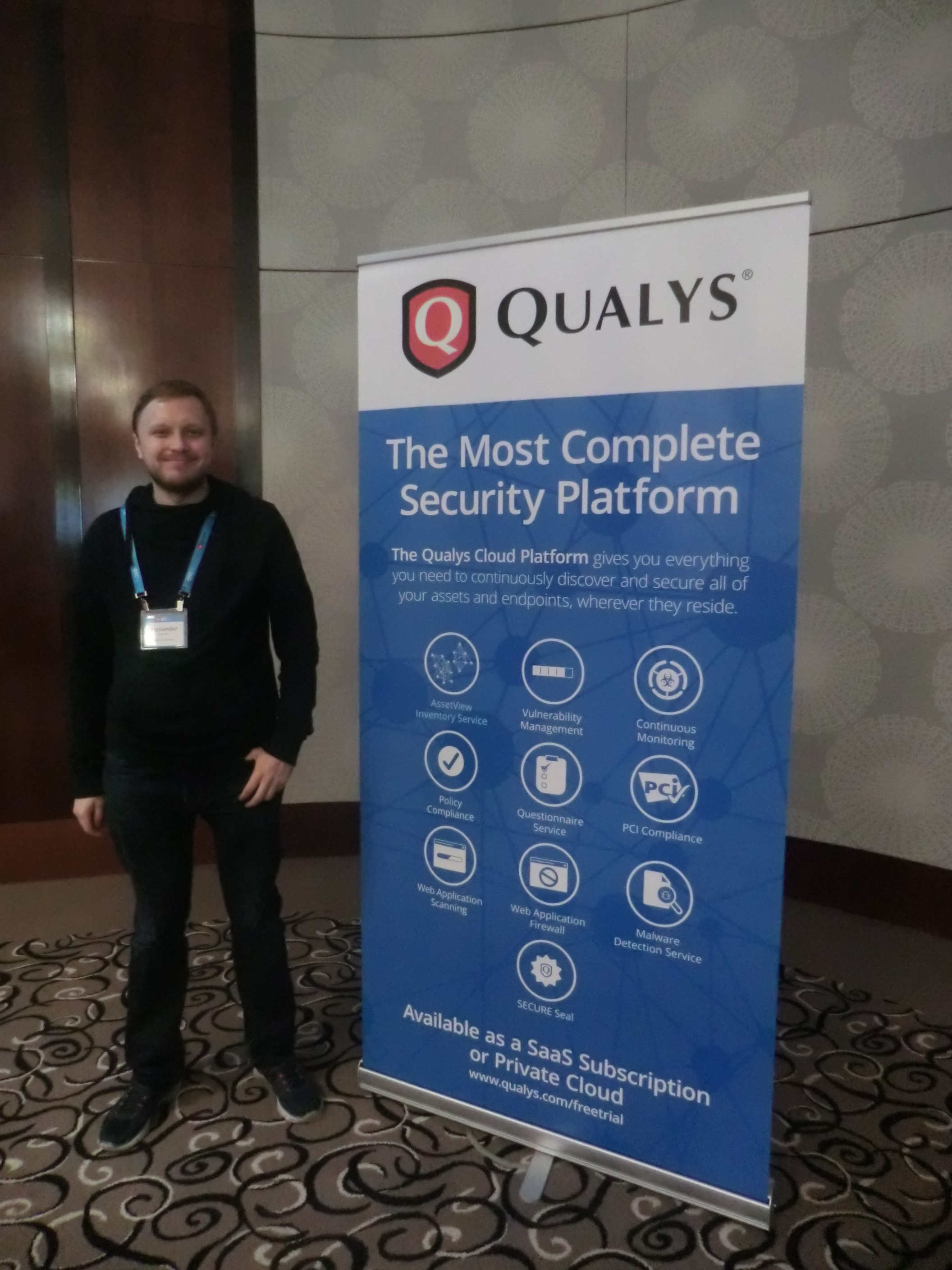
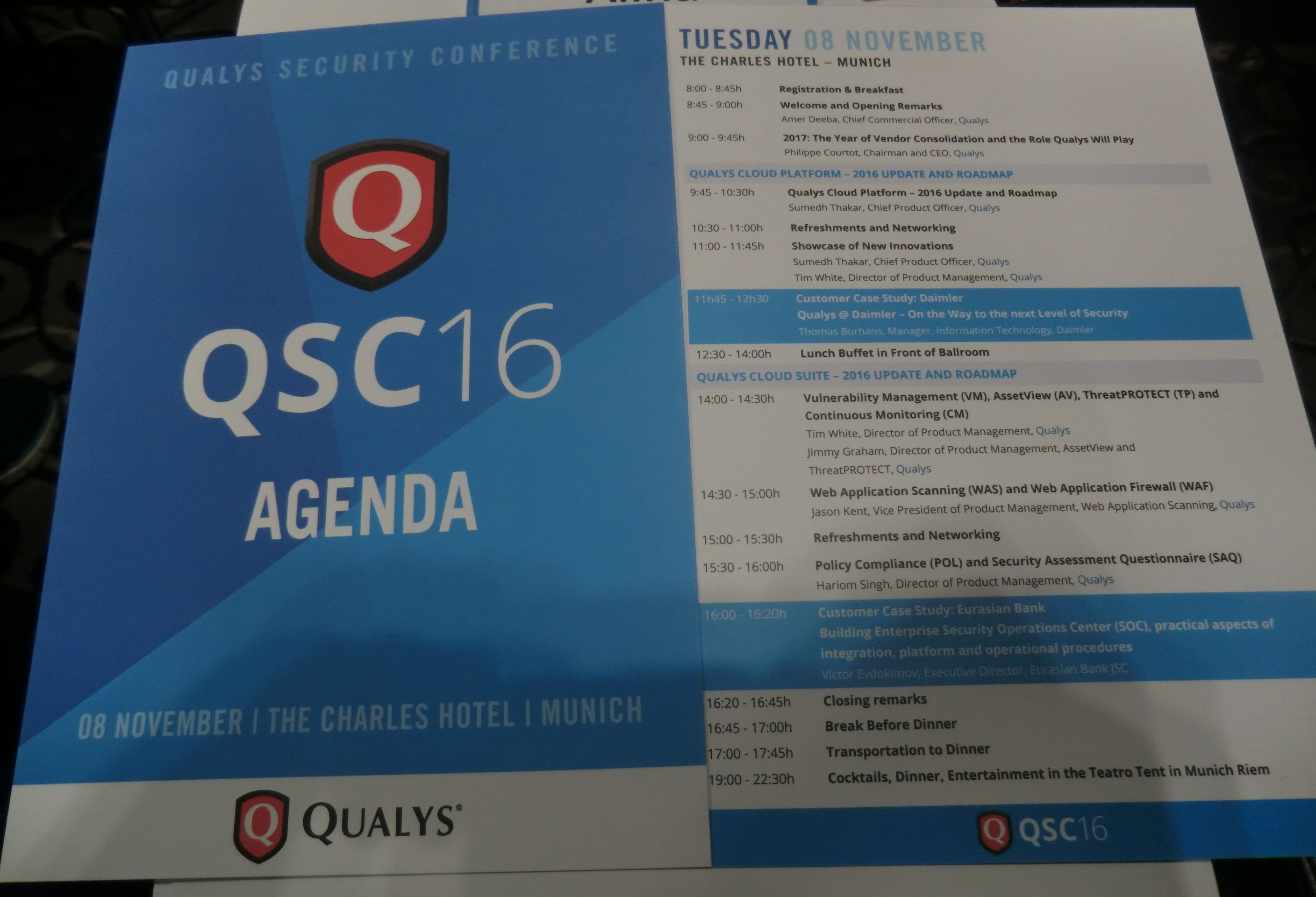
QSC16: from Vulnerability Management to IT Visibility. I want to share my impressions of QSC16 conference, where recently I had pleasure to attend. This yearly conference is held in Munich for ten years already. I was there before only one time, in 2012. It made a great impression and this year was no worse.

First of all, I should write some words about the conference itself. QSC is an acronym for Qualys Security Conference. It is clear from the name that it is fully dedicated to Qualys products.
Who might be interested in such event?
Mainly, of course, current and potential users of Qualys products, partners, competitors (from own experience, they are not welcomed there ;-)) and, I think it is the smallest group, analysts of Vulnerability Management market and Vulnerability Assessment geeks, like me. For people, who are sincerely interested in VM market changes, road show of the global VM vendor with the biggest market share (is it right, Gartner?) is a precious information source. Here you can learn about real experiences in the use of Qualys products and hear about the company’s future plans.
BTW, if you are one of those, and we do not know each other, we should definitely have a talk. 😉
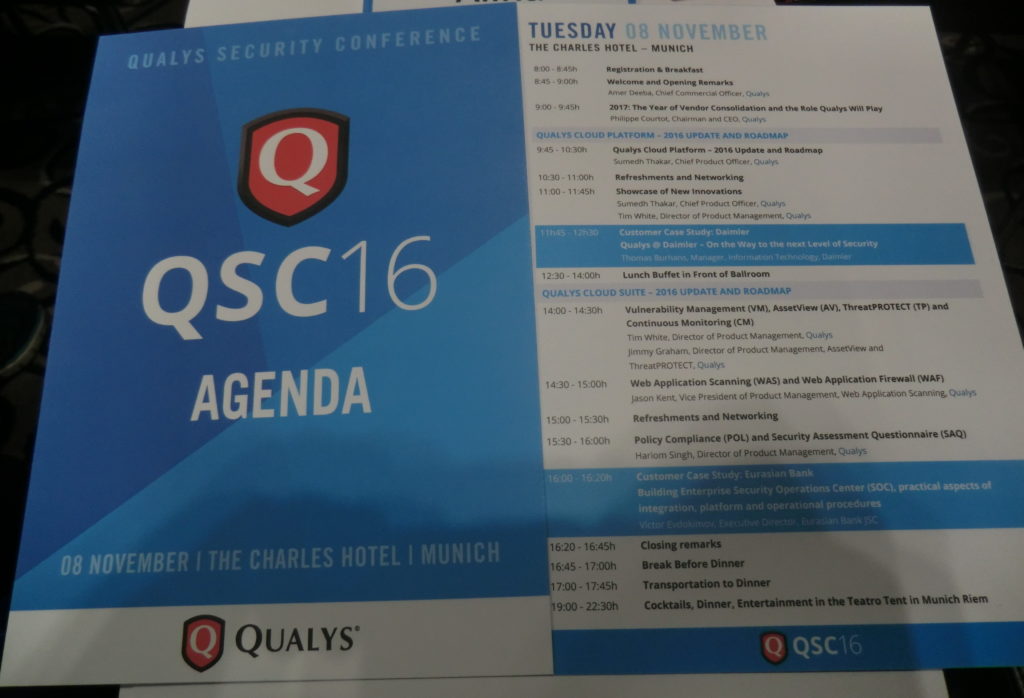
Why is this event important? Despite existing skepticism about mono-vendor conferences and roadshows, QSC is one of the few events in Europe dedicated to the VM, in the broad sense of the term, almost exclusively. All discussions are, of course, in the context of Qualys solutions and you won’t hear any real critics of the vendor, however questions raised there are relevant for the entire VM market.
Continue reading →