Category Archives: Productology

Qualys Option Profiles for Vulnerability Scanning

Qualys Option Profiles for Vulnerability Scanning. When I wrote about vulnerability scanning in Nessus, I described there in detail how Nessus scan profile looks like. And when I wrote about VM scanning in Qualys, I did not mentioned scan profiles at all. But it’s also an interesting topic. In Qualys scan profile you can’t specify which vulnerability check will run during the scan, as in Nessus (Upd. Actually yes you can, but in some different manner; I added how to do it in “Scan” section). However, you can also see some options that can affect the way you do the vulnerability scanning with Qualys.

The main option for me – the lists of scanning ports. By default Qualys does not check all the ports and that could negatively affect host detection during unauthenticated scanning.

Creating new scan profile: Vulnerability Management -> Option Profiles -> New
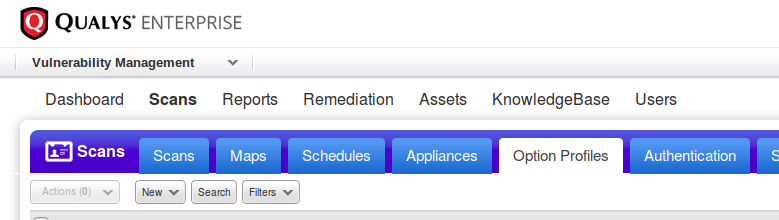
Qualys option profiles

Title

Setting title and owner of the profile. We can use this profile as a default for launching maps and scans or share it with other Qualys users in our organization ( “Make this a globally available option profile”).
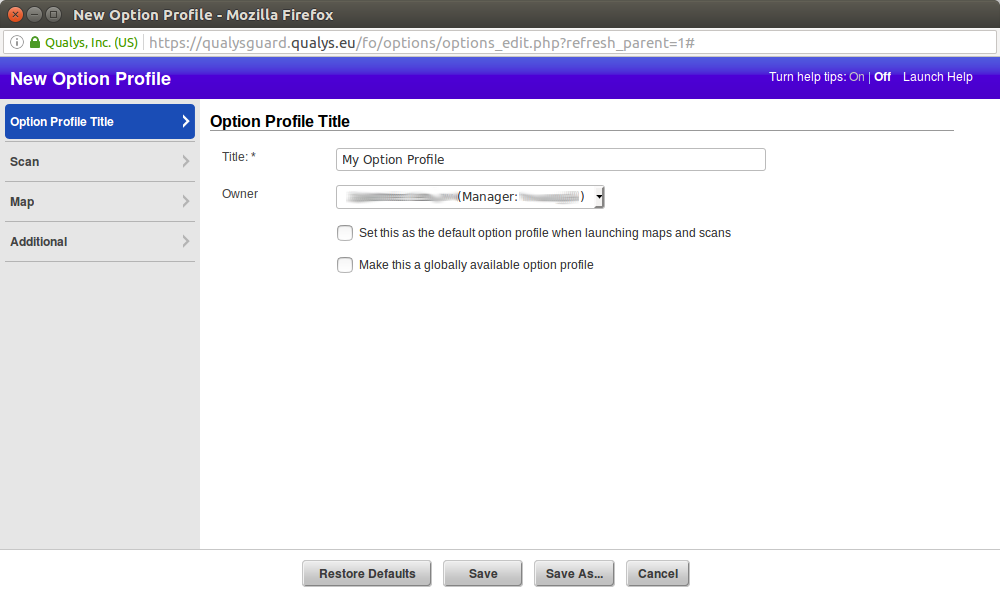
qualys new option profile

Continue reading

New Vulners.com services for Linux Security Audit and Vulnerability Alerting

New Vulners.com services for Linux Security Audit and Vulnerability Alerting. Upd. This post is out of date! Check out “Vulners Linux Audit API for Host Vulnerability Detection: Manual Auditing, Python Scripting and Licensing” from 2021.

A few weeks ago I was describing how to perform Linux Vulnerability Assessment without a Vulnerability Scanner. I also wrote in “Vulnerability scanners: a view from the vendor and end user side” that vulnerability scanning is not rocket science and it is easy to make your own scanner for vulnerabilities for a particular OS. Especially it is a popular Linux Distribution.

But. It’s one thing to write that you can do it, and another thing to develop a script for home use, and quite another thing to make a publicly available and efficient service…

Vulners Team guys have actually created such free Linux Vulnerability Audit service!

Linux Vulnerability Audit Service

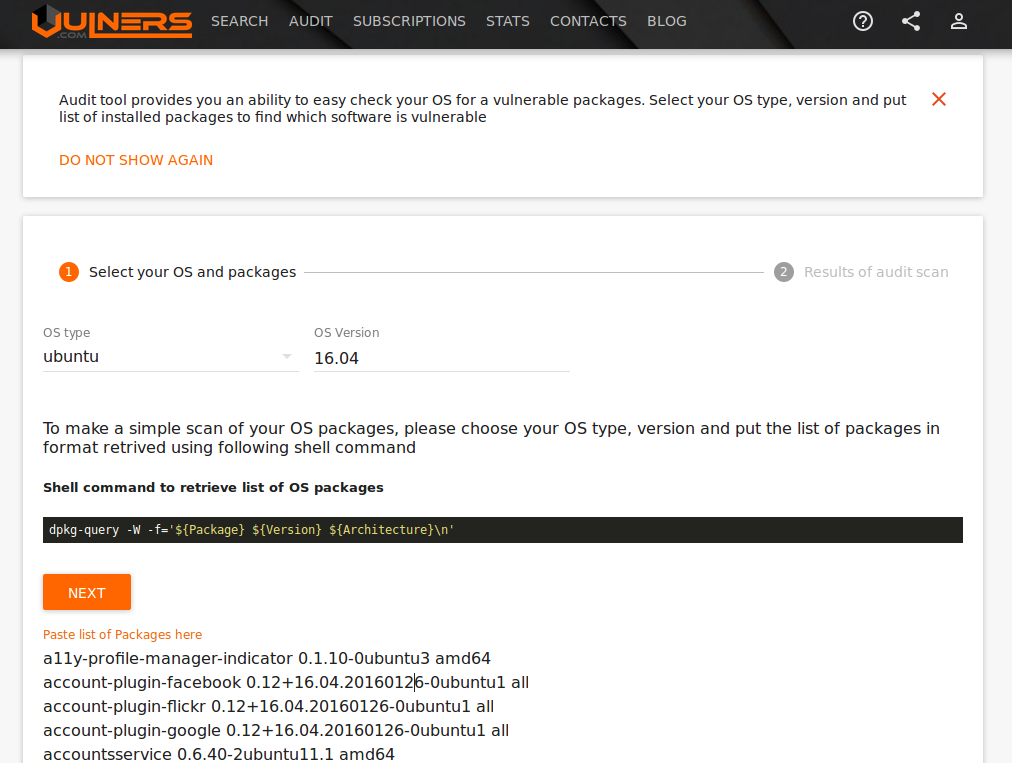
First of all, they made a GUI where you can specify OS version (usually it is in the /etc/os-release file), list of packages installed on the host and get the list of vulnerabilities.

For example, here are the vulnerabilities for my Ubuntu Laptop, which I update frequently:

Ubuntu Vulners Linux Audit Input

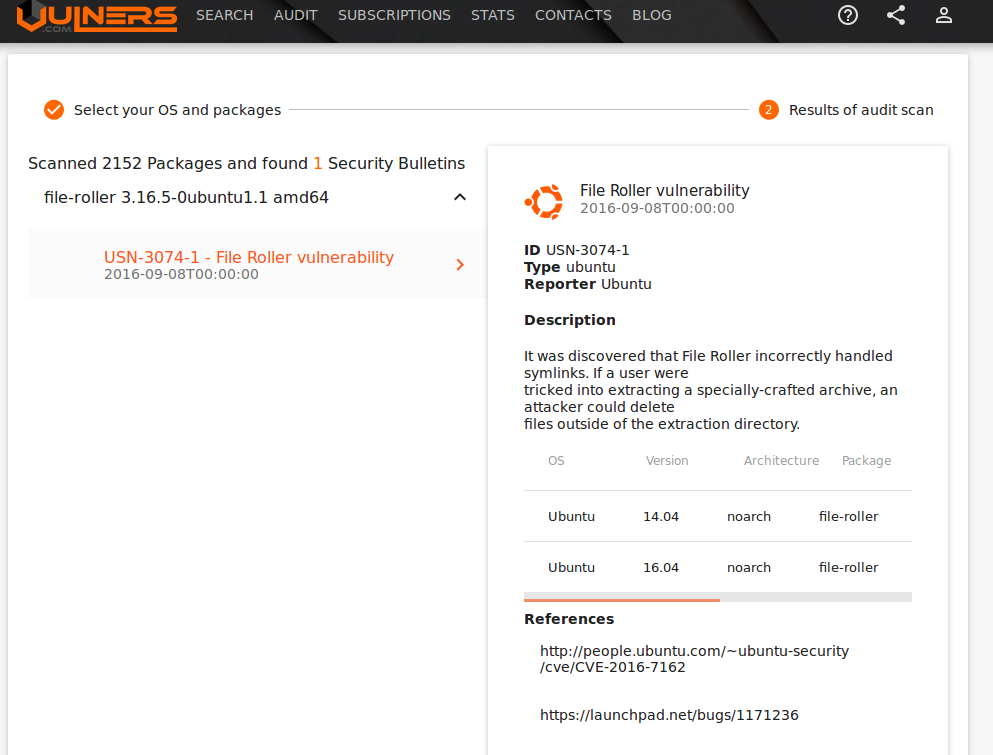
One vulnerability was found:

Ubuntu Vulners Linux Audit Results

But GUI is good for demonstration. In real life, you can use Vulners Audit API. It will return list of vulnerabilities in JSON.

Continue reading

Dealing with Qualys Cloud Agents

Dealing with Qualys Cloud Agents. Today I would like to write about Qualys agent-based VM scanning. Agent-based scanning is a relatively new trend among VM vendors. At the beginning of Vulnerability Assessment, there was a prevailing view that the agentless scanning is more convenient for the users: you do not need to install anything on the host, just get credentials and you are ready to scan.

Qualys Cloud Agents logo

However, time passed and it now appears that installing agents on all hosts, where it is technically possible, may be easier, than managing credentials for authenticated scanning. Don’t forget the fact that almost all agentless scanning solutions require scanning account with root/admin privileges, and it’s not an easy task to minimize permissions of this accounts while keeping all functional capabilities of the scanner.

In recent years almost all major VM vendors who previously were promoting agentless scanning have also proposed agent-based solutions.

The main purposes of these solutions are:

  • scan devices that periodically connect to the enterprise network and it’s hard to catch them with traditional active scan (for example, laptop);
  • scan business critical hosts for which it is impossible to get scanning credentials.

VM vendors have taken different approaches for agent-based scanning. For example, Tenable agents are technically very similar to Nessus installations without web interface (read more at “Nessus Manager and Agents“), limited to can scan only the localhost. This seems reasonable, because historically Nessus scanner is available for many platforms, including Windows, Linux, MacOS. Qualys chose other way. They made minimalistic agents for data gathering, processing it on the remote servers. This is also fits well in Qualys cloud concept.

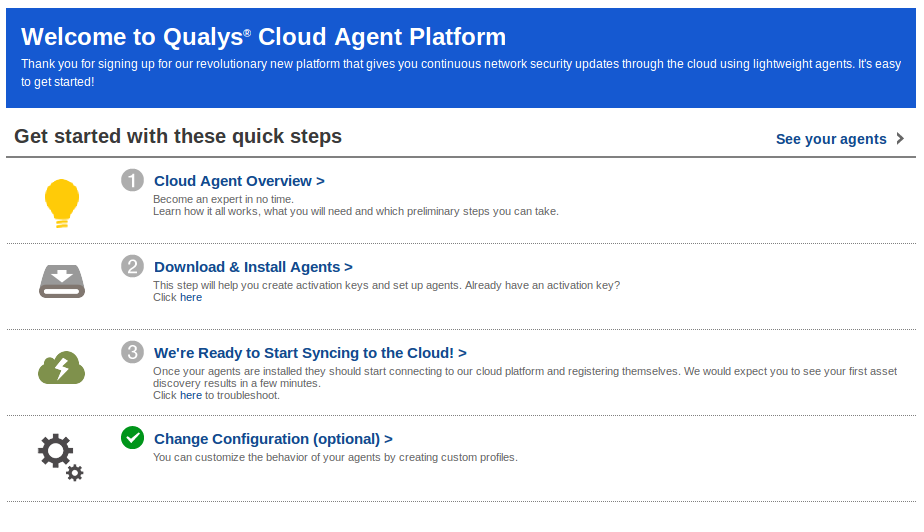
As I wrote earlier in “Qualys Vulnerability Management GUI and API“, Qualys working hard to make their web interface easier for beginners. When you go to CA (Cloud Agents) tab, the first thing you see is a user-friendly interface for quick start.

Cloud Agents Welcome

Continue reading

Using Qualys Virtual Scanner Appliance

Using Qualys Virtual Scanner Appliance. In a previous post about Qualys VM I mentioned Qualys Scanner Appliances, which you can use to scan hosts inside your network. Let’s see how to configure and use them.

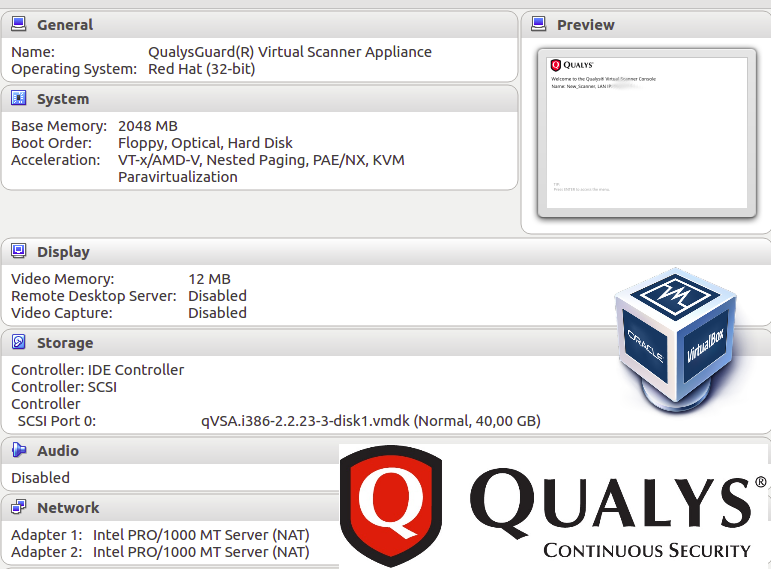
Qualys Virtual Scanner Appliance

To add new Appliance go to https://qualysguard.qualys.eu/fo/tools/scannerAppliances.php and press “New”. You can choose a Scanner Appliance (Hardware) or Virtual Scanner Appliance. For testing I would like to have an appliance in form of VirtualBox virtual machine, so I choose “Virtual Scanner Appliance”.

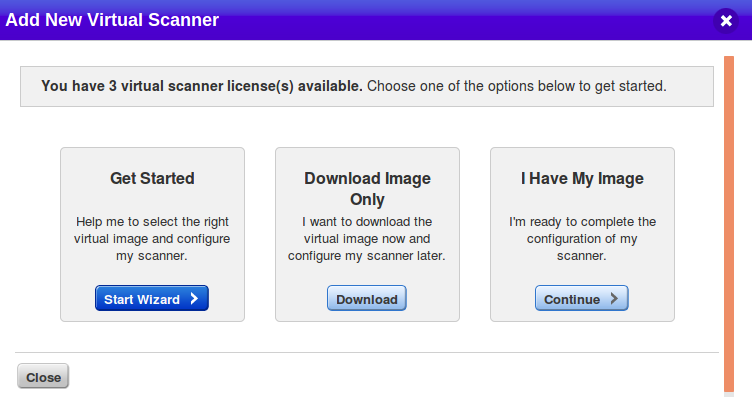
Setup wizard appeared:

Qualys virtual appliance wizard

I clicked on Download Image Only.

Qualys Virtual Scanner Appliance supports variety of virtualization platforms:

  • Standard (OVA)
  • OpenStack
  • VMware vApp
  • Microsoft Hyper-V
  • Amazon HVM Machine Image (Pre-Authorized Scanning)
  • Amazon HVM Machine Image
  • Microsoft Azure Marketplace Image
  • Google Compute Cloud Image

I choose standard distribution package for this target platforms:

  • VMware vSphere: vCenter Server, ESXi
  • VMware Workstation, Player, Workstation Player, Fusion
  • Oracle VM VirtualBox
  • Citrix XenServer

Continue reading

Qualys Vulnerability Management GUI and API

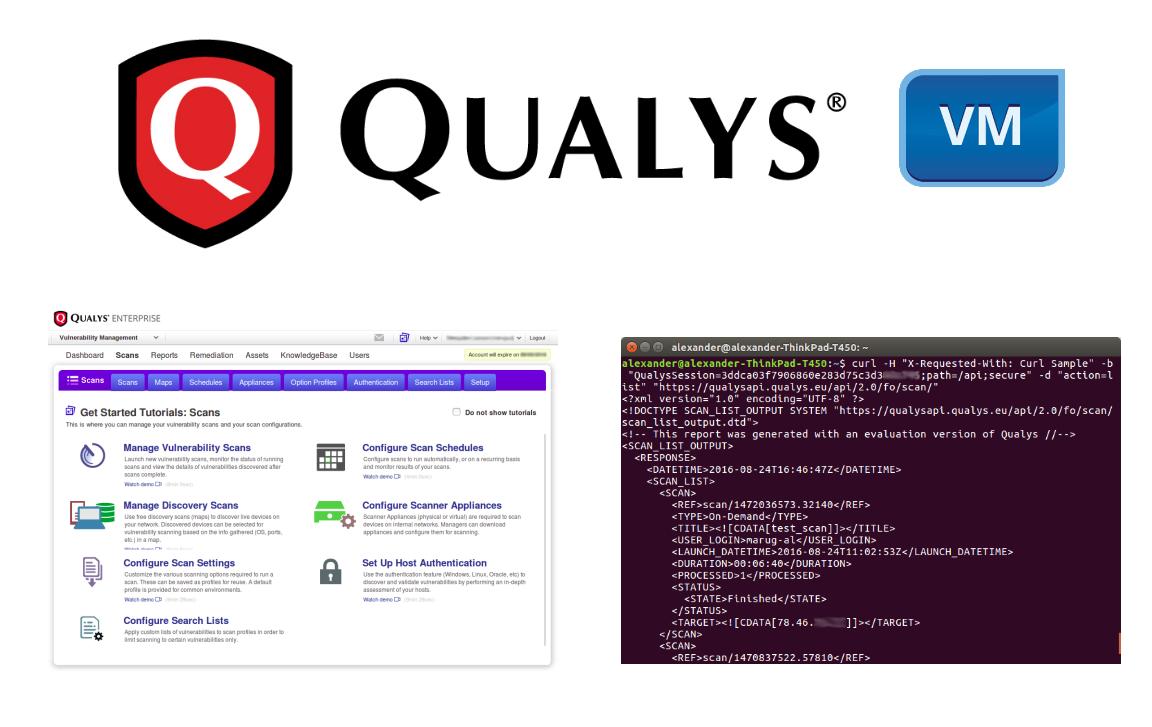
Qualys Vulnerability Management GUI and API. It has been a long time since I wrote something about Qualys, but today I will write not just about their free product or service, like SSL Labs, but about the main Cloud Platform.

Qualys VM GUI and API

Qualys pioneered cloud Vulnerability Management. How the cloud VM works? In simple terms, there is a web portal https://qualysguard.qualys.com (or .eu for Europe). You can login there, specify a list of IP addresses you want to check and Qualys server(-s) will scan this hosts and show you a vulnerability report.

Qualys Login

Ok, it’s clear with perimeter, but what if some hosts are only accessible from your internal network? In this case, you need to purchase Qualys network appliance, which will communicate Qualys server (read more at “Using Qualys Virtual Appliance“). You create a scan task on Qualys web portal to scan hosts in your internal network, Qualys server gives an order to appliance to gather information about these hosts and to send it back to the server for analysis. Most of the security analysis is done “in the cloud” by remote Qualys servers. End-user manage VM service either through Qualys  web-portal GUI, or API.

Continue reading

Export anything to Splunk with HTTP Event Collector

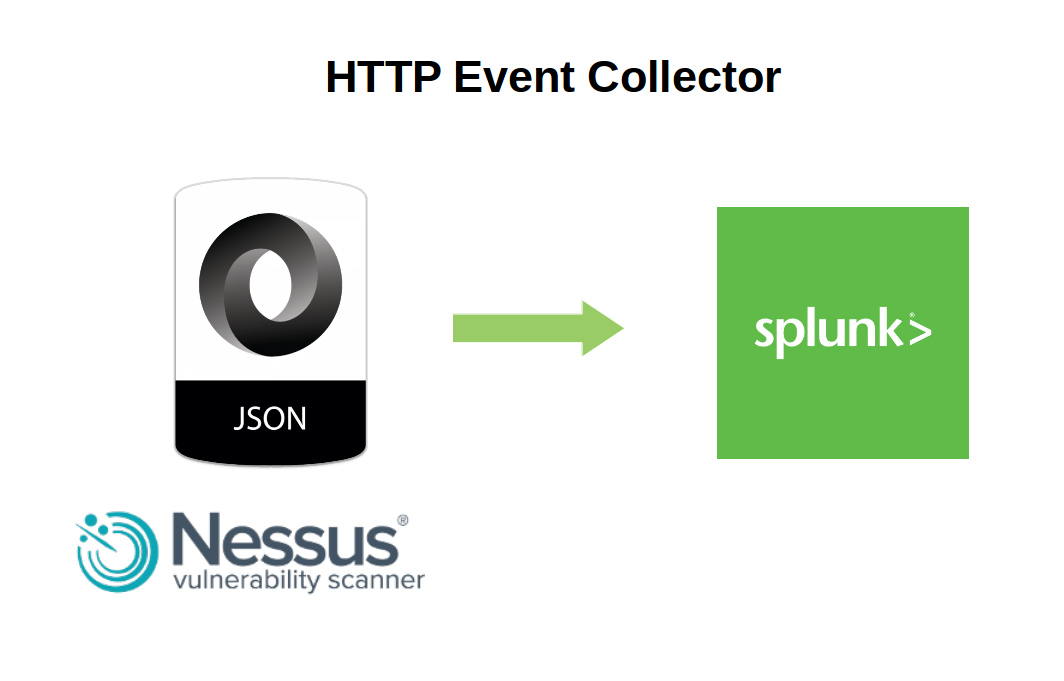
Export anything to Splunk with HTTP Event Collector. In a previous post I described how to export Nessus scan reports to Splunk server using standard app. Today let’s see how to export any structured data presented in JSON, including of course Nessus scan reports, to Splunk using HTTP Event Collector.

http event collector Splunk

First of all, we should create new HTTP Event Collector

http://your_splunk_host:8000/en-US/manager/launcher/http-eventcollector

And press “New Token” button

Continue reading

Exporting Nessus scan results to Splunk

Exporting Nessus scan results to Splunk. In this first post I want to write about Splunk and Nessus integration via official “Splunk Add-on for Tenable”: how to install this application, its pros and cons.

Splunk official addon for Nessus

You can download Splunk application package for Tenable Nessus and SecurityCenter from official website here (free registration is required). All documentation is available here.

Continue reading