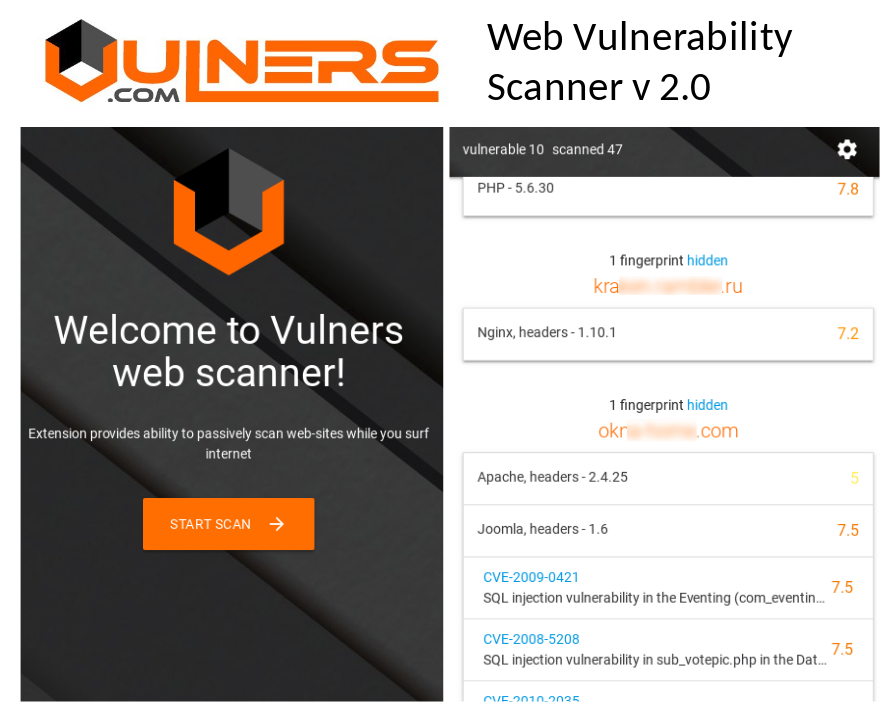
Vulners Web Vulnerability Scanner plugin for Google Chrome v. 2.0. Vulners Team released today the second version of their Web Vulnerability Scanning plugin for Google Chrome browser. You can read my description of the version 1.0 at “Vulners.com vulnerability detection plugins for Burp Suite and Google Chrome“.
Killing feature of Vulners web scanner v. 2.0 is that you can now see all vulnerabilities on all scanned sites in a single window. You don’t need to checks all Google Chrome tabs manually.
Moreover, if some sites make request to other servers, for example googleapis.com, these servers will be checked automatically.
The plugin was fully refactored and now it is React driven. It works faster, analysis more data sources and detects vulnerabilities more accurately.
Kenna Security: Analyzing Vulnerability Scan data. I’ve been following Kenna Security (before 2015 Risk I/O) for a pretty long time. Mainly, because they do the things I do on a daily basis: analyse various vulnerability scan results and feeds, and prioritize detected vulnerabilities for further mitigation. The only difference is that my scripts and reports are highly specific for my employer’s infrastructure and needs. And guys from Kenna team make a standardized scalable cloud solution that should be suitable for everyone.
I think their niche is really great. They do not compete directly with Vulnerability Management vendors. They can be partners with any of them, bringing additional features to the customers. Perfect win-win combination. That’s why Kenna speakers regularly participate in joint webinars with VM vendors.
I couldn’t lose a great opportunity to see Kenna Security service in action. 😉
In this post I will try to make a very brief review of Kenna functionality and formulate pros and cons of the solution.
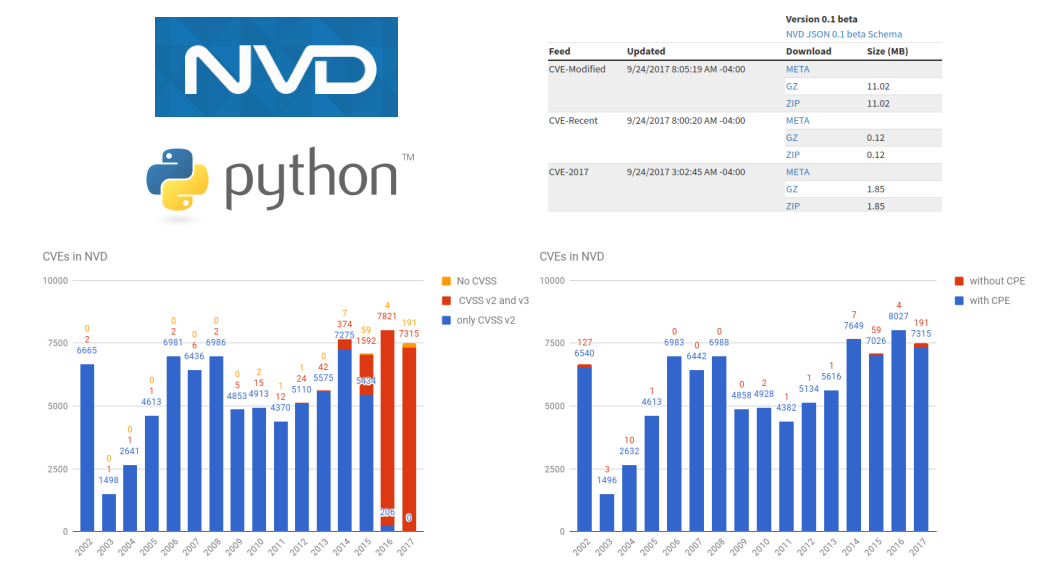
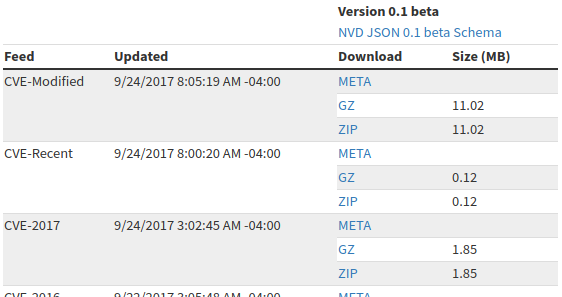
Let’s see what data it contains, how to download and analyse it. First of all, we need to download all files with CVEs from NVD database and save them to some directory.
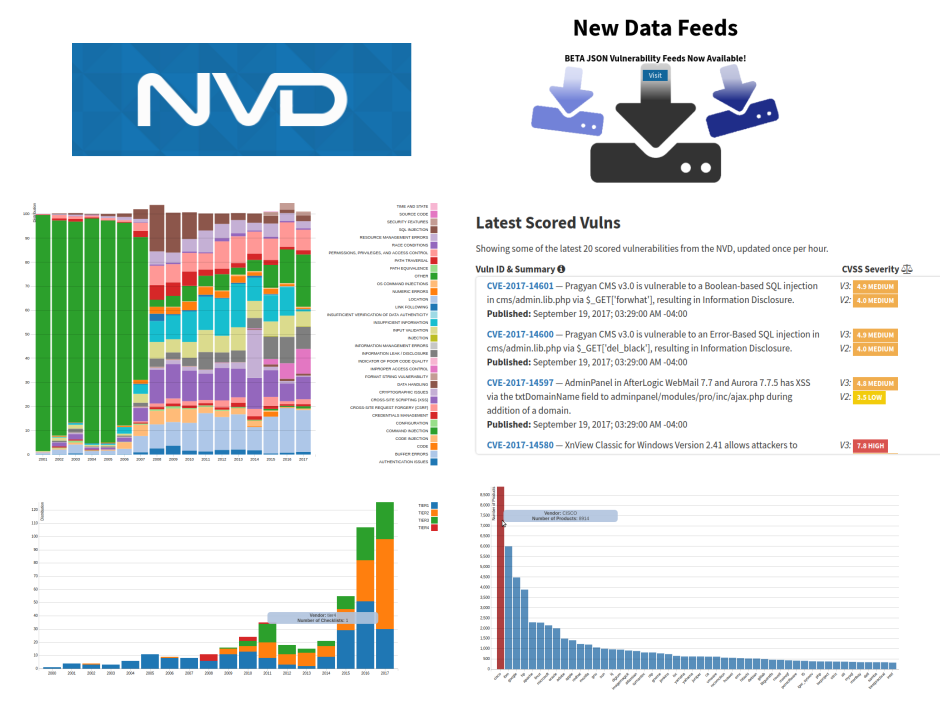
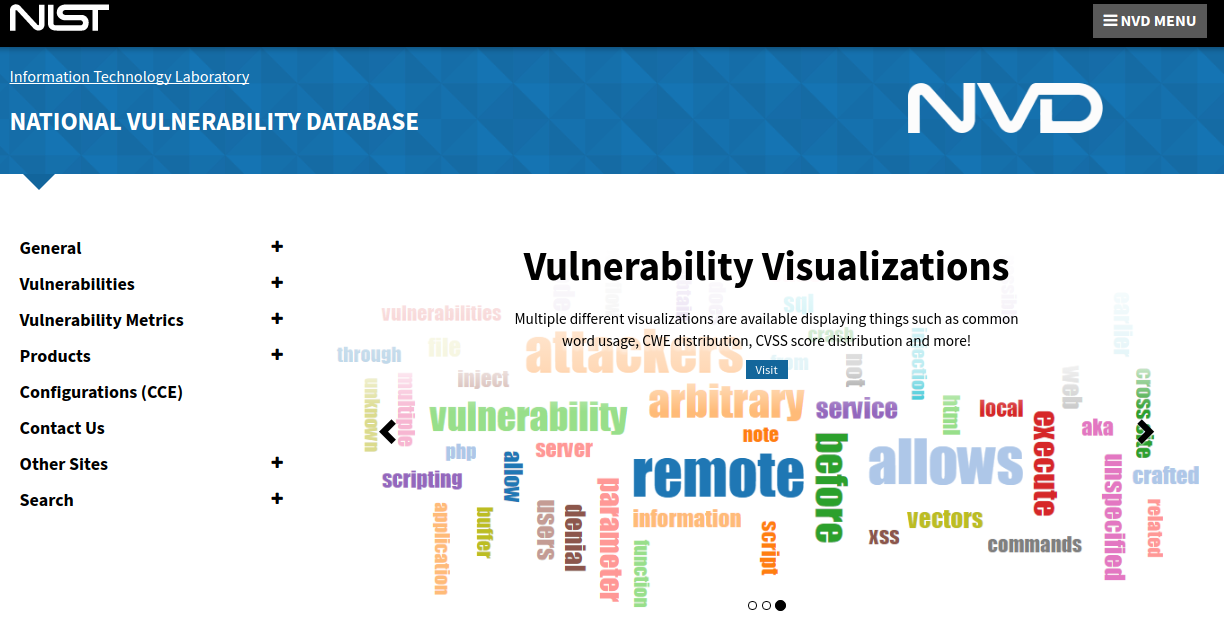
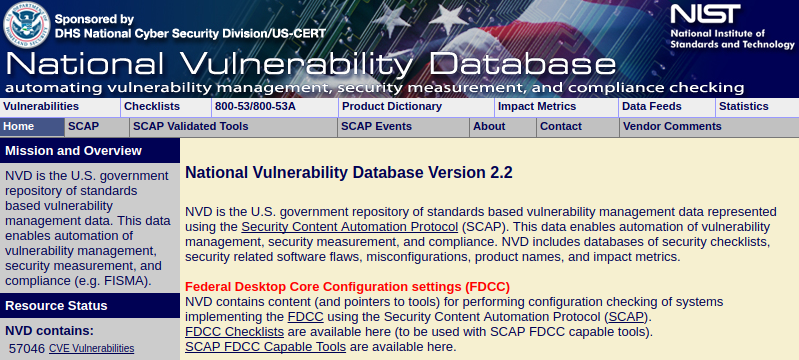
New National Vulnerability Database visualizations and feeds. Recently, the National Institute of Standards and Technology (NIST) introduced a new version of National Vulnerability Database (NVD) website.
Problems of Vulnerability Prioritization and Detection. It’s the third part of our talk with Daniil Svetlov at his radio show “Safe Environment” recorded 29.03.2017. In this part we talk about Vulnerability Prioritization and Detection:
Common Vulnerability Scoring System (CVSS)
Environmental factor
Manual and automated vulnerability detection
Unauthenticated and authenticated scanning
Why vulnerability scanners are so expensive and why the can’t detect everything
Video with manually transcribed Russian/English subtitles:
Prioritization
– Here also the question how to prioritize vulnerabilities properly. Because if you have, as you said, two Linux servers and 20 workstations running Windows, then in principle, you may not need to do prioritization. But if you have fifteen hundred servers: some of them are on perimeter, some are in your DMZ, some are in the internal network. It is still necessary, probably, to understand correctly which vulnerabilities and where should be patched in in the first place.
Yes, this is absolutely true and it’s a very good question. How to prioritize?
Common Vulnerability Scoring System
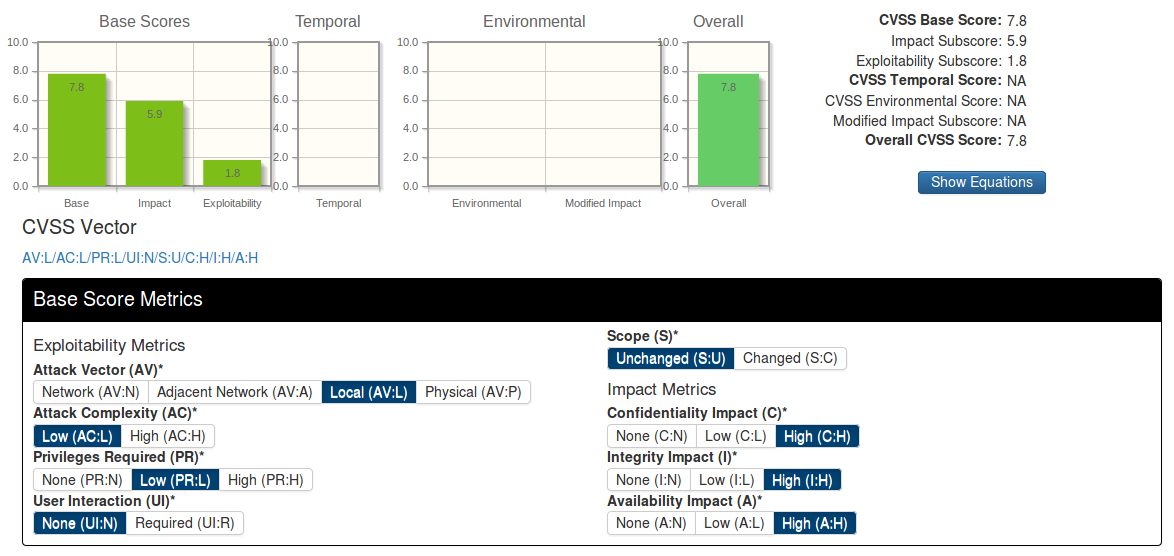
A natural way. If we look at vulnerabilities with a CVE identifier, for them in the US National Vulnerability Database we can find CVSS Base Score. It is an assessment of vulnerability criticality level.
How is it calculated?
Some person fills the questionnaire: can it be remotely exploited – no, is there public exploit – no, etc.
The result is a CVSS vector – this is a line in which you can see the main characteristics of this vulnerability and CVSS Base score is the score from 0 to 10 depending on criticality.
This is a natural way of prioritization. But sometimes this method does not give very good results.
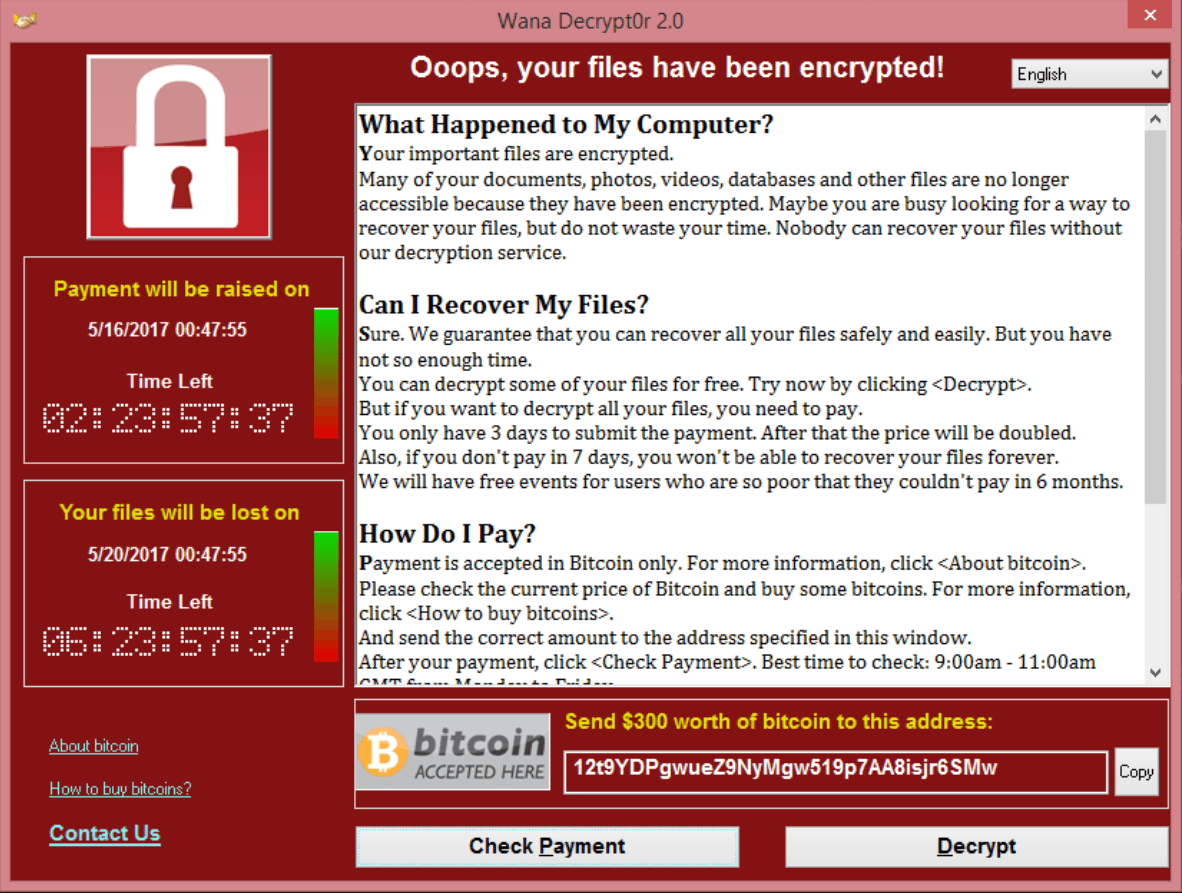
WannaCry about Vulnerability Management. Nearly all mainstream media wrote today about massive ransomware attacks around the world: 16 medical institutions in UK, strong rumours that huge companies in Russia, and even Russian Ministry of Internal Affairs suffered a damage.
At this moment Kaspersky recorded more than 45,000 attacks in 74 countries around the world, but mostly in Russia. During the attack WannaCry malware encrypts data with the extension “.WCRY” added to the filename – that’s why it is called this way.
What I like in this WannaCry story, that it’s actually all about Vulnerability Management.
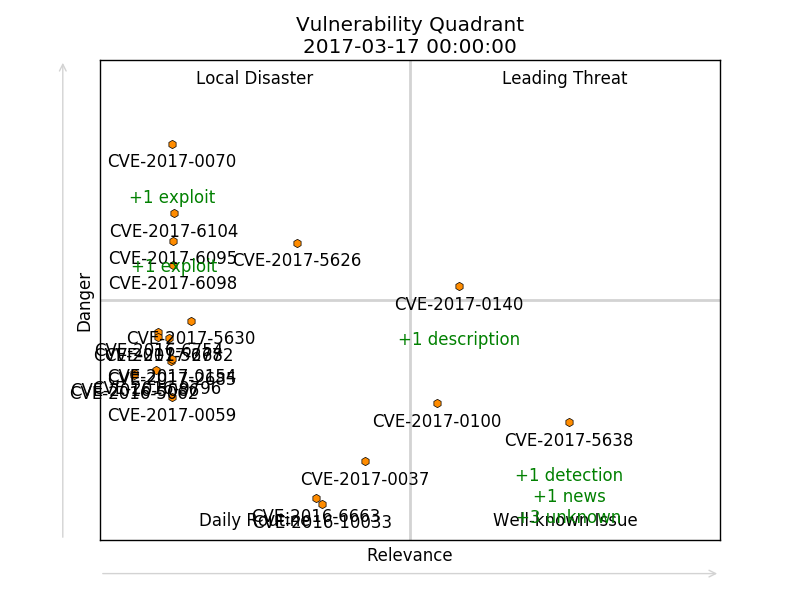
Vulnerability Quadrants. Hi everyone! Today I would like talk about software vulnerabilities. How to find really interesting vulnerabilities in the overall CVE flow. And how to do it automatically.
First of all, let’s talk why we may ever need to analyze software vulnerabilities? How people usually do their Vulnerability Management and Vulnerability Intelligence?
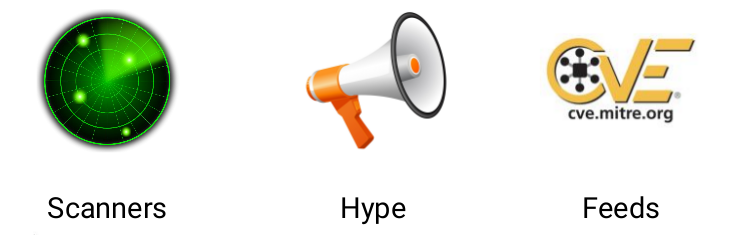
Some people have a Vulnerability scanner, scan infrastructure with it, patch founded vulnerabilities and think that this will be enough.
Some people pay attention to the vulnerabilities that are widely covered by media.
Some people use vulnerability databases and search for the most critical vulnerabilities by some criteria.
Each of these ways have some advantages and some disadvantages.
This is my personal blog. The opinions expressed here are my own and not of my employer. All product names, logos, and brands are property of their respective owners. All company, product and service names used here for identification purposes only. Use of these names, logos, and brands does not imply endorsement. You can freely use materials of this site, but it would be nice if you place a link on https://avleonov.com and send message about it at me@avleonov.com or contact me any other way.