Category Archives: Vulnerability Management

Burp Suite Free Edition and NTLM authentication in ASP.net applications

Burp Suite Free Edition and NTLM authentication in ASP.net applications. As you know, Burp Suit is a scanner for advanced Web Application Security researchers. However, the free version of Burp is more like Firebug analogue, but much more functional.

Let’s see how to install it and use for website analysis. This analysis may be necessary to find vulnerabilities or somehow automate the work with the site. Let’s take, for example, ASP.net applications with NTLM-authorization, which is rather unpleasant to analyze.

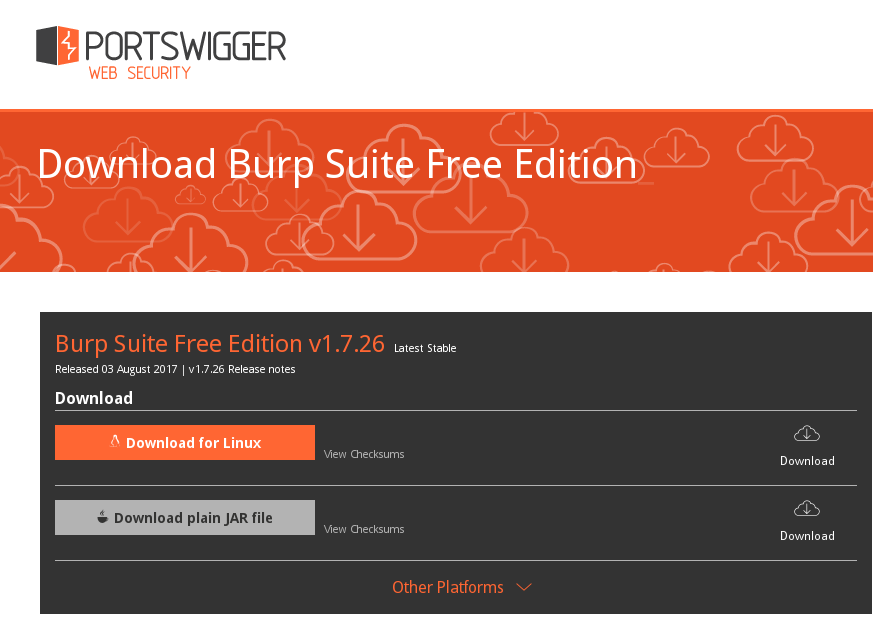
Go to the site https://portswigger.net/burp/freedownload and download burp installer as a bash script:

Burp Suite Free Edition

Continue reading

Qualys new look and new products

Qualys new look and new products. As you all know, it’s Black Hat 2017 time. This year Qualys seems to be the main newsmaker among Vulnerability Management vendors. Qualys Team renewed logo and website, updated marketing strategy, presented two new products: CloudView and CertView. I decided to take a look.

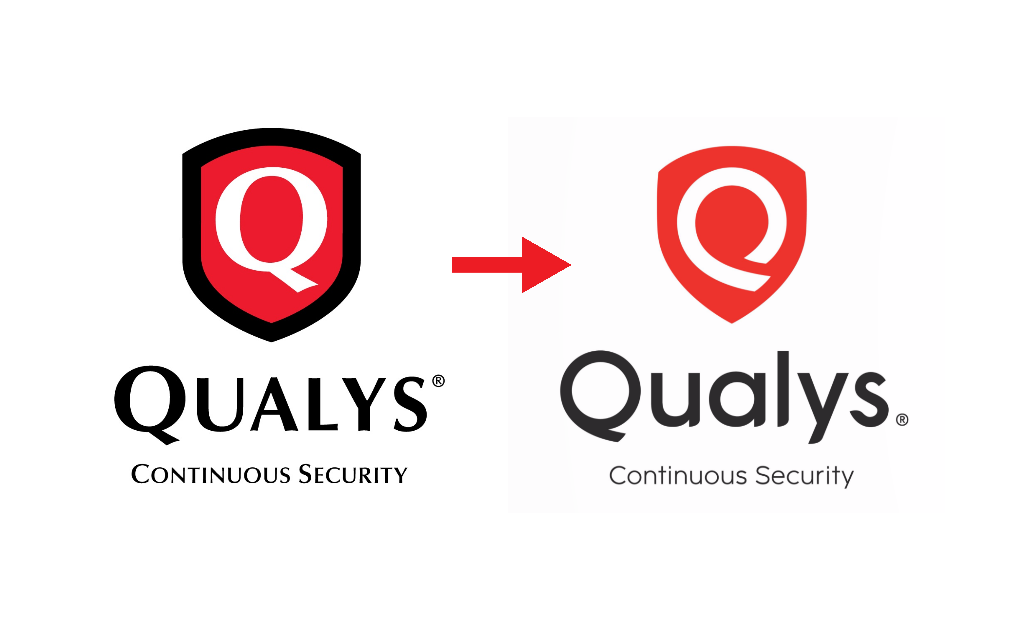
New Qualys Logo

Talking about design, I liked the old logo more. I don’t see “Q” here. Mirrored “9” maybe. 🙂 However, I did not like the blue nut of Tenable before and now it looks right and familiar.

Site design was also changed and simplified. I really liked well-structured qualys.com, where and every scan mode (“Cloud Apps”) had it’s own color and icon.

Continue reading

Petya, M.E.Doc and the problem of trust

Petya, M.E.Doc and the problem of trust. I’ve already mentioned in “Petya the Great and why *they* don’t patch vulnerabilities“, that NotPetya ransomware seems trivial from Vulnerability Management point of view. It uses known Windows vulnerabilities, that were patched by Microsoft long time ago.

Despite of this, I was really interested in M.E.Doc (servers were confiscated by Ukrainian police and website is not operational) role in the initial phase of malware spreading. In my opinion, we have a pretty interesting example of an attack vector, that will be very hard to detect and mitigate. And moreover, it’s once again shows that protected perimeter won’t be a panacea anymore.

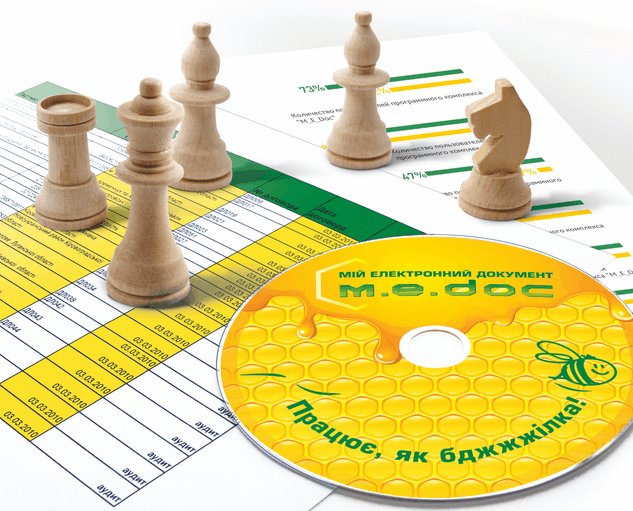
m.e.doc

M.E.Doc – My Electronic Document Circulation System. “m.e.doc” sounds like the word, that mean “honey” in Russian and Ukrainian. That’s why all these bees in promo materials.

M.E.Doc is an Document Circulation System very popular in Ukraine. It makes possible to send reports to the government authorities in electronic form. It can be used in any organization. I can even imagine situation when usage of this kind of software may be even mandatory. Now the researchers [Eset, Dr.Web] say that M.E.Doc servers sent updates with backdoors  to the customers.

This backdoor has abilities:

  • Data collection for accessing mail servers
  • Arbitrary commands execution in the infected system
  • Running any executables
  • Downloading arbitrary files to the infected computer
  • Uploading arbitrary files to a remote server
  • Identify the exact organization using EDRPOU number.

I don’t really care about technical details about this backdoor. For me it’s enough that malicious code was on official server of the vendor and was spread to legitimate customers. Boom!

Continue reading

Adding third party nasl plugins to OpenVAS

Adding third party nasl plugins to OpenVAS. If you want to develop nasl plugins for OpenVAS, you might be interested how to import them in scanner. So, I was also interested.

First of all, I decided to copy one of existing nasl scripts. I chose script that successfully detected vulnerability on a target host. Thus, in the case of importing error, I would know for sure that it’s not because of syntax errors in script, but, for example, because non-existing plugin signature.

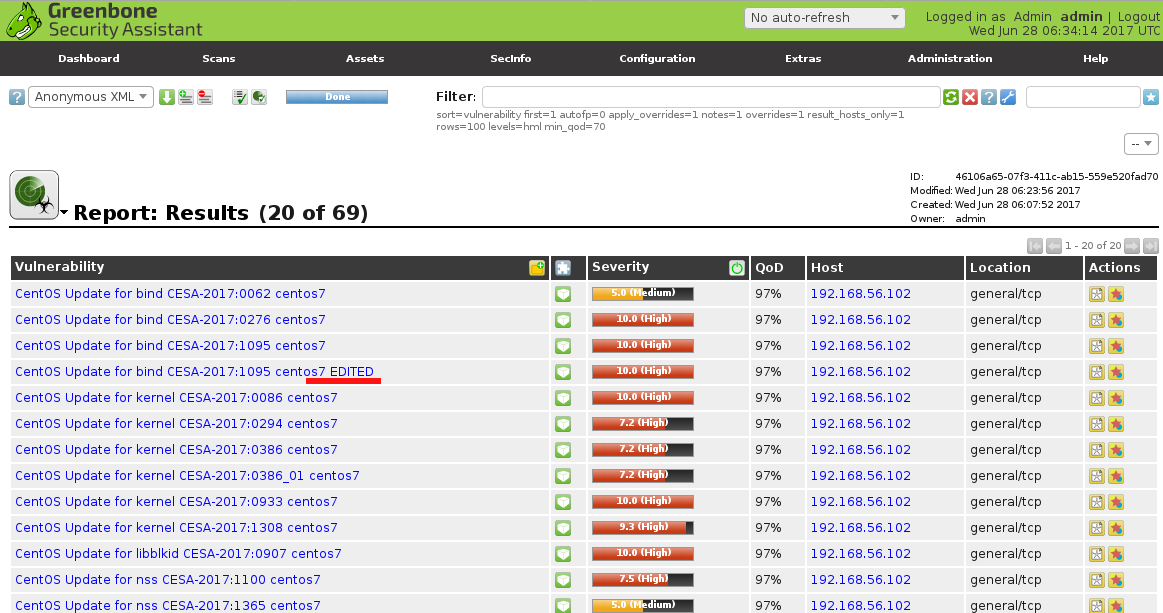
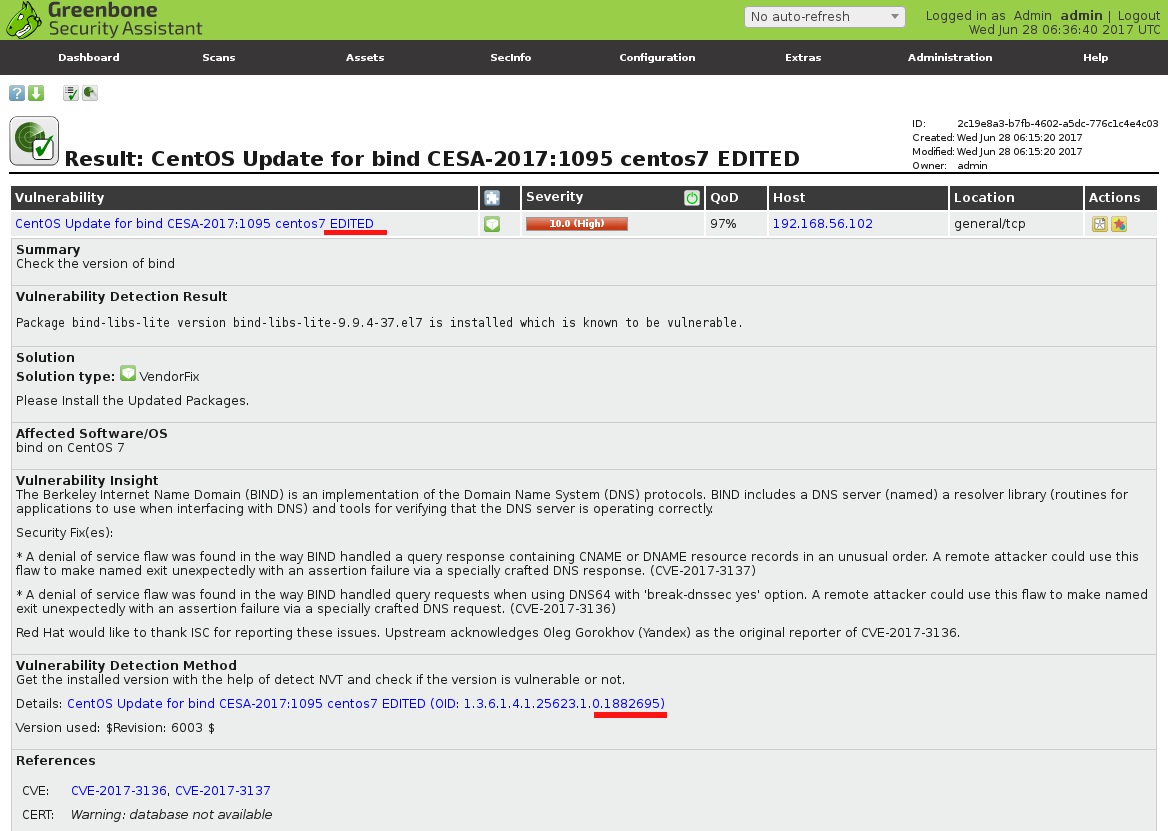
I scanned target CentOS host, chose and copied script file, changed id of the script (oid) and script title, rebuilt database. Then I rescanned target host.

CESA edited

As you can see, new script is also in results. Pretty straightforward.

CESA edited description

Now, let’s review the actual commands.

Continue reading

Petya the Great and why *they* don’t patch vulnerabilities

Petya the Great and why *they* don’t patch vulnerabilities. I really like this. Just imagine. Quiet, routine, everyday Vulnerability Management process in organizations: scanning-patching, scanning-patching, scanning-patching… And then. Suddenly! PEEETYYA!!!

And at very same moment everything changes. People from different companies start to communicate with each other actively, reverse this new malware, share the data, write and share tools for detection and recovery. Security professional is a friend, a brother and a source of useful information for security professional. Real movement! Real community! =)

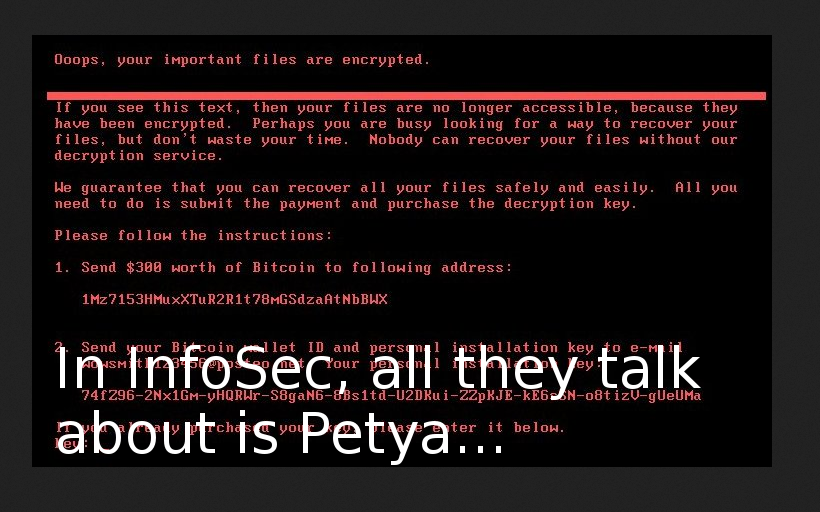
Petya ransomware

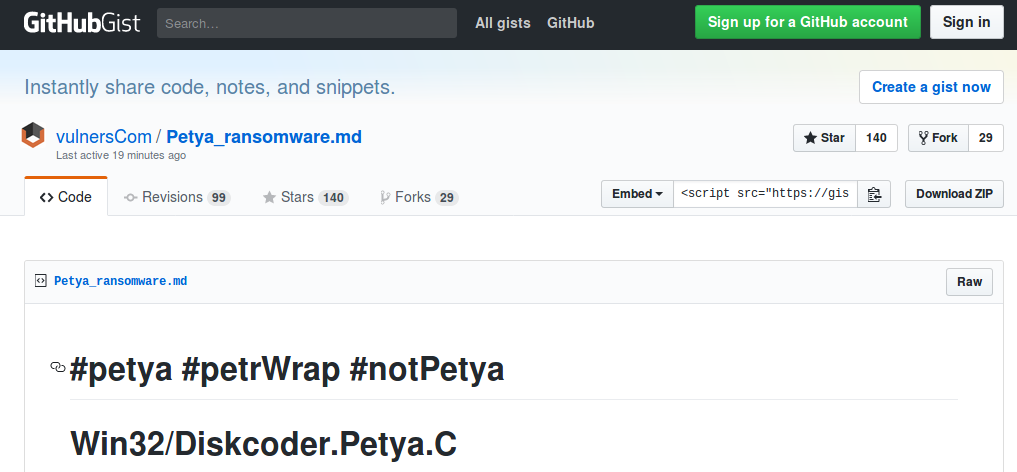
For example, my friends from Vulners.com created pretty popular gist about Petya (petrWrap, notPetya, GoldenEye) and updated in real time for several hours.

Vulners Petya gist

My former colleagues from Positive Technologies released detailed technical review of this ransomware (in Russian) few hours since the outbreak started, at 01:00 am . They also found a local kill switch, and probably were the first one. Simultaneously with Amit Serper from Cybereason.

Continue reading

Vulners Cloud Agents for Vulnerability Management

Vulners Cloud Agents for Vulnerability Management. A very good news! Vulners Team is ready to present complete functionality for vulnerability audit. And it’s not just an Audit API that you have to use somehow in your own scripts, but an enterprise ready product, like agent-based vulnerability scanning in Qualys and Tenable.

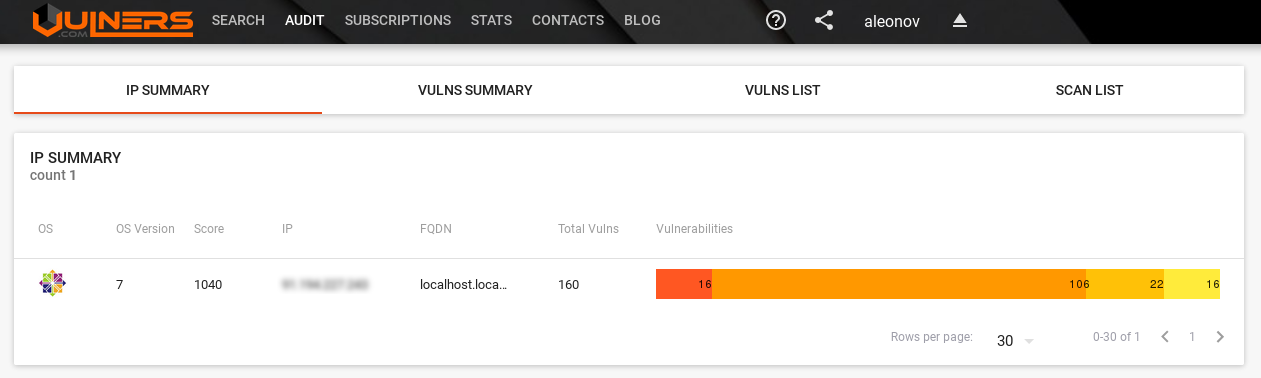
IP Summary

You can try it for free. Let’s see how to do it. For example we have a CentOS 7 server and we want to see vulnerabilities of this host in Vulners.

Continue reading

GSM Community Edition and lagging OpenVAS Plugin Feed

GSM Community Edition and lagging OpenVAS Plugin Feed. As I already wrote in “Installing OpenVAS 9 from the sources“, since May 2017 OpenVAS 9 is available in a form of free virtual appliance. It is called GSM Community Edition (GCE) and is based on Greenbone commercial product GSM ONE.

What’s the difference between GSM ONE and free GCE? GSM Community Edition uses different Community Feed of NASL plugins, it can’t be updated automatically and does not have some management features. The most important, in my opinion, is that it does not support OpenVAS Management Protocol (OMP), API for managing scanners. Only HTTPS for WebGUI and SSH are available.
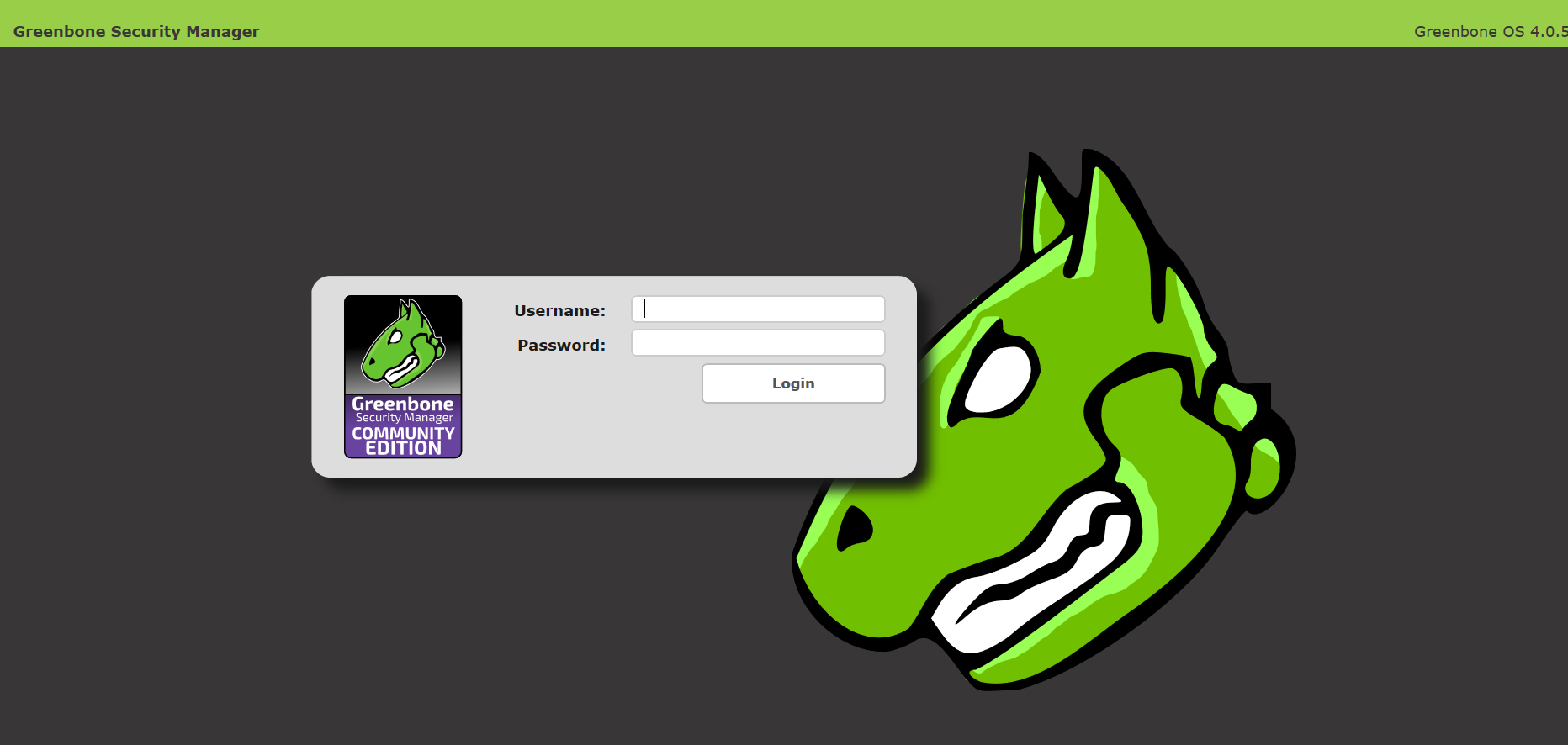
GSM start screen

Talking about different NASL plugin feeds, I need to mention recent message by Jan-Oliver Wagner in Openvas-announce list.

That seems like Greenbone is rather tired of developing OpenVAS by themselves and watching how other companies use theirs engine and feeds, positioning themselves as an “alternative to Greenbone’s product at a better price”. So, they decided:

  1. “OpenVAS NVT Feed” will be renamed to “Greenbone Community Feed”
  2. Public access to the “openvas-nvts” SVN repository will be forbidden, but the license of nasl plugins won’t be changed.
  3. Now Community Feed lags 14 days from commercial feed, but Greenbone would like to make an actual feed, but without some features for enterprise customers.

I really care about Greenbone and they, of course, do as they think is better for the company and OpenVAS community, but at the same time it reminds me situation with Tenable and Nessus. Maybe not so radical. But definitely in the same direction.

Feed delayed for 2 week can’t be used effectively for obvious reasons. If you see exploitation of critical vulnerability like WannaCry in the wild and will need to wait 2 weeks to check your infrastructure, it’s a nonsense! 🙂 That’s mean that you just can’t rely on OpenVAS anymore. And if you use it, you should think about migration on commercial solution, for example on Greenbone’s GSM, or think about getting actual plugin feed somewhere else.

The good thing, it might show customers once again that knowledge base of Vulnerability Management solution is important and stimulate other security content developers to make own nasl scripts and feeds.

But let’s go back to GSM Community Edition. Detailed description of installation process you can find on official site. I will just describe my own experience.

Continue reading