Westworld of insecurity. Westworld is a TV show about the problems of corporate Information Security. Really.
Look, Delos Corporation actively uses legacy code, which was written 30 years ago. No one has an idea of how it works and it can not be just thrown away. Bugs, critical vulnerabilities and even backdoors appeared in core of the hosts regularly. They couldn’t be fixed and patched. In most cases only some compensatory measures were applied. And they were not applied systematically.
ZeroNights16: Enterprise Vulnerability Management. 17-18 November I was at the great event —Zero Nights security conference in Moscow. For the first time as a speaker. Being a part of such famous and prestigious security event was very exciting. I was talking mainly about VM solution problems and custom reporting/ticketing, Ekaterina shared some experience in using Tenable SecurityCenter for Vulnerability and Compliance management.
Presentation was recorded and some time later video will be available on YouTube. However, I suppose audio will be only in Russian not earlier than February 2017. So I think it will be a much more useful to share some points of the presentation right now. Lucky here I don’t have any time restrictions. =)
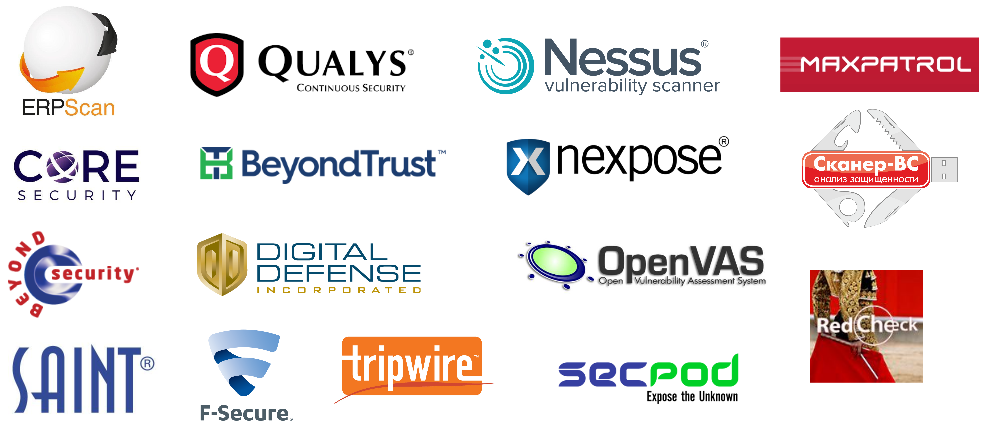
The first thing to say about Vulnerability Scanners and Vulnerability Management product is that there are plenty of them. On this picture I mentioned some of the products/vendors.
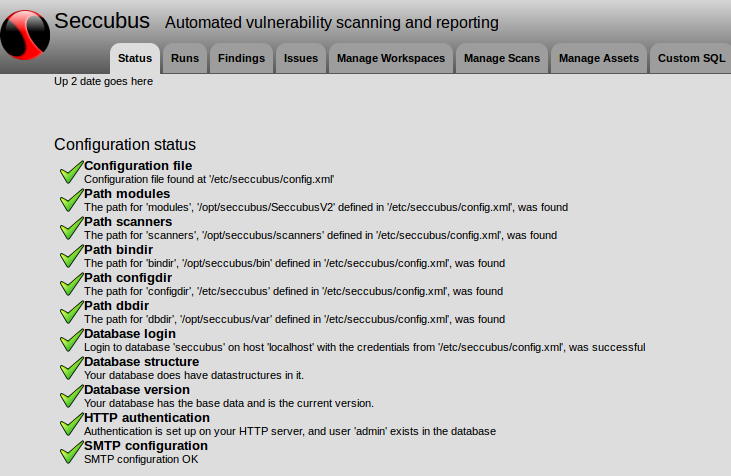
Seccubus installation and GUI overview. Seccubus can be roughly described as an open source analogue of Tenable SecurityCenter. Look, it can launch scans via APIs of Nessus, OpenVAS, and some other scanning tools, retrieve scan results, parse them and put in MySQL database. Then you can make SQL queries and work with scans in asset-based way (as you know, it is trending now).
Well, Seccubus is not yet a fancy-looking security product. You will need to spend some time to install and configure it, but still it is a very interesting project with a great potential.
Seccubus also may serve as open project that will accumulate expertise in API usage for various Vulnerability Scanners. Another project of such kind is OpenVAS, it’s OSPd scripts and connectors.
In this post I will describe installation process an show elements of GUI web-interface.
I installed Seccubus in CentOS 6 x86_64. I also tried CentOS 6 i386 and it worked fine. However, I can’t recommend you to install official Seccubus packages in CentOS 7 and the latest Debian-based systems. I had some issues with dependencies and Apache configuration. It seems like these systems are not fully supported yet. Security patches for CentOS 6.8 will be available until 30 Nov 2020, so anyway we have time.
Getting public IP address ranges for an organization. Small bash script to automate the work with Qrator Radar public API.
The idea is to get autonomous system (AS) number of the organization by it’s name and retrieve all related IPv4 Prefixes. Why you may need it? To be sure, for example, that you scan all the hosts of organization available from the Internet for vulnerability management, penetration testing or bug bounty activity. For smaller organizations that don’t have own AS that obviously will not work.
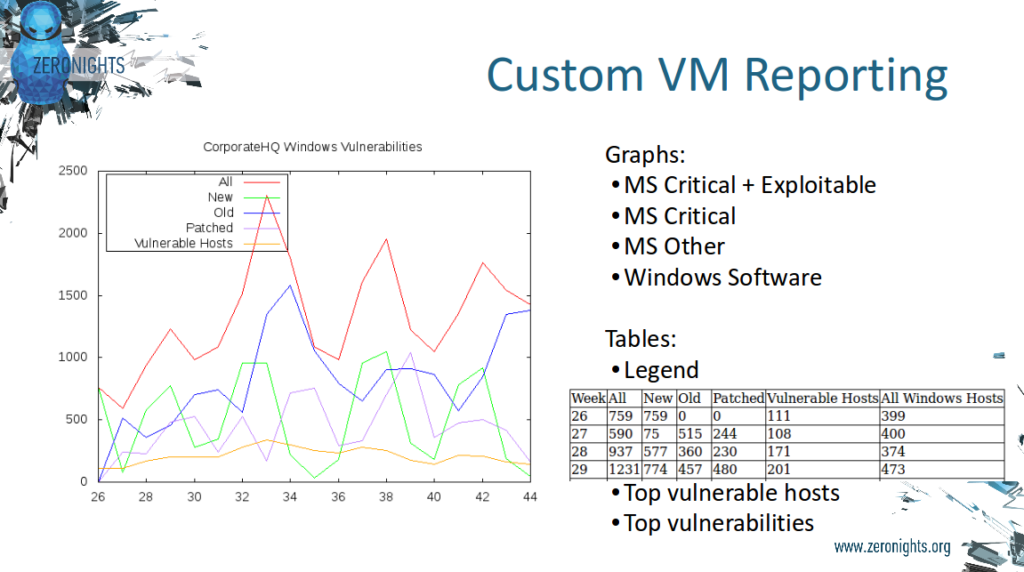
Custom Vulnerability Management Reports. It is strange to even talk about custom reports based on vulnerability scans from Tenable products.
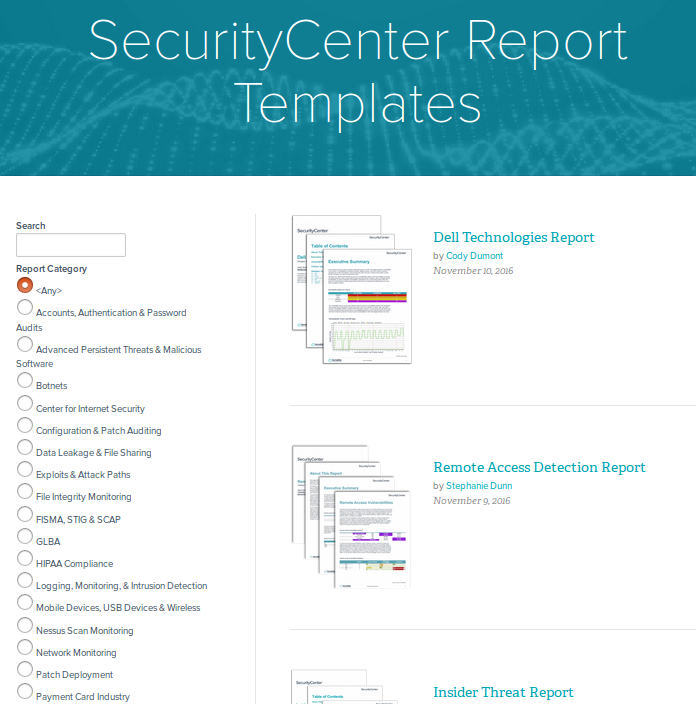
Just look at the variety of report templates available for SecurityCenter. For every taste and need! Why may you ever need to make any custom reports?
The thing is, if you want to use SecurityCenter reports you need to have all the scans of all your hosts in SecurityCenter and, as you know, SecurityCenter is licensed by IPs. What if you have tens of thousands of hosts? Price may be extremely high. In the other hand, you can take Nessus or SecurityCenter scan results via API (read how to do it in “Retrieving scan results through Nessus API” and “Tenable SecurityCenter and its API“) and process it with your own scripts for free.
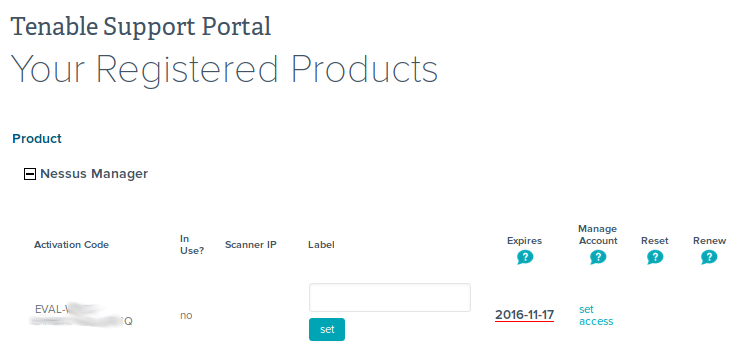
Retrieving product expiration dates from Tenable Customer Support Portal. I don’t say that it is a rocket science or something, but maybe someone will need to automate Tenable Support portal routine, and here will be a script, which can be used. My own case was to get expiration date for purchased and trial Tenable products. To know in advance when and what products should be bought and updated.
It turned out that getting this data from deployed products via APIs is not as trivial as it sounds, but I will write about this topic next time.
Forever “reserved” CVEs. In this post I would like to provide some links, that you can use to find out necessary information about vulnerability by its CVE ID. I also want to share my amazement, how the method of using the CVE identifiers is changing.
Traditionally, CVE was a global identifier that most of vulnerabilities had. Have you found malicious bug in some software? Send a brief description to MITRE and you will receive CVE id. Some time later NIST will analyze this CVE, will add CVSS vector and CPEs and will put a new item to the NVD database. MITRE and NVD CVE databases were really useful source of information.
This is my personal blog. The opinions expressed here are my own and not of my employer. All product names, logos, and brands are property of their respective owners. All company, product and service names used here for identification purposes only. Use of these names, logos, and brands does not imply endorsement. You can freely use materials of this site, but it would be nice if you place a link on https://avleonov.com and send message about it at me@avleonov.com or contact me any other way.