Tag Archives: Qualys

Gartner's view on Vulnerability Management market

Gartner’s view on Vulnerability Management market. Not so long time ago Gartner’s report “Vulnerability Management an essential piece of the security puzzle” has become publicly available. Now you can read it for free by filling out a questionnaire on F-Secure website.
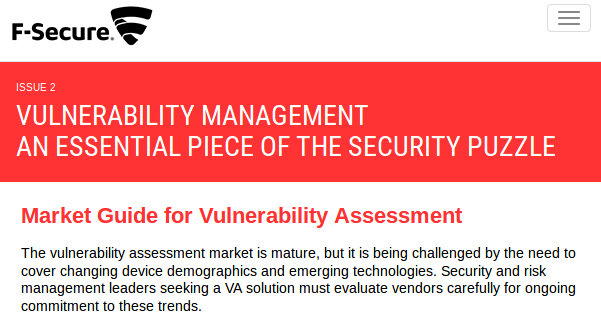
Gartner VM Market Guide

At the bottom of the document there is a reference to Gartner G00294756 from 05 December 2016. This document is quite fresh, especially for not very dynamic VM market ;-), and pretty expensive. Thanks for F-secure, we can read it now for free. If you are wondering why this anti-virus company is sponsoring Gartner VM reports: year ago they have bought Finnish VM vendor nScence, and I even did a small review of this product (F-Secure Radar Vulnerability Management solution, F-Secure Radar basic reporting, F-Secure Radar ticketing, F-Secure API for scanning).

Talking about the document, I would like, firstly, to thank Gartner. Do you know who writes most articles about VM? Of course, VM vendors. And we all understand that their main goal is to promote their own products. Reports of independent consulting firms, primarily IDC, Forrester and Gartner, allow us to get some balanced view from the side. It is very important.

Here I would like to comment some theses of the text.
Continue reading

Let's Encrypt for shared hosting

Let’s Encrypt for shared hosting. I have recently moved my blog to https using free Let’s Encrypt (Linux Foundation Project) certificate.

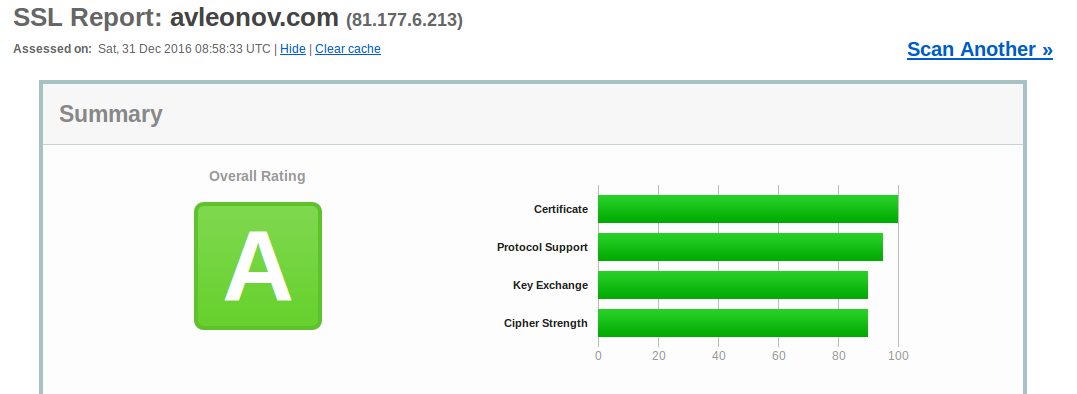
Let’s Encrypt service works the best, when you have your own server. You just need to configure some scripts that will regularly request new certificates and everything will work automatically. But, even if your site is on shared hosting, it’s still possible to use Let’s Encrypt. You can make the certificate on your machine, I used Ubuntu Linux, and then add them in the web interface of your hoster, of course if this feature is supported. Certificate will be valid for 4 month, and then you will need make a new one.

To say the truth, I did it because search engines and browser vendors will discriminate http-only sites very soon. And, of course, for fun. Green lock icon in address bar looks cool. ^_^

Continue reading

ZeroNights16: Enterprise Vulnerability Management

ZeroNights16: Enterprise Vulnerability Management. 17-18 November I was at the great event  Zero Nights security conference in Moscow. For the first time as a speaker. Being a part of such famous and prestigious security event was very exciting. I was talking mainly about VM solution problems and custom reporting/ticketing, Ekaterina shared some experience in using Tenable SecurityCenter for Vulnerability and Compliance management.

Presentation was recorded and some time later video will be available on YouTube. However, I suppose audio will be only in Russian not earlier than February 2017. So I think it will be a much more useful to share some points of the presentation right now. Lucky here I don’t have any time restrictions. =)

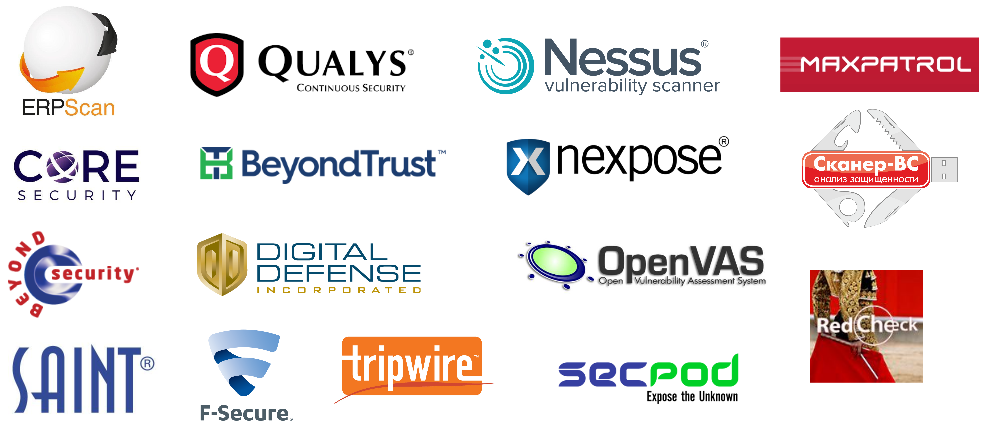
The first thing to say about Vulnerability Scanners and Vulnerability Management product is that there are plenty of them. On this picture I mentioned some of the products/vendors.

Vulnerability Scanners and Vendors

Some of them are highly specialized, like ErpScan for SAP, others are universal. Some of them are presented globally: Tenable Nessus / SecurityCenter, Rapid 7 Nexpose, Qualys, F-Secure etc., others are known mainly in Russia: Positivie Technologies Maxpatrol, Altx-Soft RedCheck, Echelon Scaner-VS. Some products are expansive, some of them not and even have versions available for free: OpenVAS, SecPod Saner Personal, Altx-Soft ComplianceCheck, Qualys SSL labsHigh-Tech Bridge SSL Server Security Test, etc.

In my opinion the main problems of VM solutions are expansiveness and low reliability of the scan results.

Continue reading

QSC16: from Vulnerability Management to IT Visibility

QSC16: from Vulnerability Management to IT Visibility. I want to share my impressions of QSC16 conference, where recently I had pleasure to attend. This yearly conference is held in Munich for ten years already. I was there before only one time, in 2012. It made a great impression and this year was no worse.

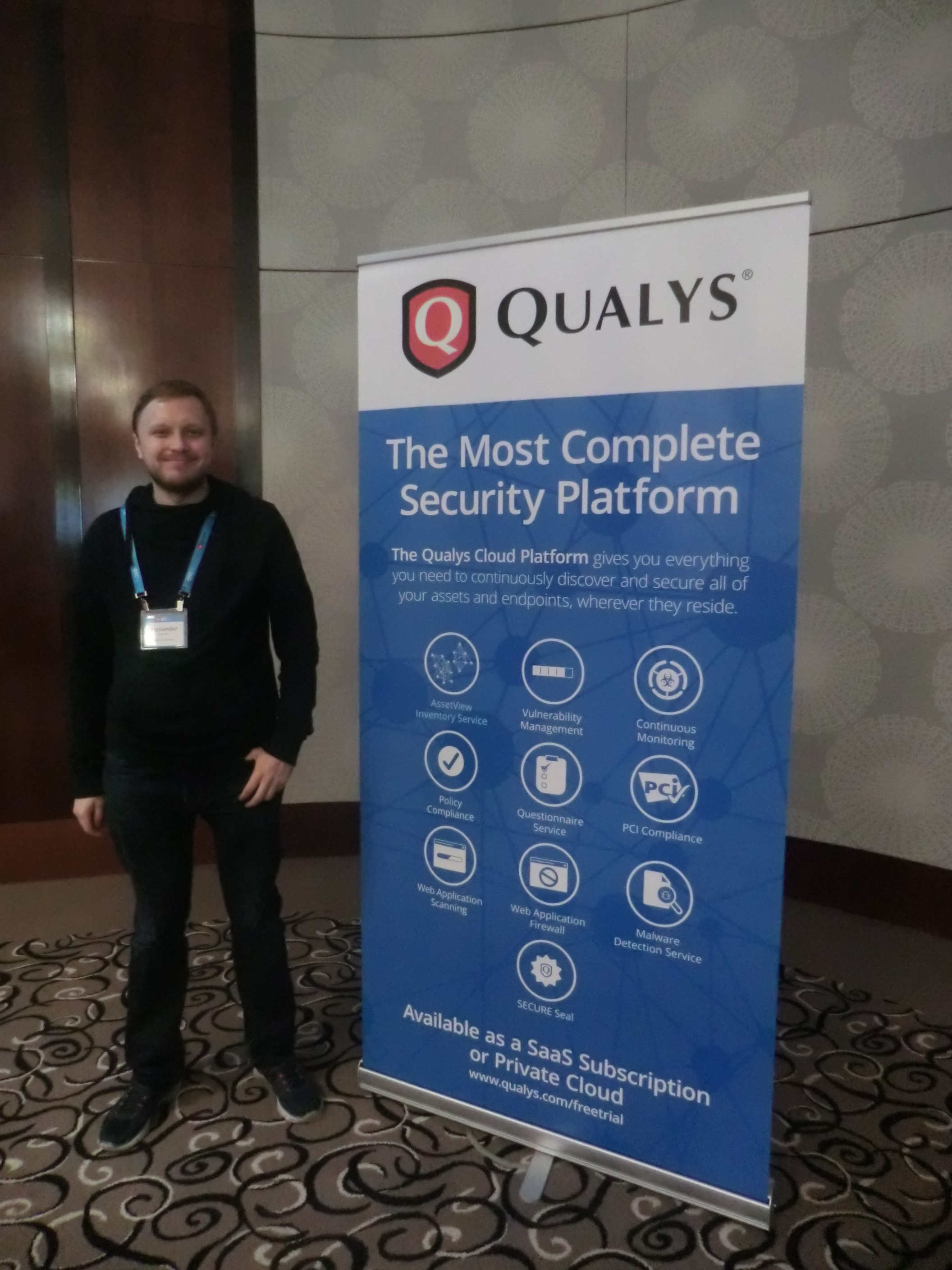
My photo QSC16

First of all, I should write some words about the conference itself. QSC is an acronym for Qualys Security Conference. It is clear from the name that it is fully dedicated to Qualys products.

Who might be interested in such event?

Mainly, of course, current and potential users of Qualys products, partners, competitors (from own experience, they are not welcomed there ;-)) and, I think it is the smallest group, analysts of Vulnerability Management market and Vulnerability Assessment geeks, like me. For people, who are sincerely interested in VM market changes, road show of the global VM vendor with the biggest market share (is it right, Gartner?) is a precious information source. Here you can learn about real experiences in the use of Qualys products and hear about the company’s future plans.

BTW, if you are one of those, and we do not know each other, we should definitely have a talk. 😉

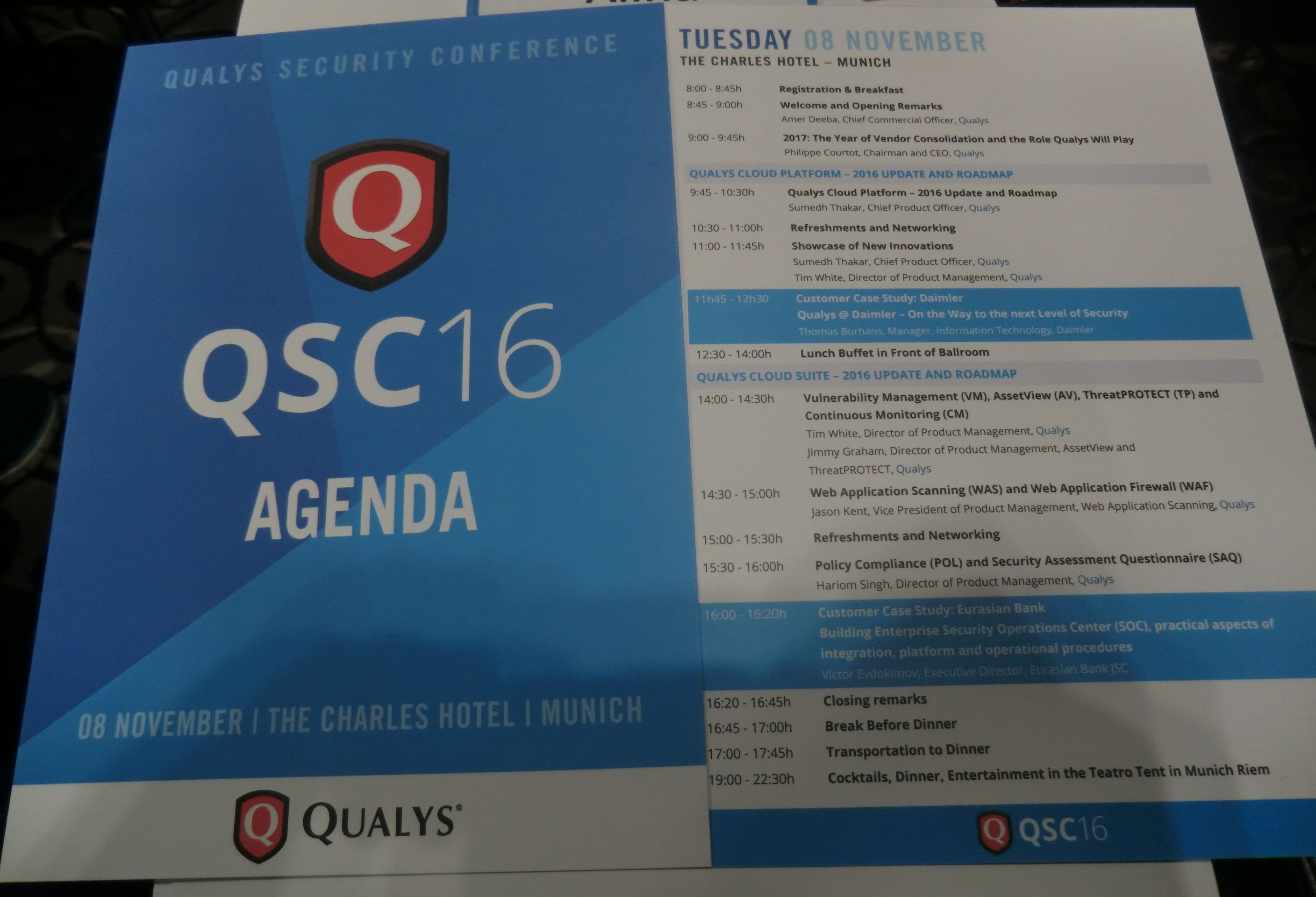
QSC Agenda

Why is this event important? Despite existing skepticism about mono-vendor conferences and roadshows, QSC is one of the few events in Europe dedicated to the VM, in the broad sense of the term, almost exclusively. All discussions are, of course, in the context of Qualys solutions and you won’t hear any real critics of the vendor, however questions raised there are relevant for the entire VM market.

Continue reading

Qualys authenticated scanning

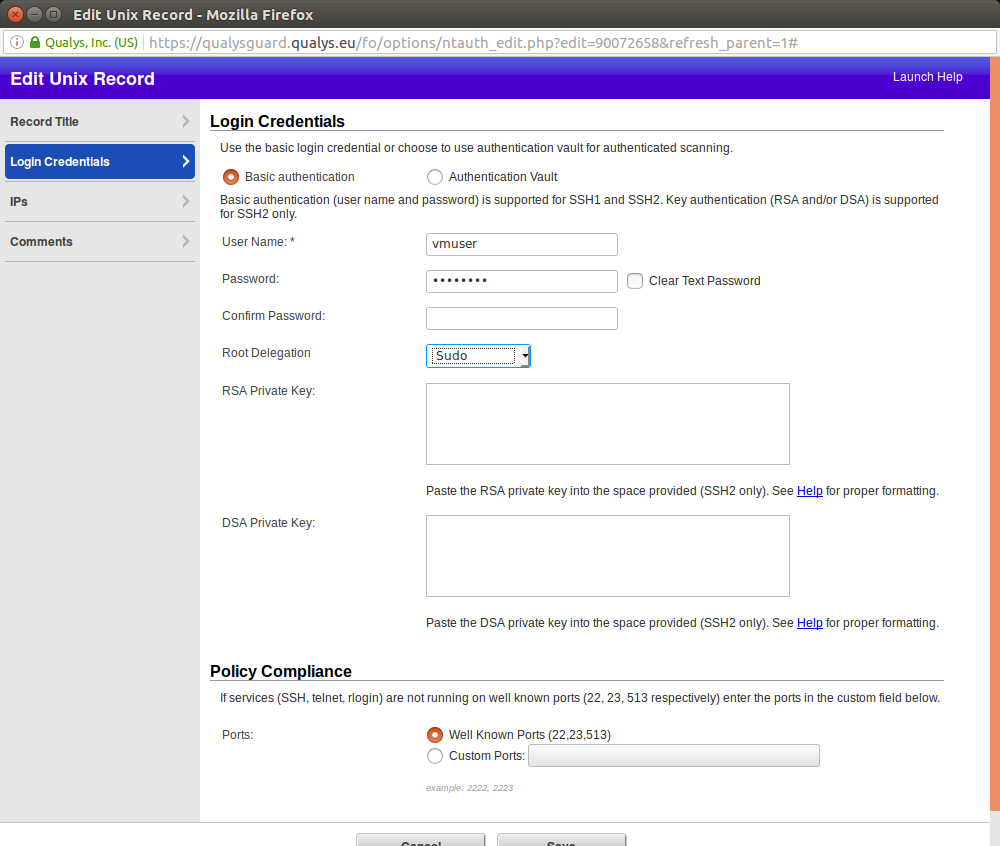
Qualys authenticated scanning. Let’s see how authenticated scanning works in Qualys. Nessus stores scanning credentials in related Scan Policy (see “Tenable Nessus: registration, installation, scanning and reporting“). Iit’s not always convenient. In Qualys you can set up a scanning record and configure for which hosts it will be used.

Login Credentials

I downloaded Qualys Virtual Scanning Appliance VirtualBox image  and configured it as it was described in “Using Qualys Virtual Scanner Appliance“. The only difference: I configured second network device as VirtualBox “Host Only Adapter” to scan virtual machines on my host. You can see how to configure VirtualBox “Host Only Adapter” in my post here.

Continue reading

Qualys Option Profiles for Vulnerability Scanning

Qualys Option Profiles for Vulnerability Scanning. When I wrote about vulnerability scanning in Nessus, I described there in detail how Nessus scan profile looks like. And when I wrote about VM scanning in Qualys, I did not mentioned scan profiles at all. But it’s also an interesting topic. In Qualys scan profile you can’t specify which vulnerability check will run during the scan, as in Nessus (Upd. Actually yes you can, but in some different manner; I added how to do it in “Scan” section). However, you can also see some options that can affect the way you do the vulnerability scanning with Qualys.

The main option for me – the lists of scanning ports. By default Qualys does not check all the ports and that could negatively affect host detection during unauthenticated scanning.

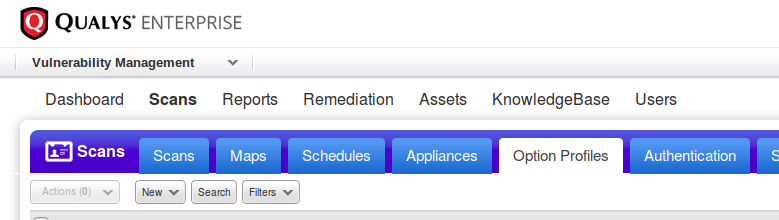
Creating new scan profile: Vulnerability Management -> Option Profiles -> New

Qualys option profiles

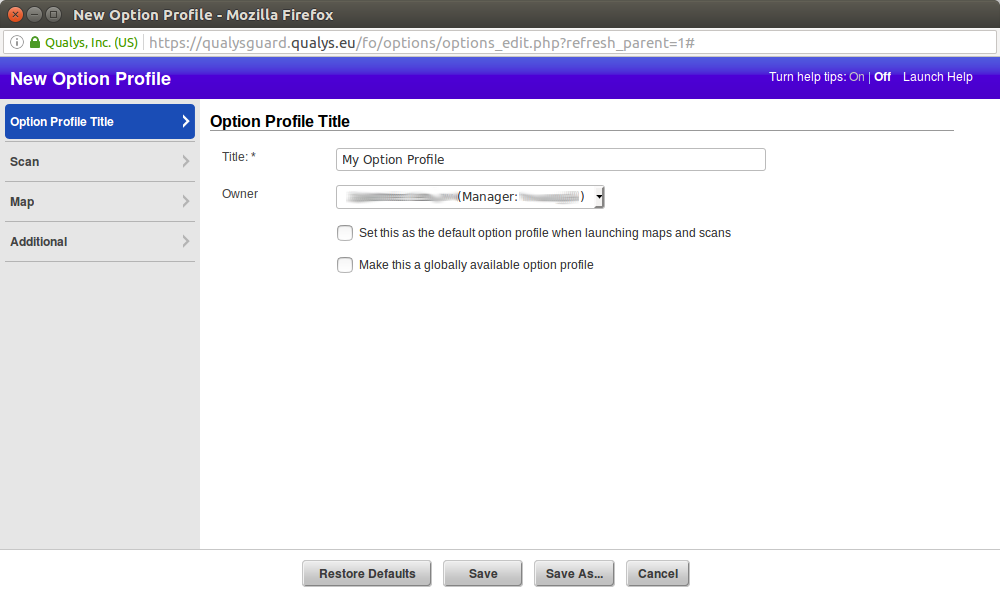
Title

Setting title and owner of the profile. We can use this profile as a default for launching maps and scans or share it with other Qualys users in our organization ( “Make this a globally available option profile”).

qualys new option profile

Continue reading

Dealing with Qualys Cloud Agents

Dealing with Qualys Cloud Agents. Today I would like to write about Qualys agent-based VM scanning. Agent-based scanning is a relatively new trend among VM vendors. At the beginning of Vulnerability Assessment, there was a prevailing view that the agentless scanning is more convenient for the users: you do not need to install anything on the host, just get credentials and you are ready to scan.

Qualys Cloud Agents logo

However, time passed and it now appears that installing agents on all hosts, where it is technically possible, may be easier, than managing credentials for authenticated scanning. Don’t forget the fact that almost all agentless scanning solutions require scanning account with root/admin privileges, and it’s not an easy task to minimize permissions of this accounts while keeping all functional capabilities of the scanner.

In recent years almost all major VM vendors who previously were promoting agentless scanning have also proposed agent-based solutions.

The main purposes of these solutions are:

  • scan devices that periodically connect to the enterprise network and it’s hard to catch them with traditional active scan (for example, laptop);
  • scan business critical hosts for which it is impossible to get scanning credentials.

VM vendors have taken different approaches for agent-based scanning. For example, Tenable agents are technically very similar to Nessus installations without web interface (read more at “Nessus Manager and Agents“), limited to can scan only the localhost. This seems reasonable, because historically Nessus scanner is available for many platforms, including Windows, Linux, MacOS. Qualys chose other way. They made minimalistic agents for data gathering, processing it on the remote servers. This is also fits well in Qualys cloud concept.

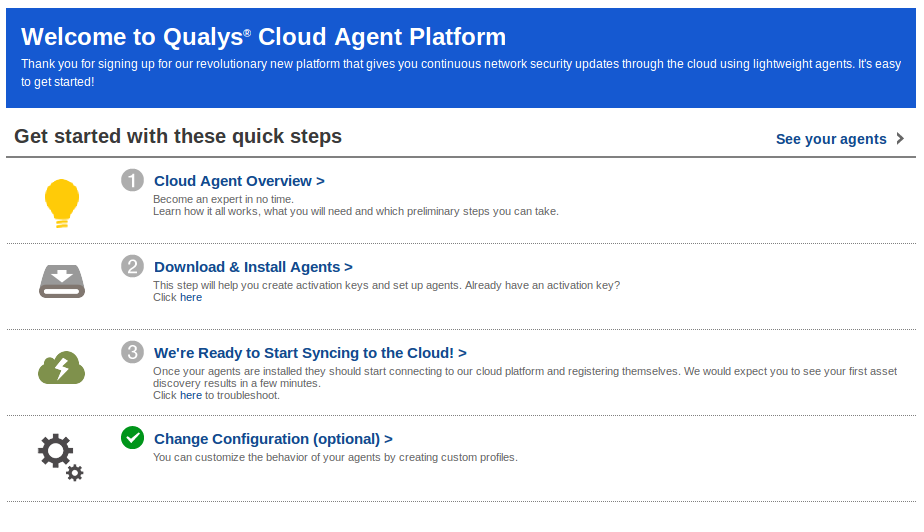
As I wrote earlier in “Qualys Vulnerability Management GUI and API“, Qualys working hard to make their web interface easier for beginners. When you go to CA (Cloud Agents) tab, the first thing you see is a user-friendly interface for quick start.

Cloud Agents Welcome

Continue reading